

bartonlew
Legend
October 10, 2023
Answered

Photo Merge Not Working

  • October 10, 2023
  • 2 replies
  • 3027 views

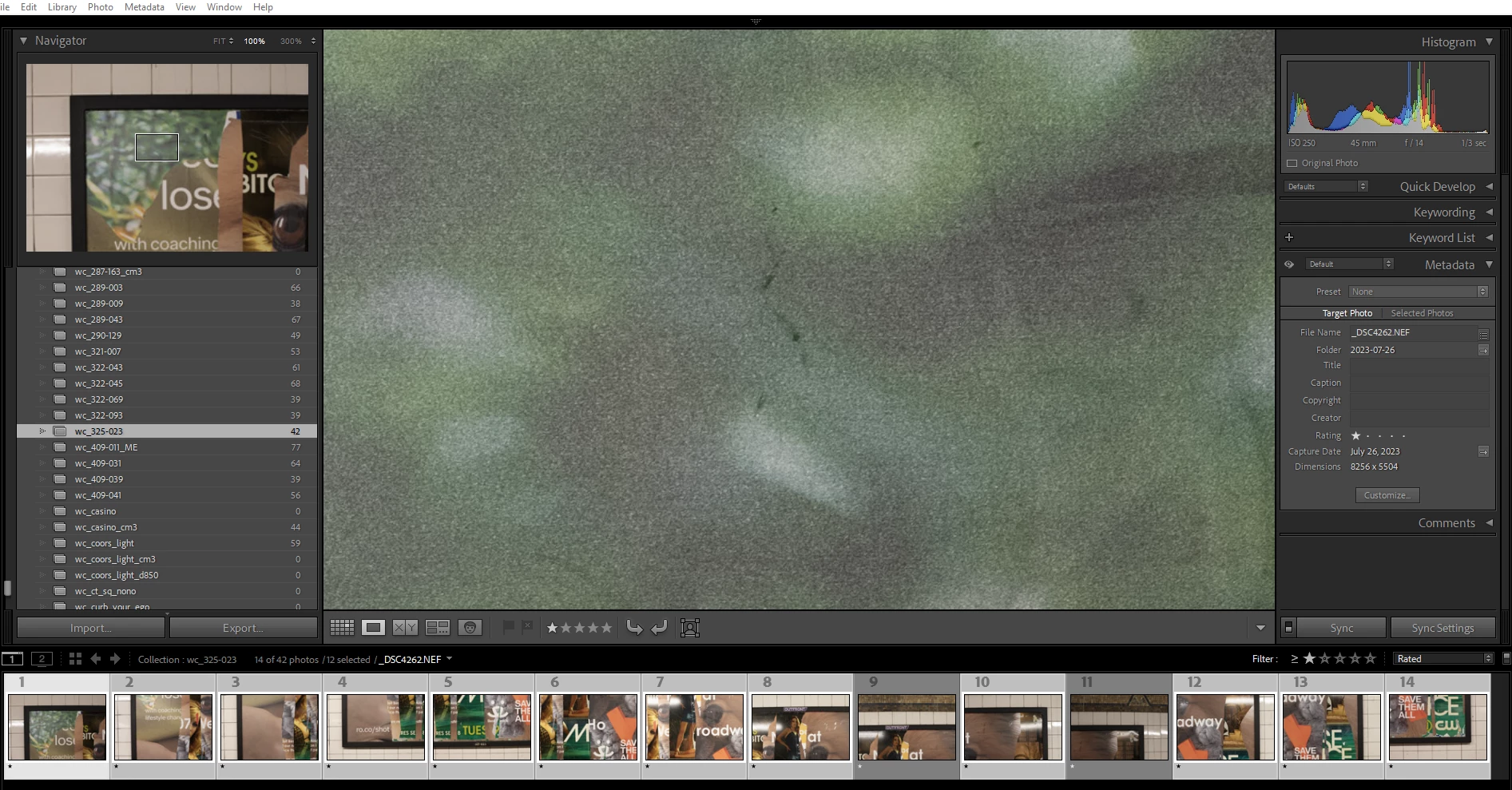
Photo>Merge has stopped working for me.  I noticed this about a month or so ago.  I just tried it again and nothing happens.  I'm trying to merge 12 photos in a similar operation to many I've performed before, with photos being merged within a minute or less.  Is there a known problem with Merge?  Thanks.  


This topic has been closed for replies.
Correct answer KR Seals

When LrC starts doing strange things or stops doing things the way you expect, it's a good idea to reset the preferences.


2 replies

KR Seals
Community Expert
KR SealsCommunity ExpertCorrect answer
Community Expert
October 10, 2023

When LrC starts doing strange things or stops doing things the way you expect, it's a good idea to reset the preferences.


Ken Seals - Nikon Z 9, Z 8, 14mm-800mm. Computer Win 11 Pro, I7-14700K, 64GB, RTX3070TI. Travel machine: 2021 MacBook Pro M1 MAX 64GB. All Adobe apps.
bartonlew
bartonlewAuthor
Legend
October 10, 2023

Thanks.  The instructions at the link you sent say to navigate to the Preferences file on your PC, which it says are here

  • Windows: C:\Users\[user name]\AppData\Roaming\Adobe\Lightroom\Preferences\Lightroom Classic CC 7 Preferences.agprefs

in order to drag it to the Recycle bin.  I have 2 internal SSDs in my PC, a C Drive where my operating system is and a D Drive where my files are.  As shown below in screen shot 1, my Lightroom catalog is on my D Drive.  In the 2nd screenshot, I don't have an AppData folder after the [username] folder on my C Drive.  I have an Adobe folder in Program Files (screen shot 3) but there is no Preferences folder further down in that tree.  How can I find my Preferences file, and is there a problem with my file structure?


KR Seals
Community Expert
Community Expert
October 10, 2023

Don't you have a recycle bin icon on your desktop? Just drag it to that. Otherwise, select and delete the file. It will be placed in the recycle bin.


Ken Seals - Nikon Z 9, Z 8, 14mm-800mm. Computer Win 11 Pro, I7-14700K, 64GB, RTX3070TI. Travel machine: 2021 MacBook Pro M1 MAX 64GB. All Adobe apps.
GoldingD
Legend
October 10, 2023

I notice that you are selecting the images within a collection as opposed to a folder. Not to say that should not work, but have you tried selecting the bracket from within a folder, then trying to merge?


bartonlew
bartonlewAuthor
Legend
October 10, 2023

Thankls.  Same result - LR just freezes and is unresponsive unless I End Task to close.