GraceE95
Participant
November 4, 2021
Question

Photos Turn Dark When Imported to Lightroom

  • November 4, 2021
  • 1 reply
  • 4841 views
I've been having a struggle recently where my lightroom raw photos suddenly turn MUCH darker upon import. In the Library setting, they look normal. When I move to develop and click a new image, the lighting settings look like the jpeg image, then suddenly turns SUPER dark. Has anyone had this issue??
 
I know the raw file looks different than the jpeg, but I haven't been having this extremely dark photo problem until recently the last few weeks.
 
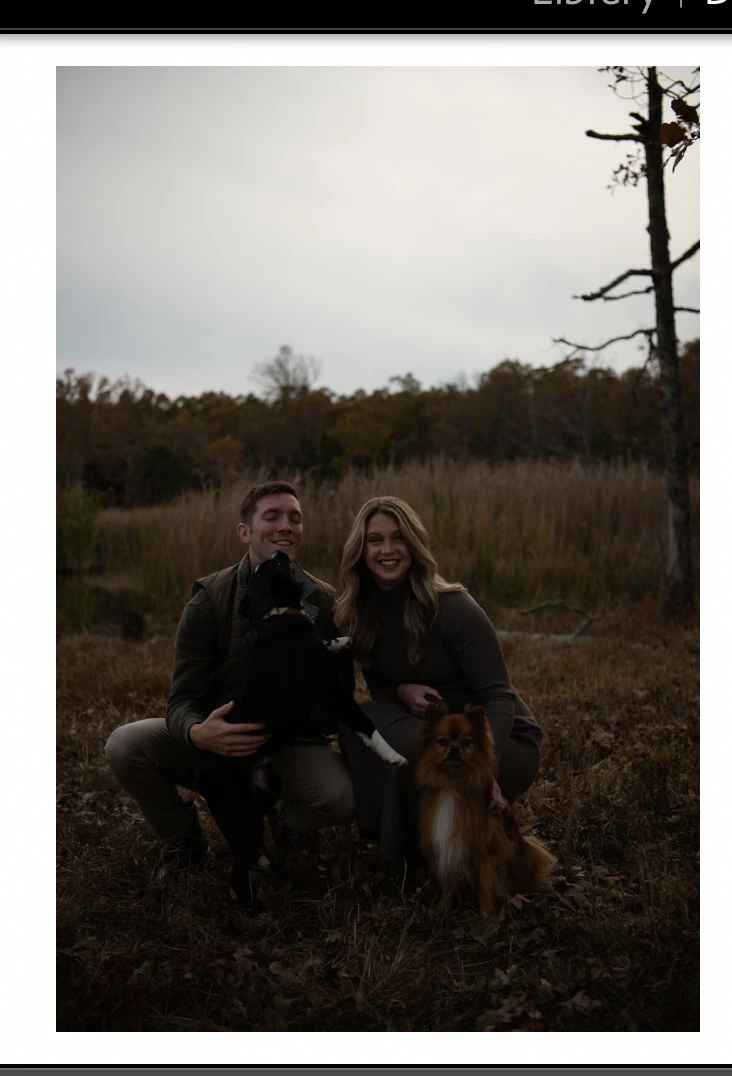
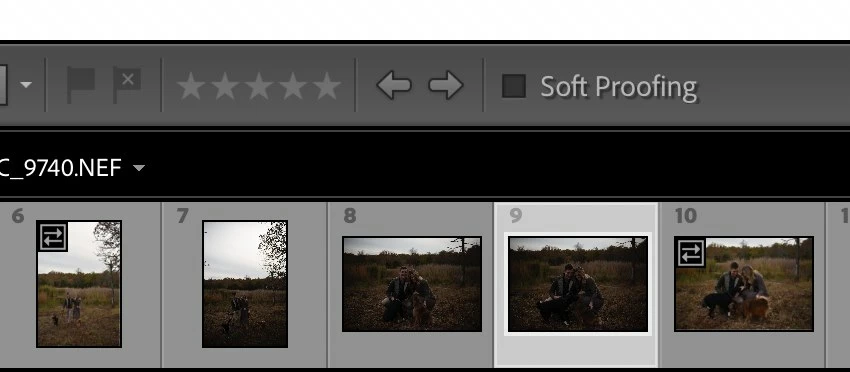
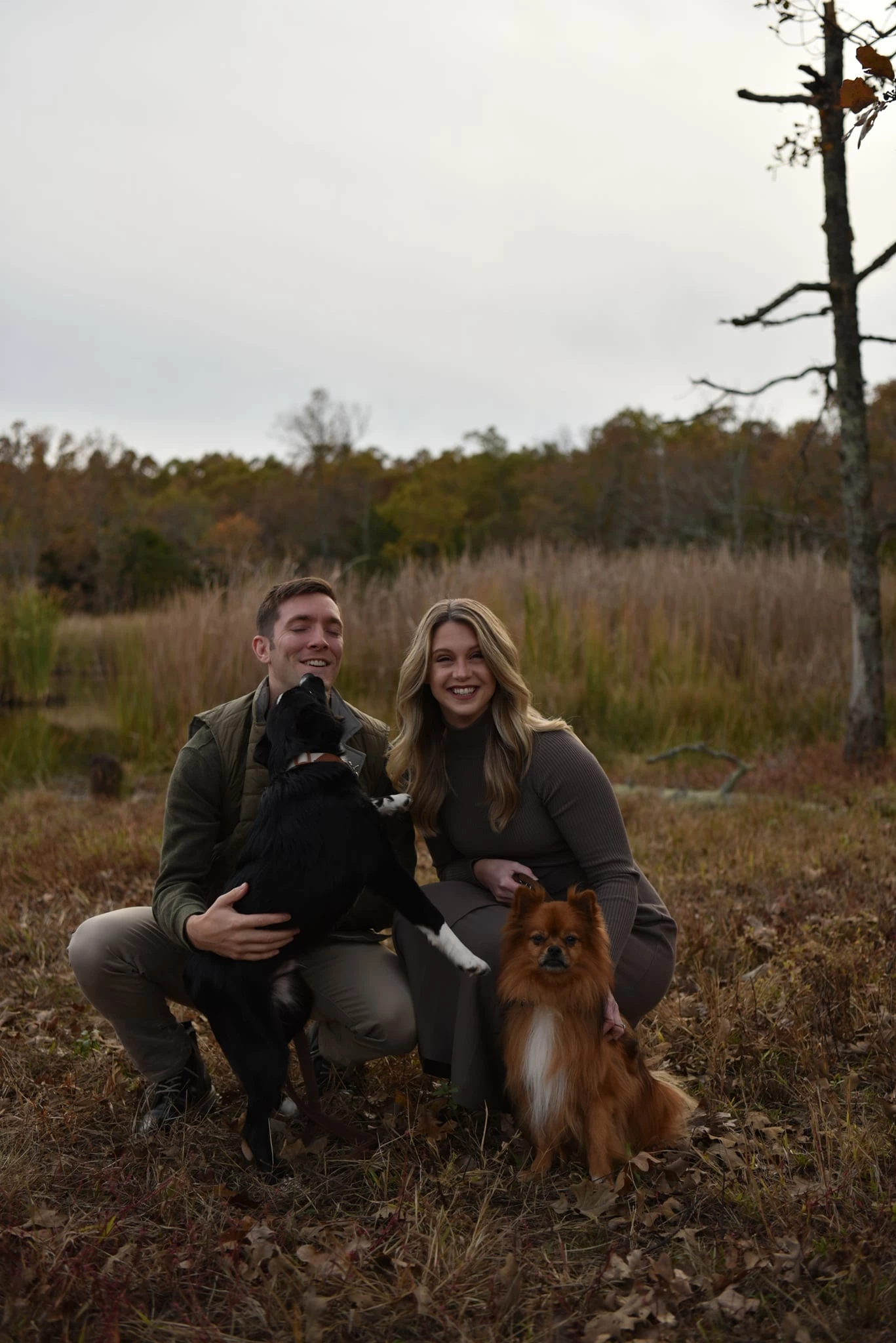
Photo 1 is a jpeg from my camera (I shoot jpeg for backup). Photo 2 is the raw photo imported into lightroom in the develop module. Photo 3 is a strip where you can see some of the photos (like #6) are lighter than I have not clicked on. Darker ones have been clicked on.
This topic has been closed for replies.

1 reply

Per Berntsen
Community Expert
Community Expert
November 4, 2021

Camera settings, like Picture styles, are only applied to jpgs, and the jpg preview that is embedded in the raw file.

These settings are recorded in the raw file, but Lightroom doesn't understand them, and ignores them.

(there are exceptions to this, some recent camera models writes these setting as XMP, which Lightroom understands)


You seem to be using a Nikon, and Nikon cameras have a setting called Active D-Lighting, which I suspect you have used – it lifts the shadows and mid-tones of the jpg.

The image you see on the back of the camera is also a jpg, and gives you a misleading impression of a correct exposure.

In reality, the image is underexposed, which becomes evident when you view the raw file in Lightroom.


I suggest that you turn off any camera settings, and particularly Active D-Lighting.

This should also make jpgs and raw files match more closely.

caprici42
Participant
May 3, 2022

Well this little tip was exceptionally helpful!!! Active D-Lighting was absolutely the issue for me (even though I shoot raw). No idea how or when that setting went bonkers (though obviously user error), but IT WAS SET TO THE HIGHEST SETTING. Pfft. All fixed now. 🙂