
Participant
October 28, 2017
Answered

Please check internet connection and try again

  • October 28, 2017
  • 1 reply
  • 1985 views

Hi,

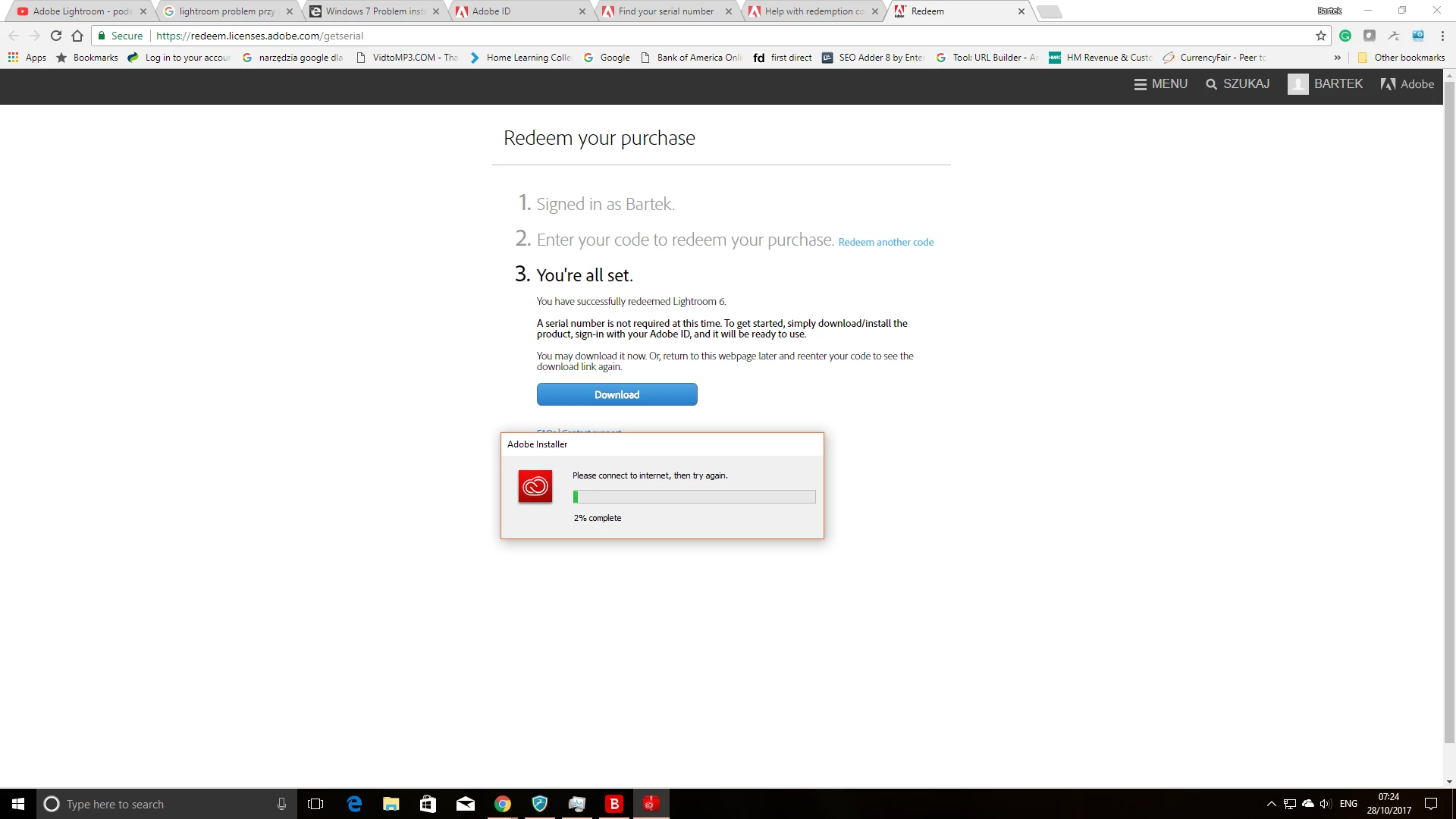
just bought Lightroom 6 standalone version and I have download installation file but is going only to 2% and it stops with that message. As you can see I have the internet connection. Any idea what can be wrong?
    This topic has been closed for replies.
    Correct answer 99jon

    You could check your Adobe account. I’m not sure if it gets recorded after using a redemption code, but sign-in and take a look.

    Otherwise you will need to contact Adobe Support directly.

    To see a list of your registered products and their serial numbers, go to My Account

    To contact support click the link below, sign-in and wait for the page to fully load.

    1. Choose Account Issues
    2. Choose Adobe ID and signing in
    3. Scroll to the bottom of the page and choose - Show me my contact options
    4. Click Chat

    https://helpx.adobe.com/contact/support.html

    1 reply

    99jon
    Legend
    October 28, 2017

    Try using the direct download link below.

    1. Install the main application LR6.0
    2. Install the 6.13 update

    Download Photoshop Lightroom

    Participant
    October 28, 2017

    thank you, Jon, link is working and I was able to download program but now I need to provide a serial number. what I have is redeem code only. I have bought software download card and there is no serial number at all (or I am blind)

    99jon
    99jonCorrect answer
    Legend
    October 28, 2017

    You could check your Adobe account. I’m not sure if it gets recorded after using a redemption code, but sign-in and take a look.

    Otherwise you will need to contact Adobe Support directly.

    To see a list of your registered products and their serial numbers, go to My Account

    To contact support click the link below, sign-in and wait for the page to fully load.

    1. Choose Account Issues
    2. Choose Adobe ID and signing in
    3. Scroll to the bottom of the page and choose - Show me my contact options
    4. Click Chat

    https://helpx.adobe.com/contact/support.html