
lauran120690
Participating Frequently
September 14, 2019
Question

Preset different look between navigator and developer

  • September 14, 2019
  • 3 replies
  • 3331 views

Hi there, 


I don't know where to find the right answer so I hope someone can help me. 

When I hover above a preset the look changes to the look I saved some time ago. But after applying the look changes immediatly as shown in the images. To make the mess complete - it doesn't happen on all presets but I can't find the difference. 

My Lightroom Version is 8.4. 

When hovering:
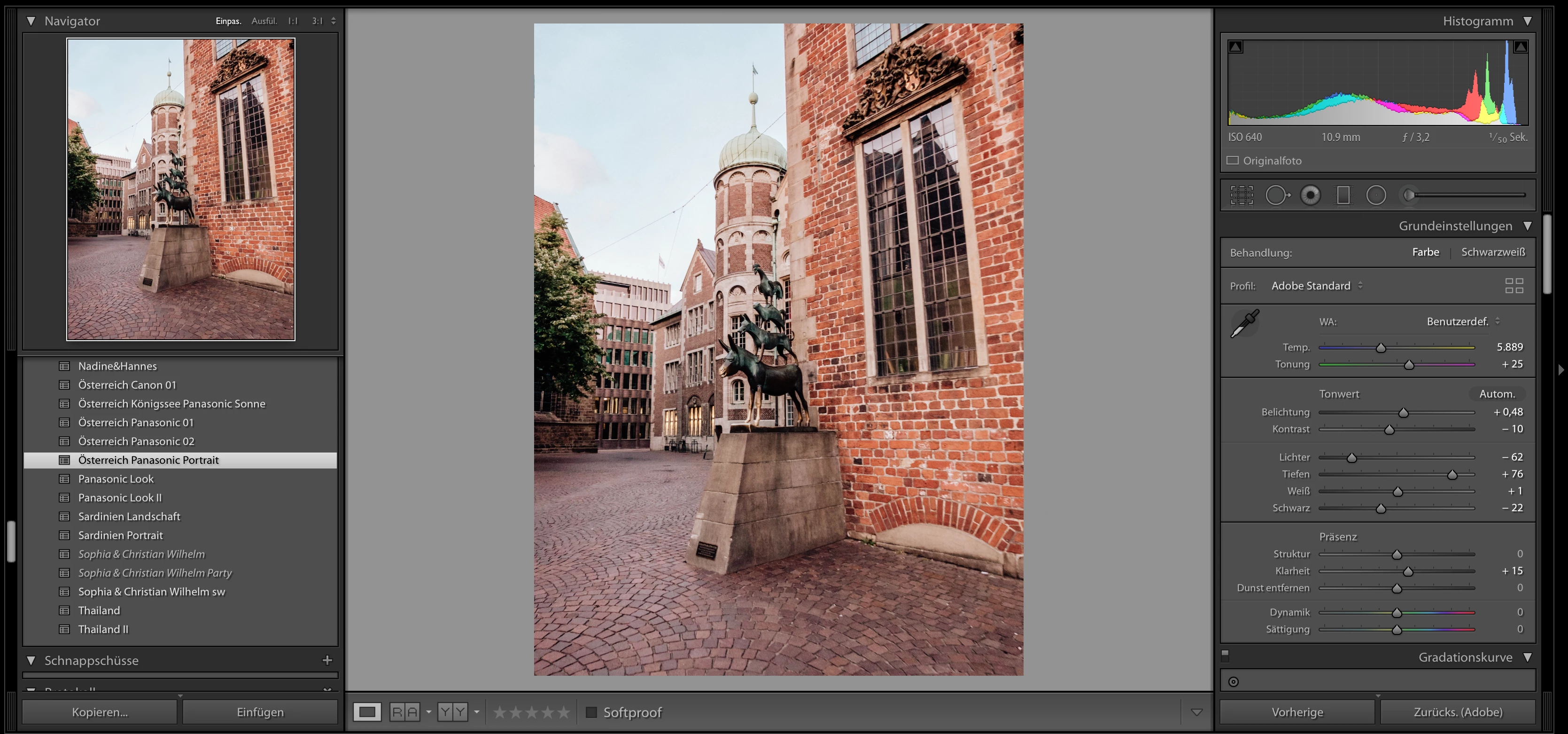
 

When applying the same preset:
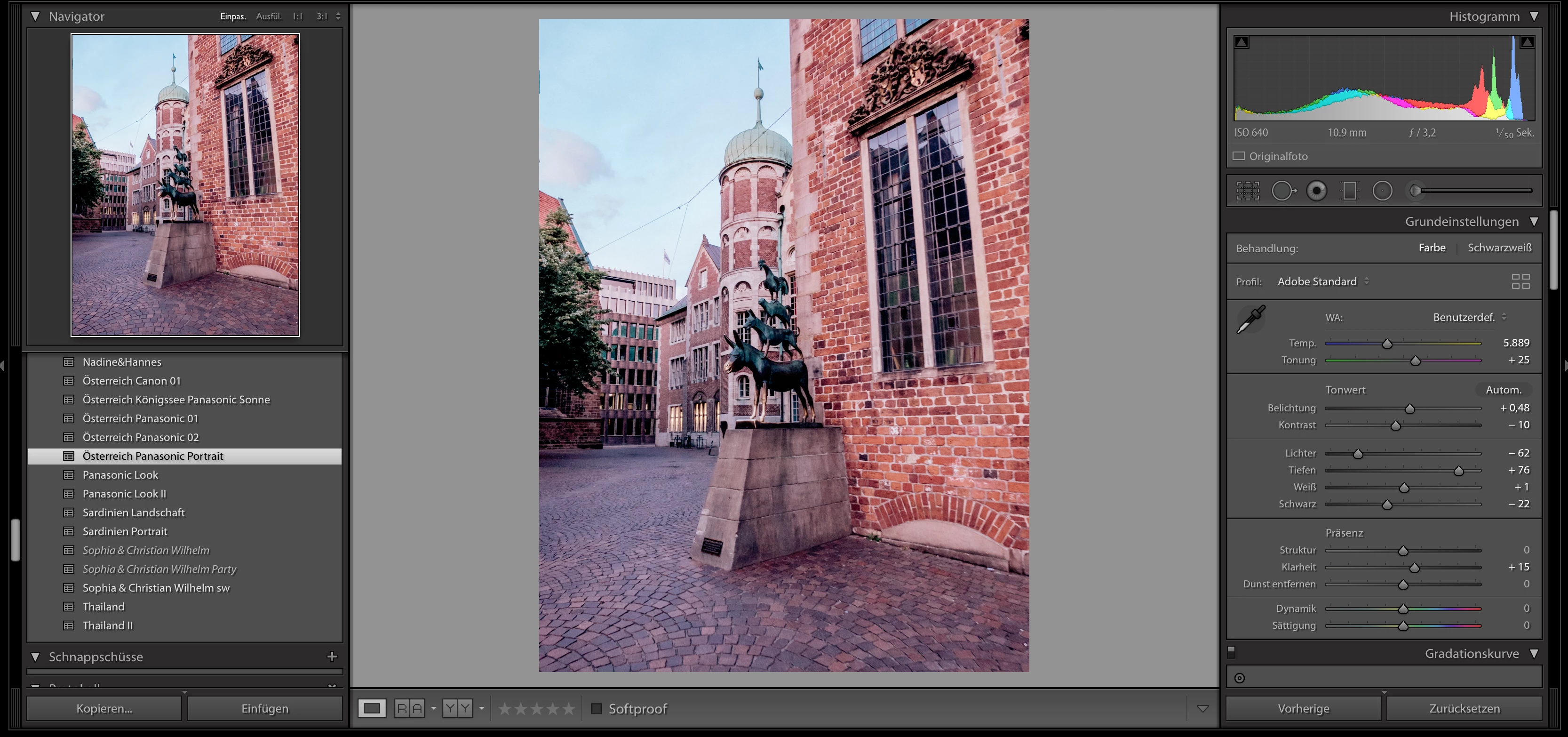
 

Is there someone that knows the solution for the problem? Or is there something wrong with my preset settings?

Thank you,
Laura

    This topic has been closed for replies.

    3 replies

    johnrellis
    Brainiac
    July 12, 2020

    mxxfun wrote, "omg thank you it worked!!!".


    For future reference by other reads: In his other thread, Mxxfun said he had  an old version of LR 8.4.1 installed. This bug has been fixed since then (the latest version is 9.3.).


    [Use the blue reply button under the first post to ensure replies sort properly.]

    johnrellis
    Brainiac
    October 22, 2019

    I just filed a bug report about this in the official Adobe feedback forum: 

    https://feedback.photoshop.com/photoshop_family/topics/lightroom-preset-hover-preview-incorrect-for-incremental-temperature-tint


    Please add your constructive opinion to the bug report, and be sure to click Me Too and Follow in the upper-right corner. That will make it a little more likely that Adobe will prioritize a fix.


    The problem occurs for presets created with Temp/Tint settings from a non-raw photo. When using such a preset with a raw, the hover preview appears different from the actual Loupe view in Develop. The inconvenient workaround is to ignore the hover preview.


    [Use the reply button under the first post to ensure replies sort properly.]


    Todd Shaner
    Brainiac
    September 14, 2019

    The preset you're reviewing with hover (Panasonic Look) is different than the one you are applying in the second screenshot (Pansonic Portrait). Why would you expect them to look the same?

    DdeGannes
    Community Expert
    September 14, 2019

    Absolutely correct Todd, I was just about to make a similar comment and when I came back to the thread your post came up.

    Regards, Denis: iMac 27” mid-2015, macOS 11.7.10 Big Sur; 2TB SSD, 24 GB Ram, GPU 2 GB; LrC 12.5,; Lr 6.5, PS 24.7,; ACR 15.5,; (also Laptop Win 11, ver 24H2, LrC 15.0.1, PS 27.0; ) Camera Oly OM-D E-M1.