
Question
Print size off
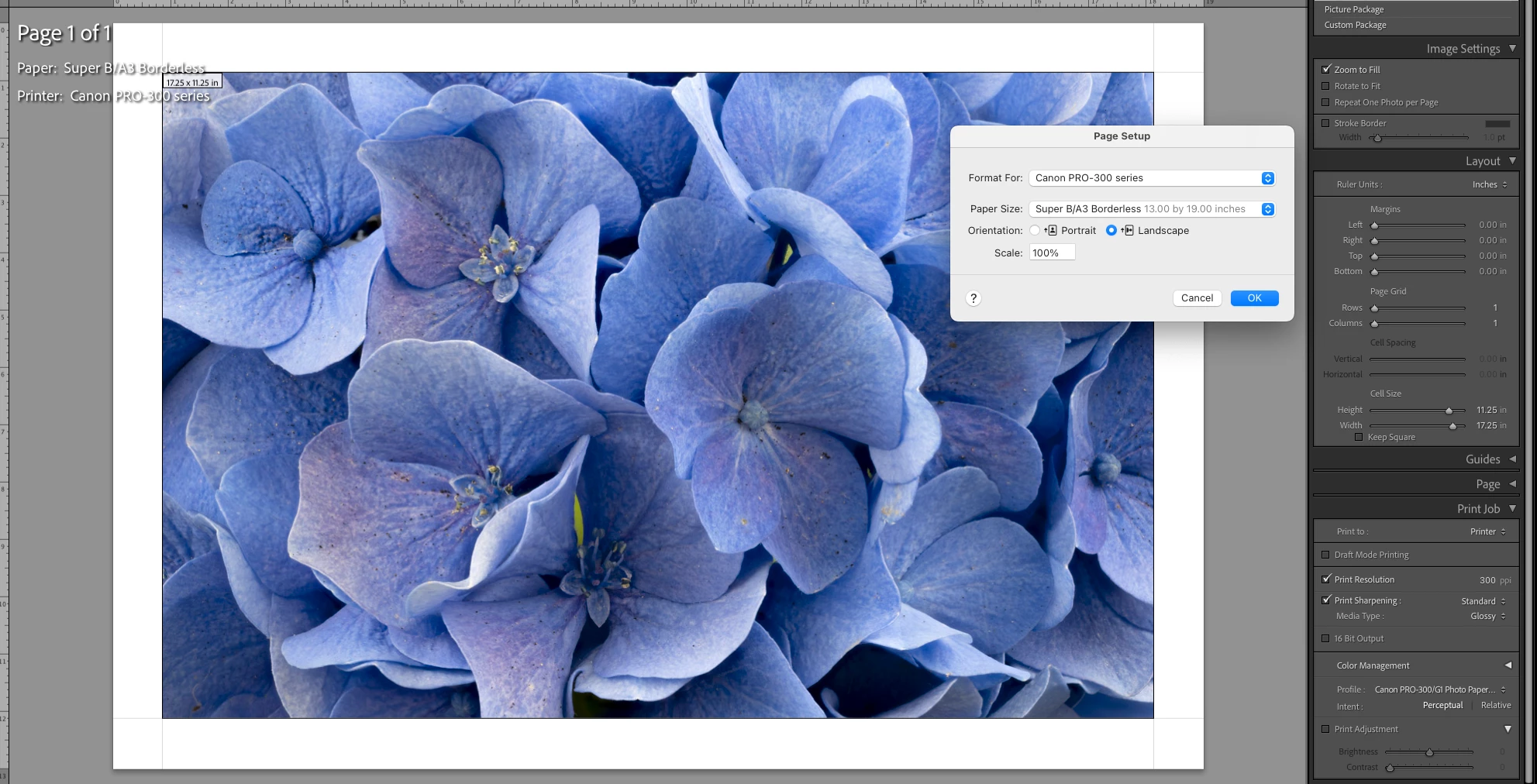
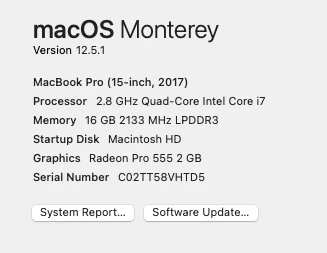
I'm trying to print so the dimensions of the printed photo are 11.25in x17.25in, on 13x19 paper, with a Canon Pro 300. (This is to fit a mat with an opening 11.75 x 17.75, leaving a 1/4 inch border). I've cropped the photos at this dimension. I've selected borderless 13x19 (A3+) paper. I checked "zoom to fill," though I don't exactly understand why this is necessary (without it, the software tells me the short edge would be only 12.249 inches). I did this yesterday. Today, for some reason, I can't. I must have changed something, but I can't figure out what. Please see the attachments and tell me what I have done wrong, or what I need to do to get 11.25 x 17.25. Thanks!
 AdChoices