
Question
Problem importing SilverFast Scans
Hello,
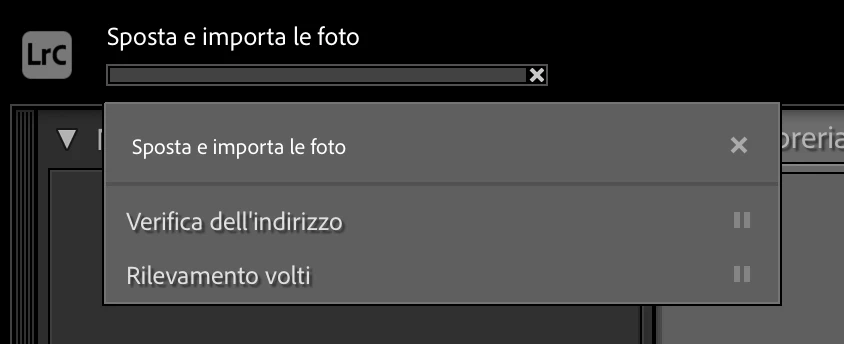
I am trying to open scans made with SilverFast9 with Lightroom but when I try to import the folder “without physically moving the files” Lightroom gets stuck without importing anything. I have tried with both Tiif and DNG files and the result is always the same. Specifically for the DNGs I had started importing them one at a time and it read them correctly but then trying to move the destination folder to import them all at once gave me the same error (so I don't think it depends on the format). I also tried importing them one at a time but with no change. They are tiff/dng files that weigh around 200mb and photoshop correctly reads both files.
What could be the problem?
 AdChoices