
Problem with lightroom classic ? Pictures are getting darker
Hello everybody,
i'm writing today because since i'm using lightroom classic i realised something with my pictures.
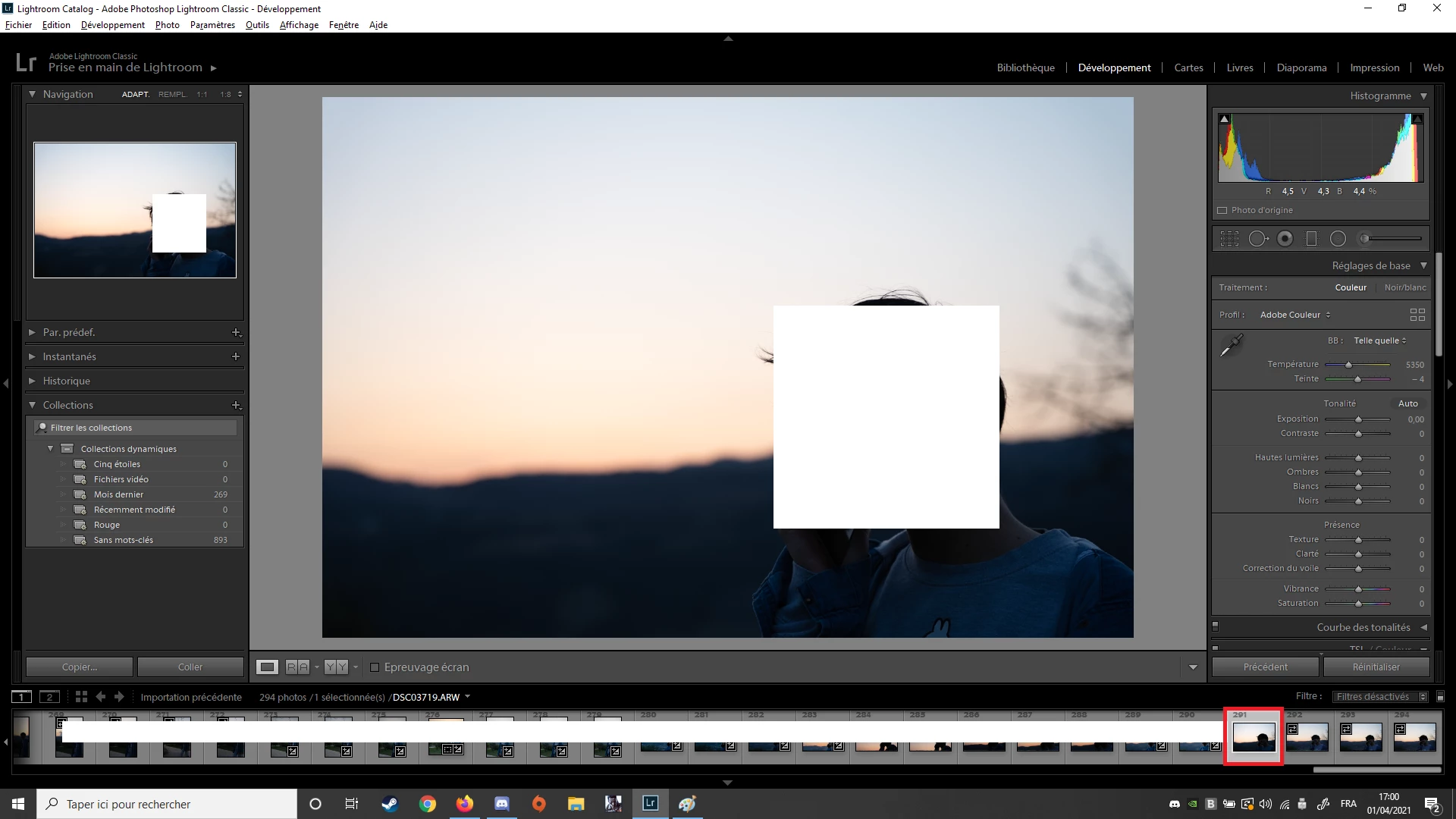
So basically, i'm importing my pictures, then it's loading them, and i can see them in the little squares on the bottom of the software. They are "low light" pictures, and you can see how they are in the little square at the bottom (look n 292 and n293 on the right, red square) and as soon as i click on one of the pictures, it's making them darker, and reducing even more the exposition or i don't know what it's doing, but the pictures are not like they were appearing before i click on them. I did turned off the auto mode or something like that a long time ago, but i realise with every picture i take which is low light or dark, the LR Classic is making them even more darker..
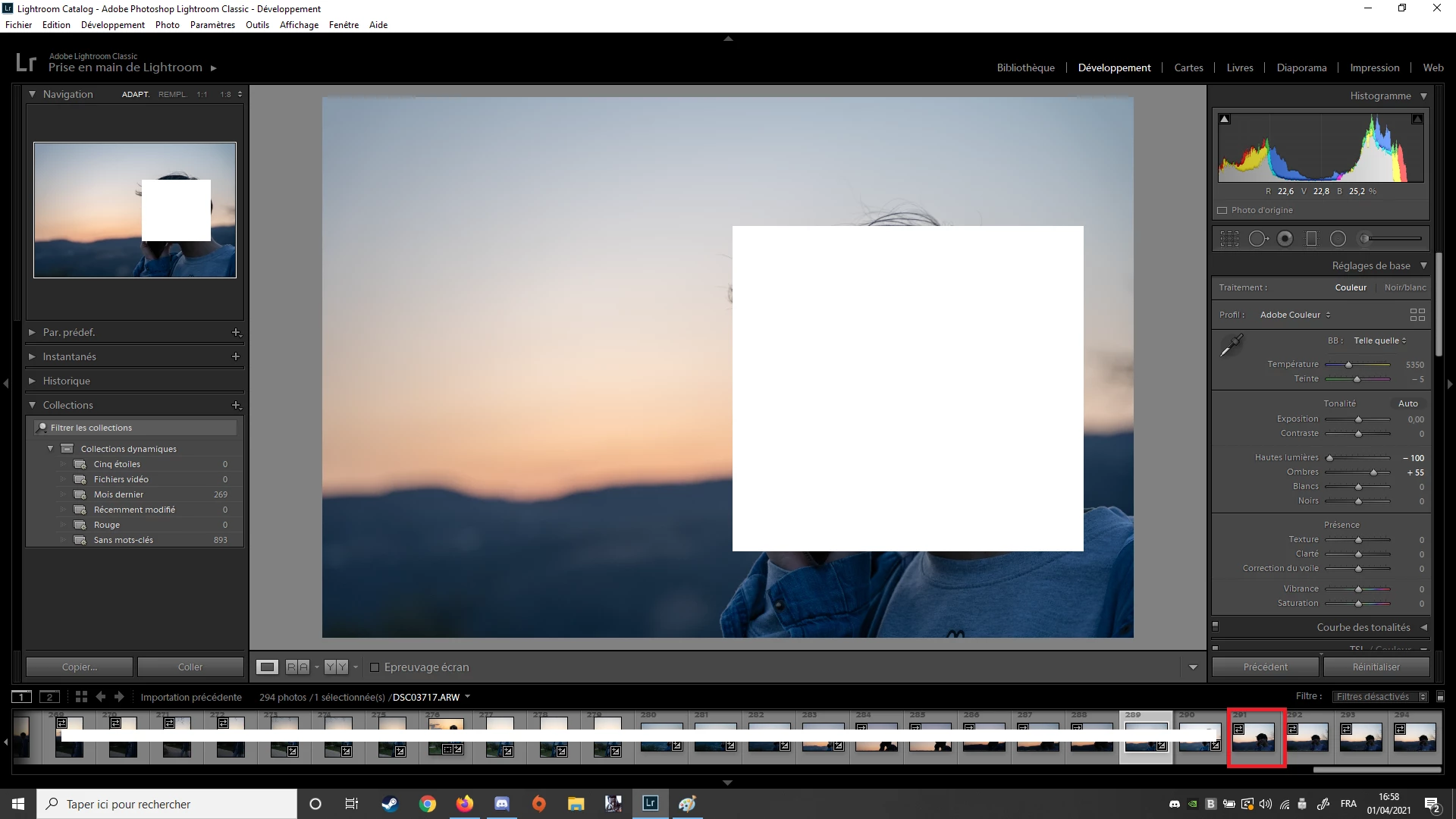
so you can see how the view in the little square n291 is then when i click on it for the first time since i uploaded it :
and same ith n 292 .. :
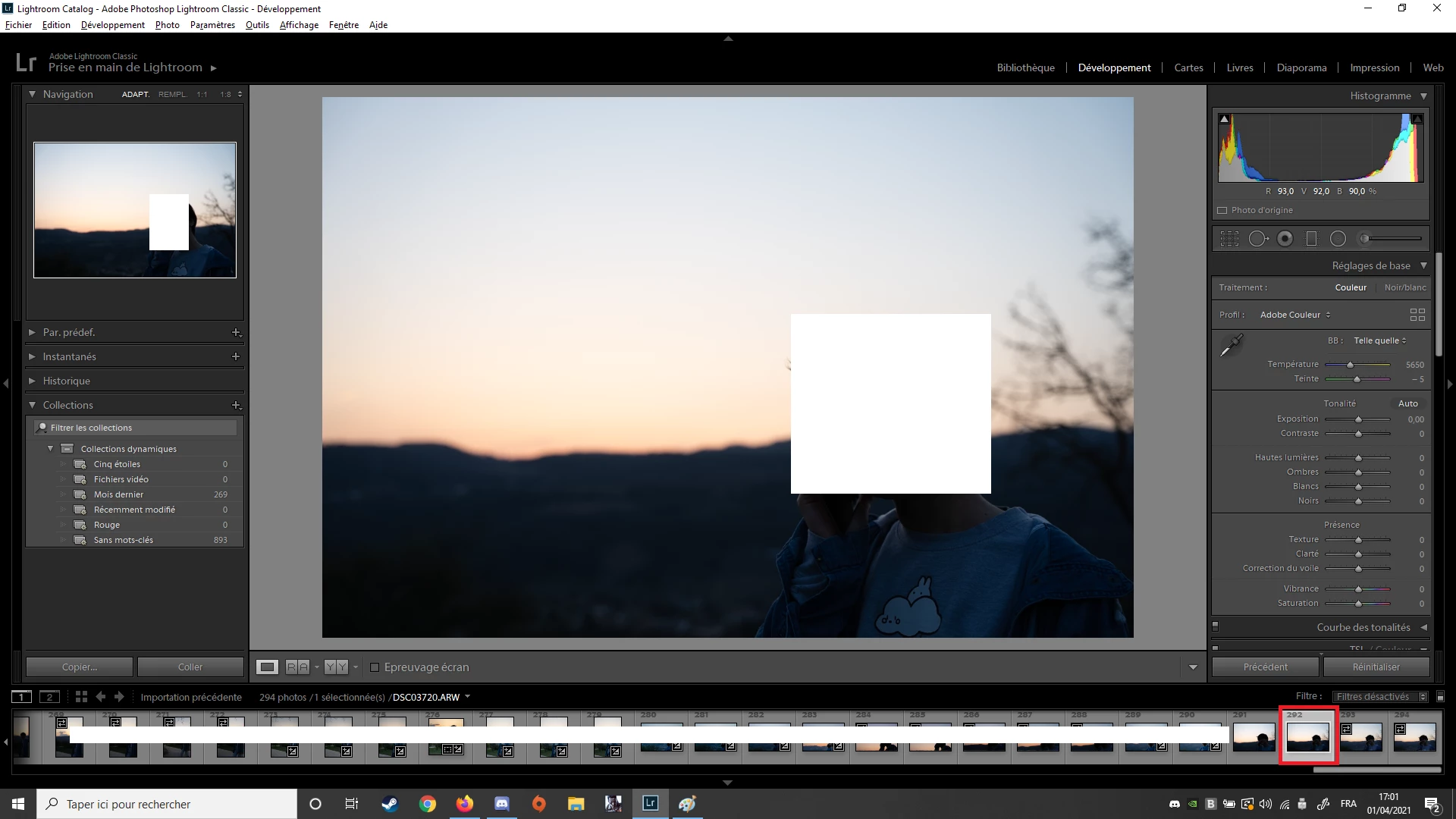
so i don't know if it's coming from my camera or anything else than LR, but preview in my camera ( A7iii) looks the same as the first picture i posted ( normal lightning not darken) and same when pics are in my windows folder before i upload them in LR. And as soon as i put them in LRand click on them it's making them darker... So whats going on ?? Can someone help me, because i always have to play with exposition and other options after to get my pic better but the quality is reducing.
Thank you for the help
have a nice day
Thomas.
{Moved from Lightroom Cloud to Lightroom Classic Forum by Moderator}
 AdChoices