
Inspiring
May 21, 2022
Answered

Problem with thumbnails in Develop mode

  • May 21, 2022
  • 3 replies
  • 828 views

Lightroom Classic 11.3.1 Release. If you check out the video you'll see I'm in Develop mode and clicking through the thumbnails results in other thumbnails going blank grey. Not an ideal feature. When I'm in Library mode thumbnails 9, 10, 14 and 15 are greyed out blank.


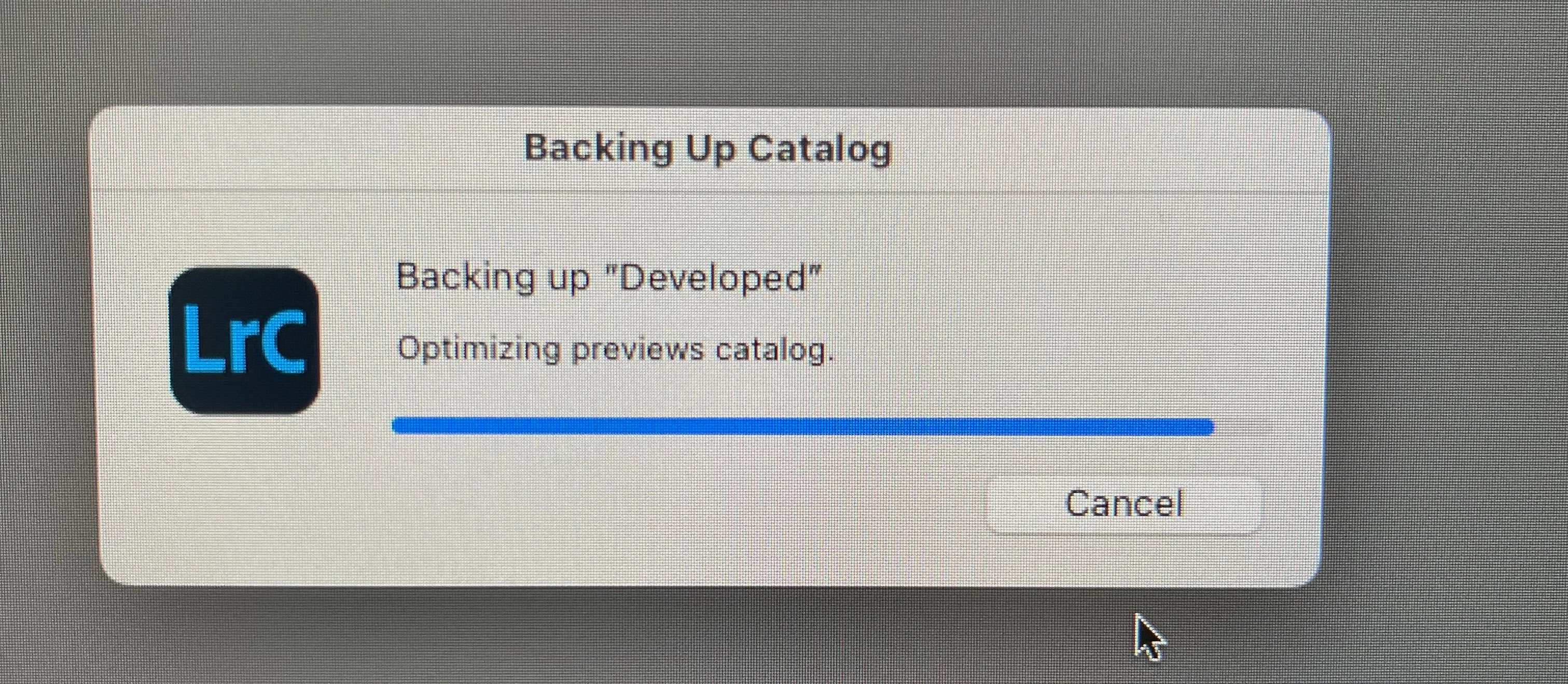
Things are obviously in a mess now as when I exit (with backup and optimize enabled) because LR won't exit and is stuck with this dialog. It will never finish and I will have to force-quit it. 
This topic has been closed for replies.
Correct answer johnrellis

Looks like the preview cache has been corrupted. Try deleting it, as described in this help article:

https://helpx.adobe.com/lightroom-classic/kb/lightroom-gives-error-preview-cache.html


After deleting it, LR will regenerate the previews on demand, which, depending on your photos and the speed of your computer, may cause it to be a little sluggish.  You could go to All Photographs, select all photos, and do the menu command Library > Previews > Build Standard-Sized Previews and let it run over night.

3 replies

Inspiring
August 2, 2022

Update: This continues to happen despite applying the fix below and upgrading when a new version of LR Classic comes out. It seems to be precipitated by one of a couple of things:

  • Going through a large number of photos in Grid or Survey mode where I'm in a 'filmstrip at bottom, preview in main window' type setup.
  • Importing a large number of photos. 


If I was a betting man I'd think there was some threading / race condition somewhere in the code. 


I'm at a bit of a loss of what do to to be honest. I really like the LR Classic features and workflow but I've definitely got buyers regret. The constant stream of updates with known issues compounds this.

Ian Lyons
Community Expert
Community Expert
August 2, 2022

The issue you show in the original video is marked internally as fixed in LrC 11.4

Inspiring
August 2, 2022

Thanks, I have 11.4 installed and previously 11.4.1 

Inspiring
May 22, 2022

Thanks, I'll give that a go. Seems like Lightroom Classic is quite buggy really. 

Inspiring
May 28, 2022

That worked.

thanks. 

johnrellis
johnrellisCorrect answer
Legend
May 21, 2022

Looks like the preview cache has been corrupted. Try deleting it, as described in this help article:

https://helpx.adobe.com/lightroom-classic/kb/lightroom-gives-error-preview-cache.html


After deleting it, LR will regenerate the previews on demand, which, depending on your photos and the speed of your computer, may cause it to be a little sluggish.  You could go to All Photographs, select all photos, and do the menu command Library > Previews > Build Standard-Sized Previews and let it run over night.