joe.lafferty
Inspiring
December 18, 2016
Answered

Problems with sync to Lightroom mobile from Mac

  • December 18, 2016
  • 1 reply
  • 586 views

Hi,

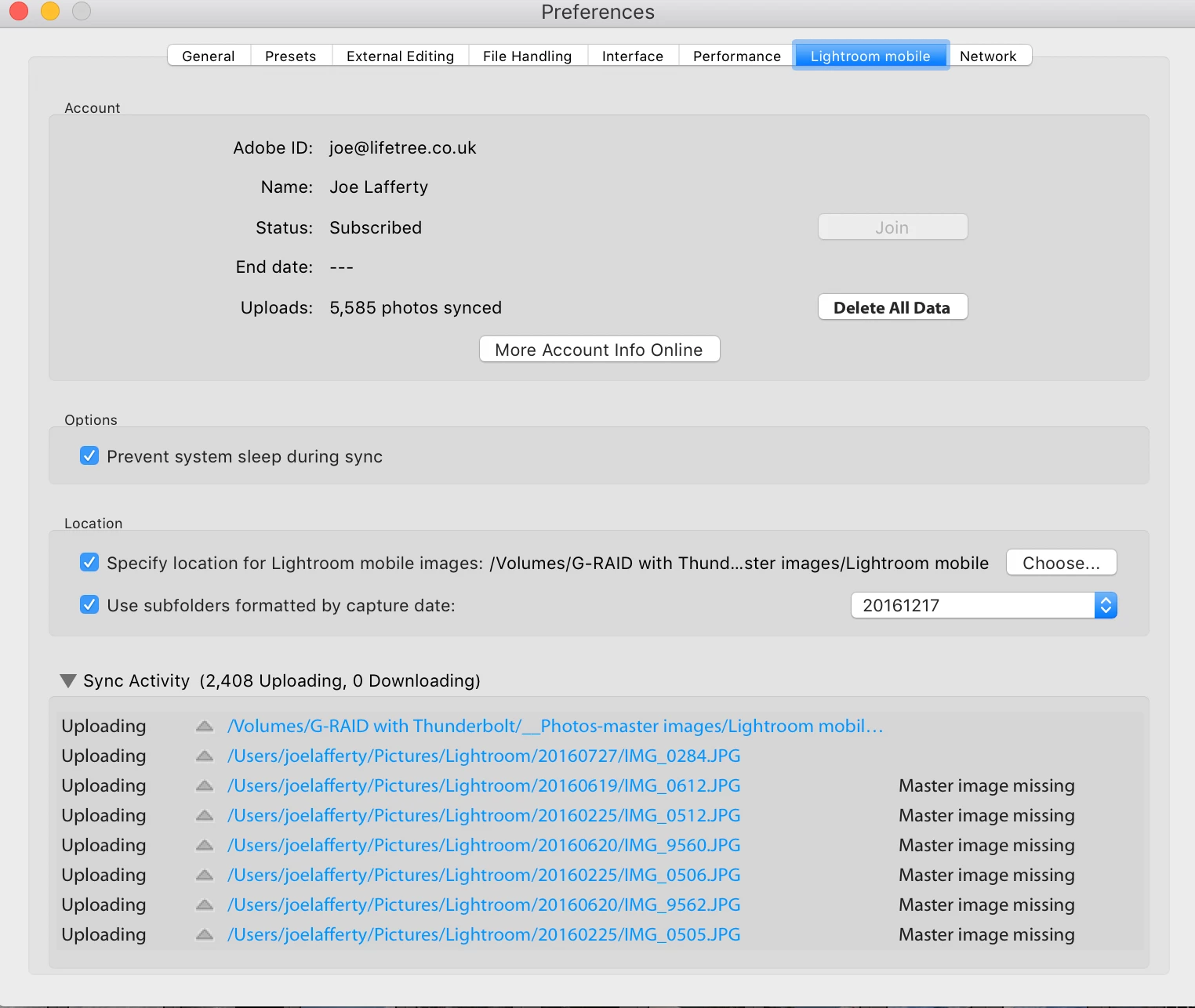
Some time ago, I moved my Lightroom Mobile photos from my HD to my external HD to save space. I did this by copying all files and folders, to external HD, then, using preferences to point at new folder location.

everything seemed to be fine, but after a while i noticed the sync going a bit crazy... for example, today moving from 1714 to 1529, appratnly randomly.

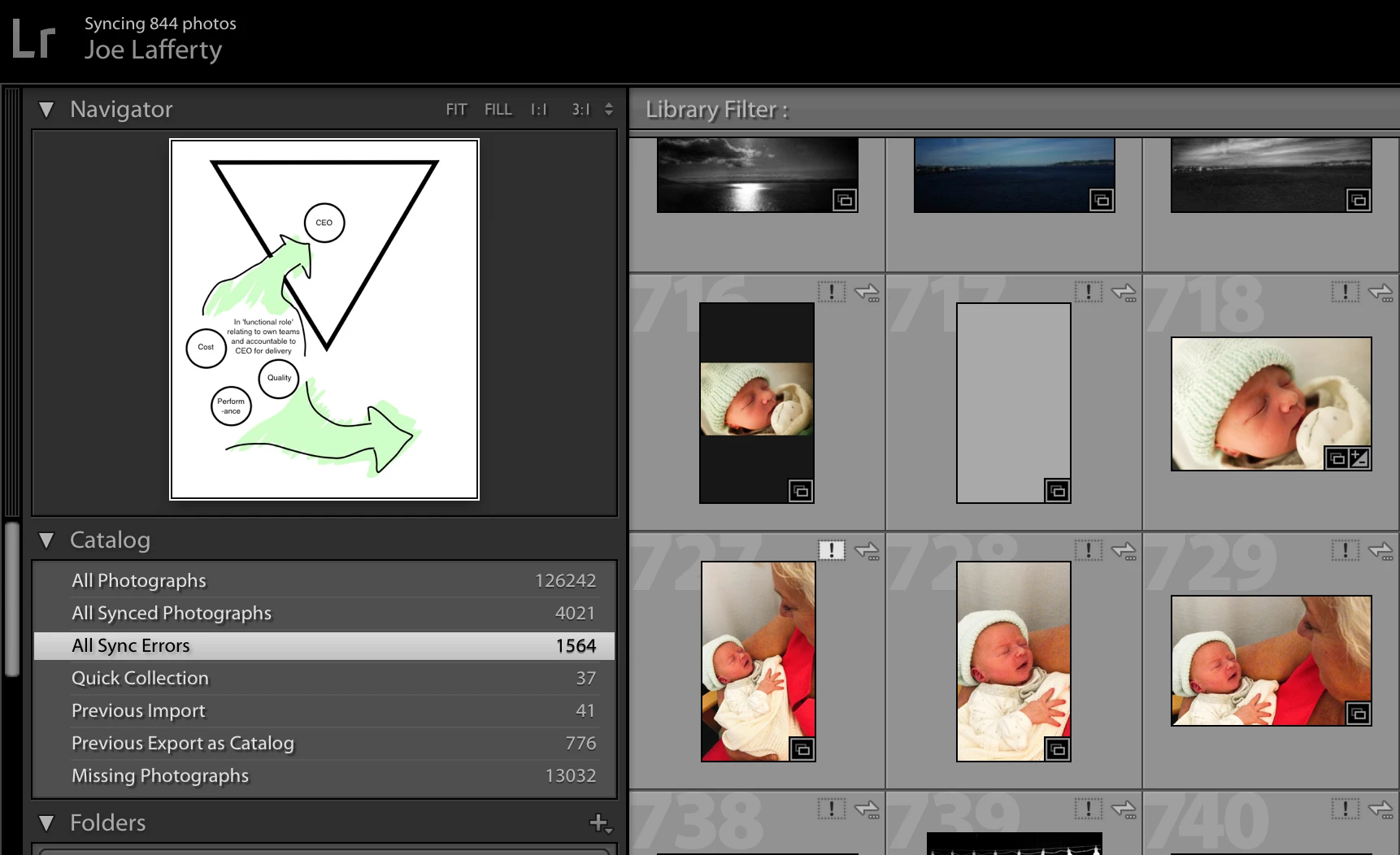
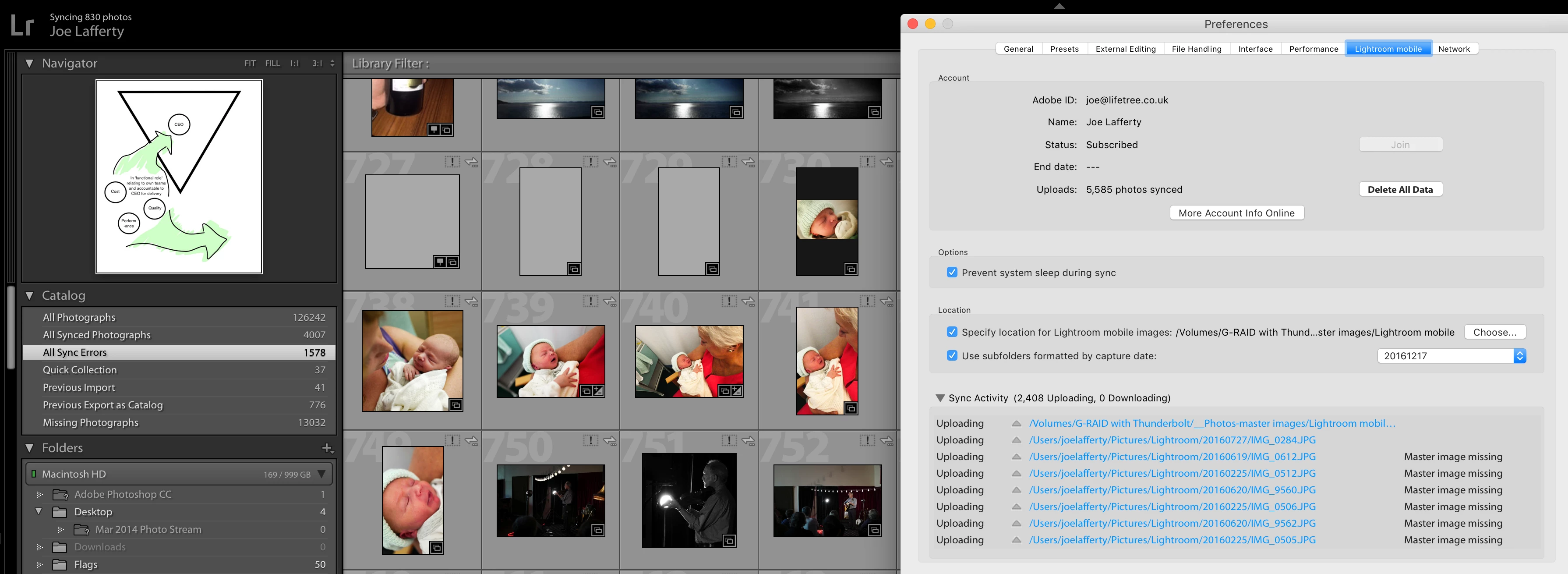
I investigated and found a lot of sync errors - even tho the preferences point to the new location, and the photos are all in the new location, many photos have an error. So... I PAINSTAKINGLY began to CTRL click on each photo (sometimes in groups of TWO!) to locate in finder then point to the new location where the files exist as i've moved them there. I'm a bit disspointed that when i click on one photo, it does not automatically then sort all the other THOUSANDS of photos, but forces me to work one folder at a time...

anyway, as I worked on this, I noteced that the all sync and sync errors go a bit crazy.

From

all synced (AS): 3330

all sync errors (SE): 2255

to

AS: 3170

SE: 2415

then to

AS: 4709

SE: 876

then to

AS 5159

SE: 435

and finally a few moments ago to,

AS: 3788 (jumped to 3787 as I was writing this - with NO activity from me.

SE: 1978

So, can you help?

I attach a log taken a few moments ago

also some screenshots of the various info as above

thanks,

Joe Lafferty

running latest version of Adobe CC,

Mac OS Sierra 10.12.2

Mac (Retina 5K, 27-inch, Late 2015)

----
dropbox link to log here

This topic has been closed for replies.
Correct answer joe.lafferty

Now resolved.

spoke by internet chat to agent - couldn't wait until I got a response on the forums as urgently needed to move over to new external HD. agent shared screen and fixed the problem.

mix of adobe folders pointing to the wrong place - along with a lot of other folders that seem to have found their way into LR catalog form other Hds.

anyway, we found the original folders in the Lightroom folder hierarch, right cliced on LR mobile folder and 'update folder location' to new location on external HD. fixed in seconds.

thanks Adobe!

1 reply

joe.lafferty
Inspiring
December 18, 2016

OK, I have a further problem - I have 13032 missing images - and when I click on images to show in finder, some are Lightroom Mobile images which are shown as linked to old location on my internal HD, and have been moved to new location on my external HD as above, but for some strange reason are still pointing to old location in library... however there are a lot of other images which, when I click show in finder, they show up as IN THE NEW LOCATION and not missing at all! yet, they are shown as missing - see screenshot below...

I'm very confused...

joe.lafferty
joe.laffertyAuthorCorrect answer
Inspiring
December 20, 2016

Now resolved.

spoke by internet chat to agent - couldn't wait until I got a response on the forums as urgently needed to move over to new external HD. agent shared screen and fixed the problem.

mix of adobe folders pointing to the wrong place - along with a lot of other folders that seem to have found their way into LR catalog form other Hds.

anyway, we found the original folders in the Lightroom folder hierarch, right cliced on LR mobile folder and 'update folder location' to new location on external HD. fixed in seconds.

thanks Adobe!