
Participant
May 1, 2019
Answered

"Open as Layers in Photoshop" grayed out in Lightroom Classic

  • May 1, 2019
  • 2 replies
  • 2259 views

I am trying to export, from Lr, .NEF, as layers files to Photoshop and it doesn't work.

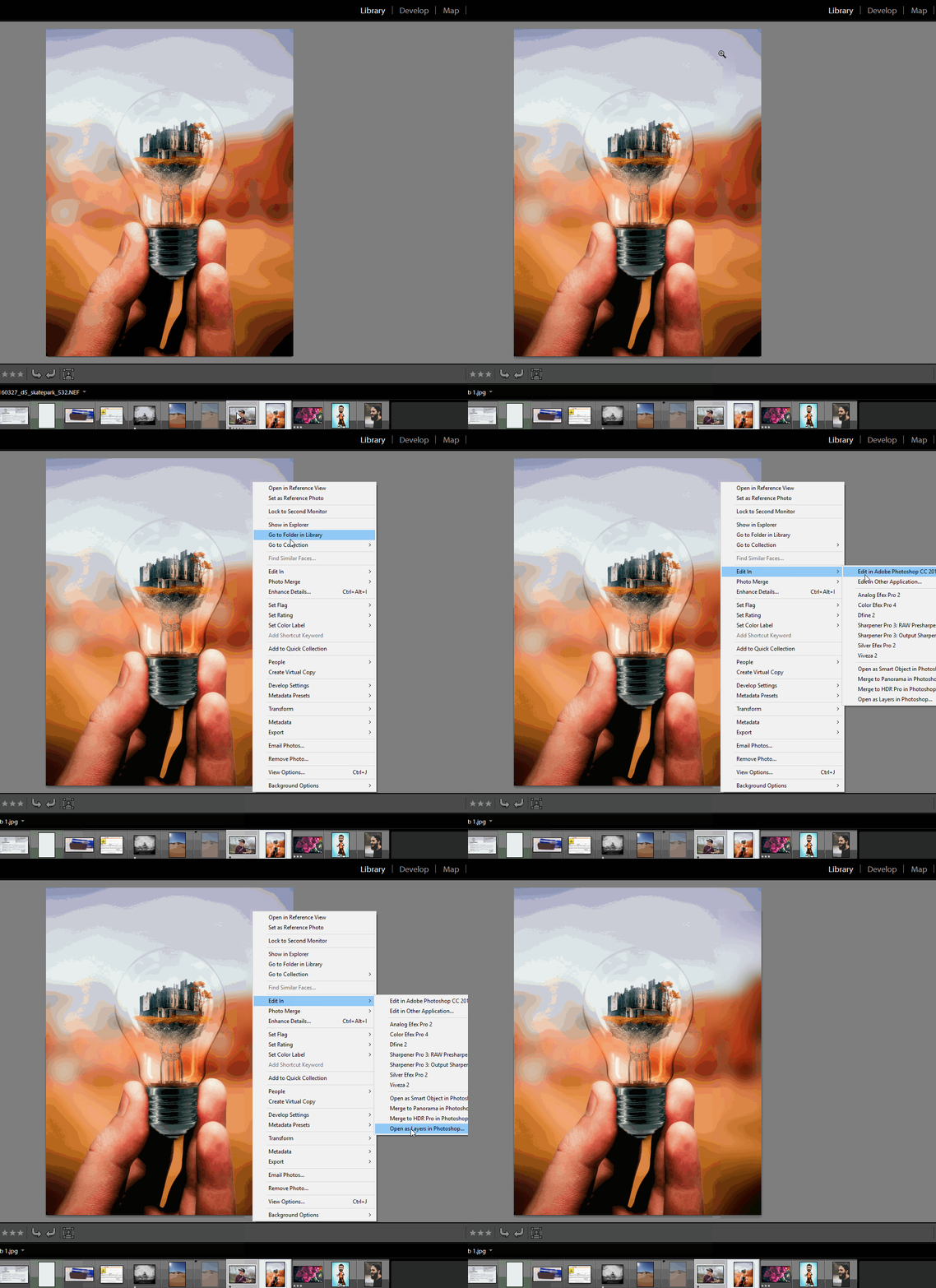
I go to : Edit in : my choices are : edit in Ps; Import as smart object … at the very bottom, I see : export as layers in Ps but I can't select it. What is wrong in my settings ?

Carole

{Thread renamed by moderator}
This topic has been closed for replies.
Correct answer Sahil.Chawla

Hi Carol,

As the feature Open as layers in Photoshop is not highlighted in Lightroom, could you please let us know how many images you are selecting to open as layers in Photoshop?
Because this feature only works when 2 or more images are selected in Lightroom.

Please let us know if it helps.
Regards,
Sahil

2 replies

Just Shoot Me
Legend
May 1, 2019

You have to have more than one image selected in LR for that option to be accessible.

With only one image selected it opens in PS on it's own layer.

Participant
May 1, 2019


Allo, it would not work even if I selected two or more … I closed everything and restarted again. Now, it works.

Thank you for answering.

Best Regards from Québec, Canada

;-)

Sahil.Chawla
Adobe Employee
Sahil.ChawlaCorrect answer
Adobe Employee
May 1, 2019

Hi Carol,

As the feature Open as layers in Photoshop is not highlighted in Lightroom, could you please let us know how many images you are selecting to open as layers in Photoshop?
Because this feature only works when 2 or more images are selected in Lightroom.

Please let us know if it helps.
Regards,
Sahil

Participant
May 1, 2019

Thank you for the answer ;-)

Even if I was selecting two or more, it would not work.

I closed Ps and Lr and reselected 2 images and now it's good!

Thank you and Best Regards from Québec, Canada