
"The File Could Not Be Found"
OK. I've read through similar message inquiries here and the answer to this particular issue is not raised.
The day before yesterday, I logged in to LR & BRIDGE. There were updates for both since it has been a while I have had time to work on any of my images. Having had no issues updating in the past, I simply decided to do the updates as described, and everything was as one would have expected, i.e., I spent some time reacquainting myself with the images that I had been working on.
Please NOTE: I changed nothing ... I moved nothing ... I edited nothing ... ALL THAT I DID was accept the updates to BRIDGE and LR CLASSIC and allow them to be installed. EVERYTHNING else remained as it was the last time that I used any of the software about 4 months ago.
Now ahead to last evening ... I again opened BRIDGE and it did show all of the images in question and they all appeared to be just fine. I then opened LR CLASSIC. I opened the LIBRARY folder and again ... there were the images that I wanted to begin sifting through ...
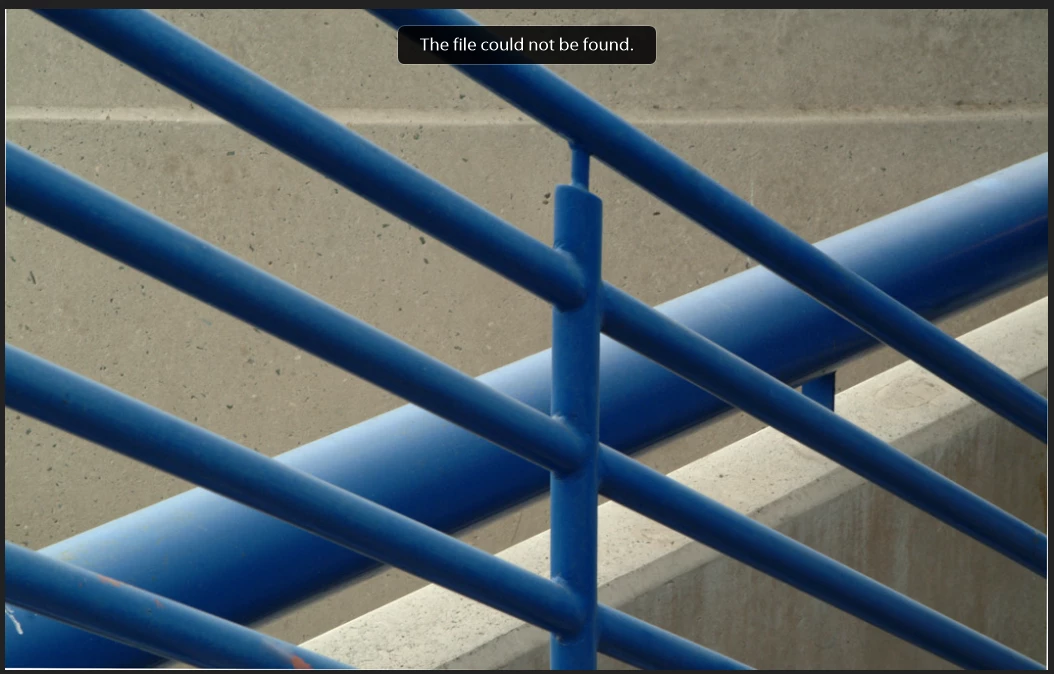
... however, when I switched to the DEVELOP folder, gasp, I received an ERROR message that informed me the of the following ... "The File Could Not Be Found". It does seem that the images are somewhere, however I am not able to open any of them to work any edits on any of them because of the error.
I have not done anything so far because I am fearful that all my many many hours of work on these images may be lost if I did.
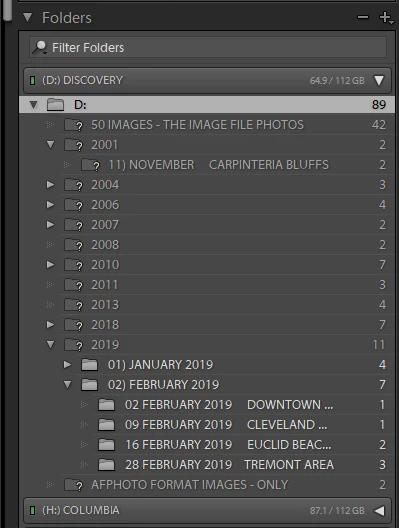
I am including 2 screen shots: One of the error message "The File Could Not Be Found", and another that illustrates the drive that the images are - and HAVE BEEN - located since the beginning. Again I must restate ... I have not moved - altered - changed or replaced any hard drives, nor have I made any other changes to my system in any way. EVERYTHING is exactly the way it was BEFORE I allowed the updates to BRIDGE and LIGHTROOM CLASSIC.
What is interesting is this ... When I open ADOBE CREATIVE CLOUD ... the menu there shows that I now have two versions of BRIDGE (ver. 10.0.1 & ver. 9.1) and LR CLASSIC which does not have a version munber displayed with it. CAMERA RAW also updated and seems to work fine ... although at this point I am a bit skeptical about all of this.
Firstly, and in addition to the "The File Could Not Be Found" issue, is it OK for me to delete and or remove the older version of BRIDGE if it is not necessarty to keep onboard?
Secondly ... I now also have two versions of PS (ver. 20.0.8 & 21.0.2) While so far I have not used PS for anything since between LR CLASSIC and CAMERA RAW I am able to acheive all the image editing needs that I have had up to this point. May I remove the older version of PS and leave the newest in place without causing any additional issues?
Please see the attached images that show the error message and the drive where the images "should" be sitting. BTW ... the missing images on the drive they should be located on ( I believe they are still there, somewhere) they all have a "?" mark next to each folder.
All advice on this issue will be greatly appreciated.
 AdChoices