Stevord41
Inspiring
May 14, 2020
Answered

Red, yellow, Green dots not showing up anymore.

  • May 14, 2020
  • 3 replies
  • 9981 views

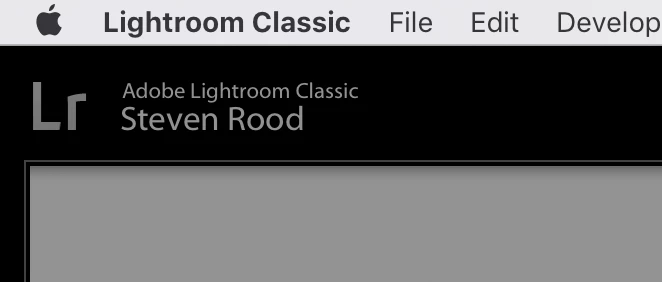
I'm on a Macbook Pro and recently, the three little colored dots in the upper left corner of the window is no longer visible. So, i can't 'x' out of the program or 'minimize' the program that way any longer. It is the only program or window that does not show the red/yellow/green dots now. 

Can someone advise on how to get this back or is the a specific change that LR has incorporated?  They do show up for Photoshop. 


I've attached 2 screenshots. One with the dots and one without for reference. 

Thank you. 
 

Correct answer notoze

Now,  Sept 1 2025,  it's VIEW - SCREEN MODE - STANDARD. In my case that did not initially work so I tried FULL SCREEN. No different. Went back to STANDARD. Glory be! There she be!

3 replies

Participant
July 19, 2023

Thank you! I had the same issue. So simple once you know. Toni

pMarie55
Participant
January 20, 2023

This worked - thank you!

johnrellis
Legend
May 14, 2020

Do the menu command Window > Screen Mode > Normal. (See the menu for the various keybord shortcuts you can use.)


[Use the blue reply button under the first post to ensure replies sort properly.]

Stevord41
Stevord41Author
Inspiring
May 14, 2020

Fixed. Thank you very much.