Sizing-up may be necessary to combine pictures of different sizes.And I use upsizing regularly to keep control over the print quality when I need to print a picture at a bigger size than designed. I use Photoshop for this. Formerly, I needed to use some tricks to get a better result but since Photoshop CC 2016(?), Adobe modified the algorithm and it produces a very good result.
Changing the size of a pixel picture (compared to a vector picture) is always a question of interpolation, as pixels need to be added or take away in the case of a downsize.
The hard work in upsizing is to keep details.
Example:
Original image (5x5cm@72dpi):

Up-sized (using PhotoShop CS6, default settings, left) and just for the fun of it, the same image with PS CC 2017 (right):
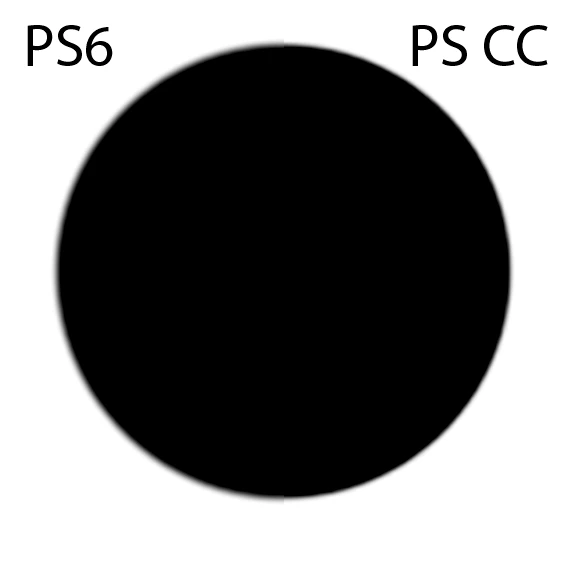
You see the interpolation and the difference in the work done by the older vs the newer version. This example is also synthetic. A real world photograph will show much less blurring, especially if you sharpen the image for the final output use.
It starts to get critical when you have pictures with strong (compression) artefacts in. Those get also interpolated and at some point, you will see them.



 AdChoices