
same images in different folders
- October 4, 2022
- 2 replies
- 649 views
Hi - hopefully a simple solution to a problem of mine:
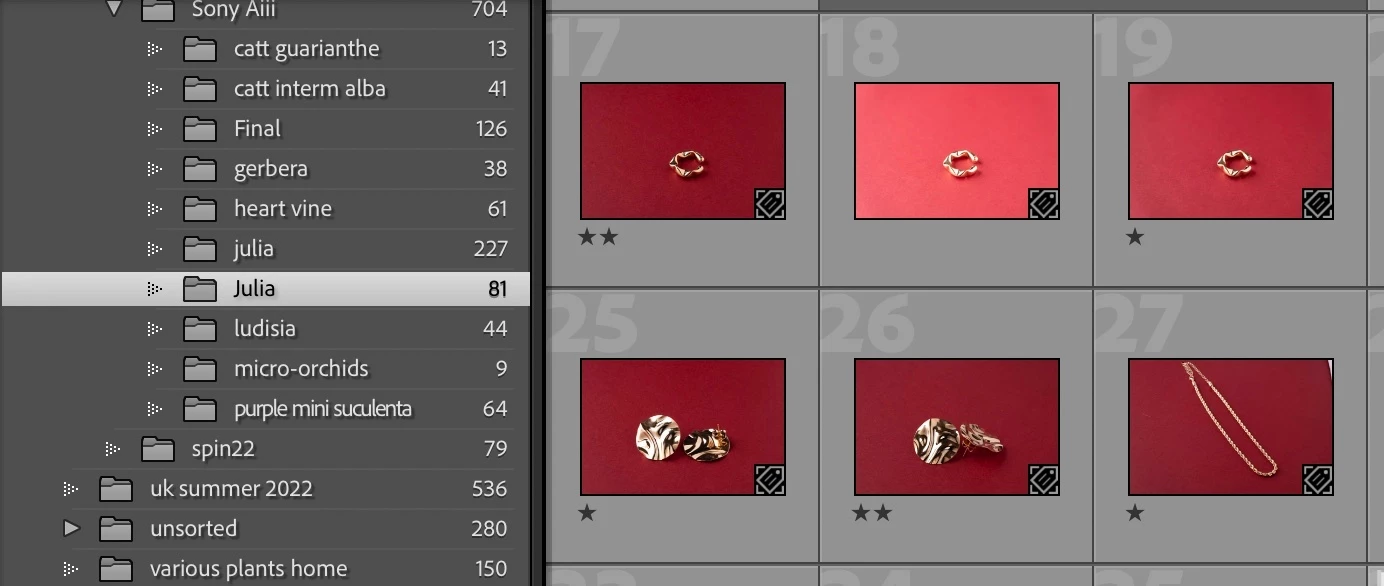
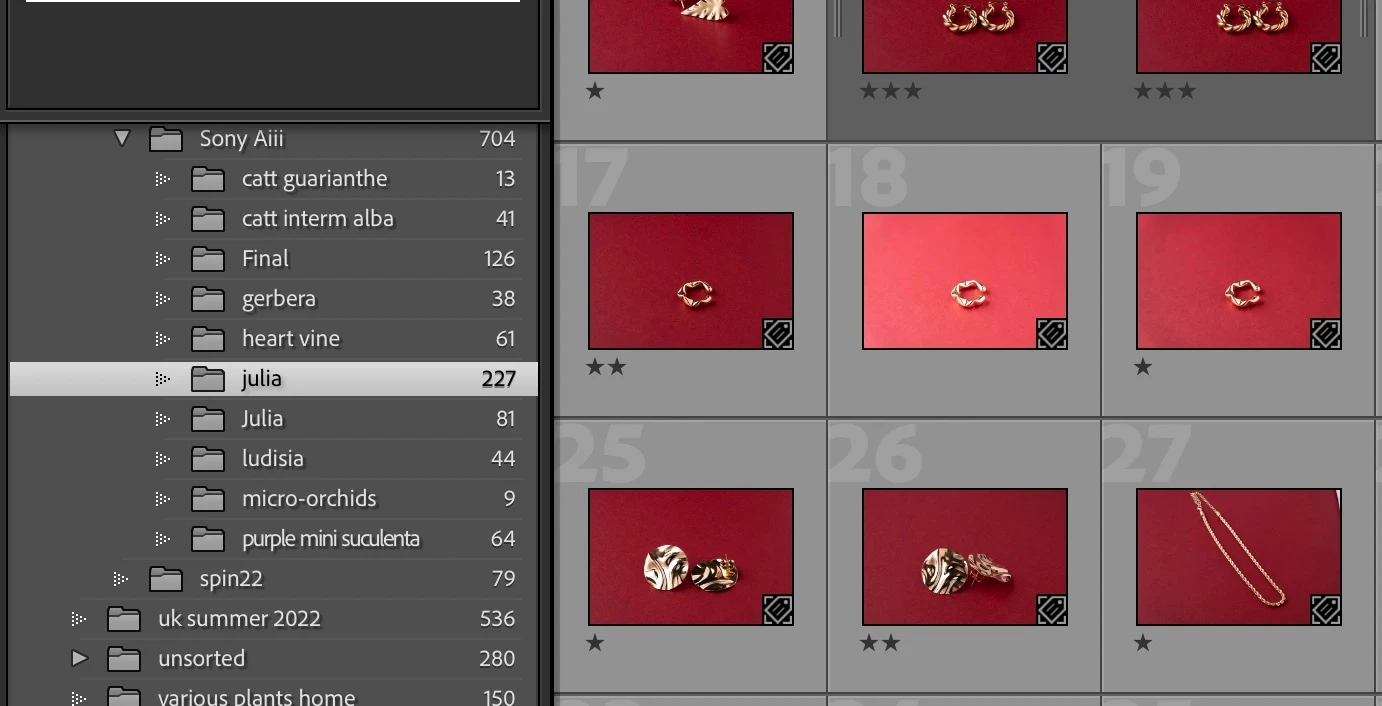
For r5easons a or b, I have two folders in my LR CC catalogue that have the same pictures. In one, all the pictures from the session are present, and in the other, a few (more than half). In this second folder, when I right click to "show in finder", it shows the image as being in the firat folder. Truth be told, the second folder does not even appear in Finder, but if I delete the images from it, then the images from the first folder will be deleted as that is where they are located. I tried to move them, but get the message "file already exists".
so....how can I remove this second folder without losing the images (which are all on the first one)?
Running LR CC 11.5 on a MacBook Pro with OS11.6.5 (Big Sur).
Thanks for any pointers. Have attached screenshots of both folders on LR CC and Finder showing only the one folder.

 AdChoices