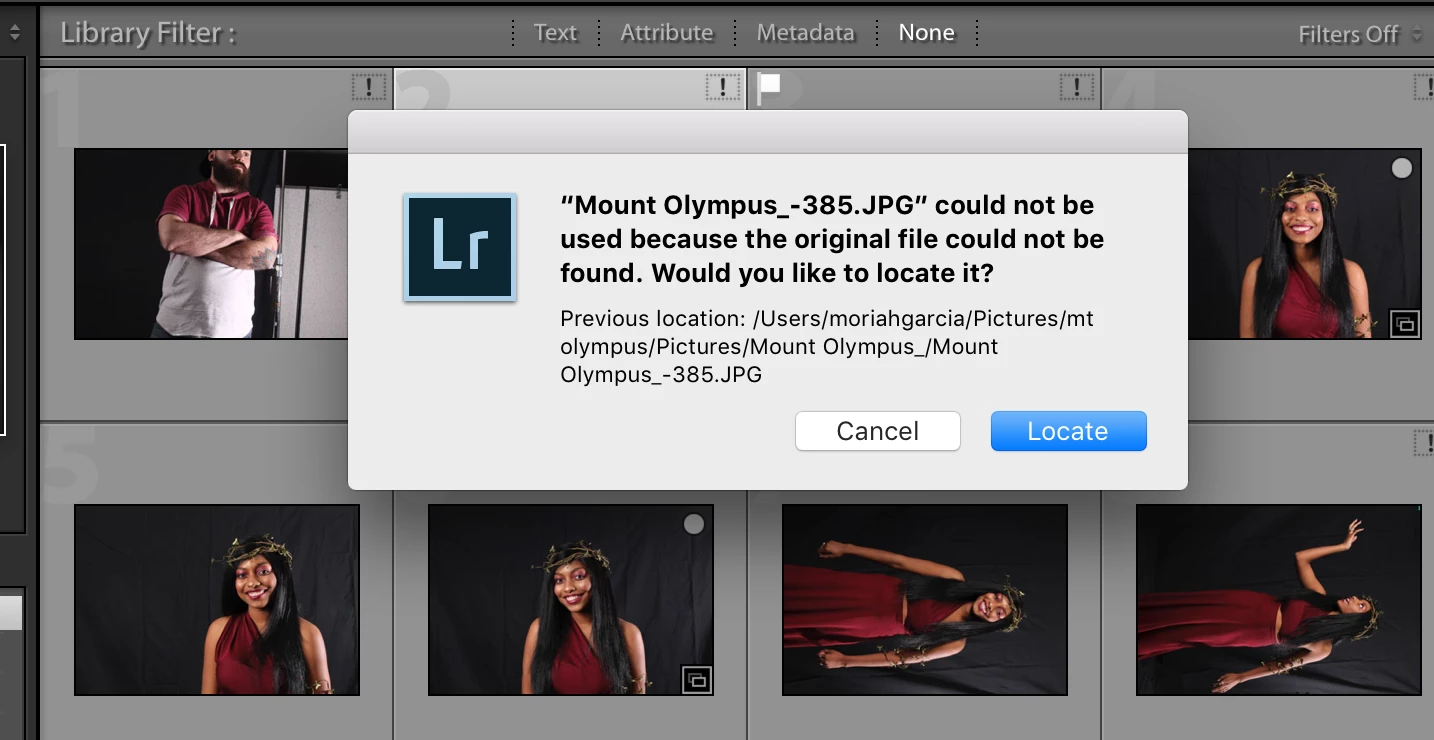
The error message in the second screen-clip is looking for the files in-
Previous location: /Users/moriahgarcia/Pictures.......etc..etc
If you open Mac Finder and look in this folder - are the photo files there?
Is this the Folder you chose as the Destination for the photos in the Tethered Capture setup dialog of Lightroom?
Have you moved, re-named, or deleted the photos from the "Destination" folder shown in the error message Using Finder?
Can you use Finder to locate { Mount Olympus_-636.jpg } ? report the location folder please.
Lightroom reports your photos are "Missing" with the [!] (could not be found) so the first steps are to locate the originals.
https://www.lightroomqueen.com/lightroom-photos-missing-fix/


 AdChoices