Participant
October 10, 2021
Question

Select multiple filename

  • October 10, 2021
  • 1 reply
  • 259 views

Hi everyone,

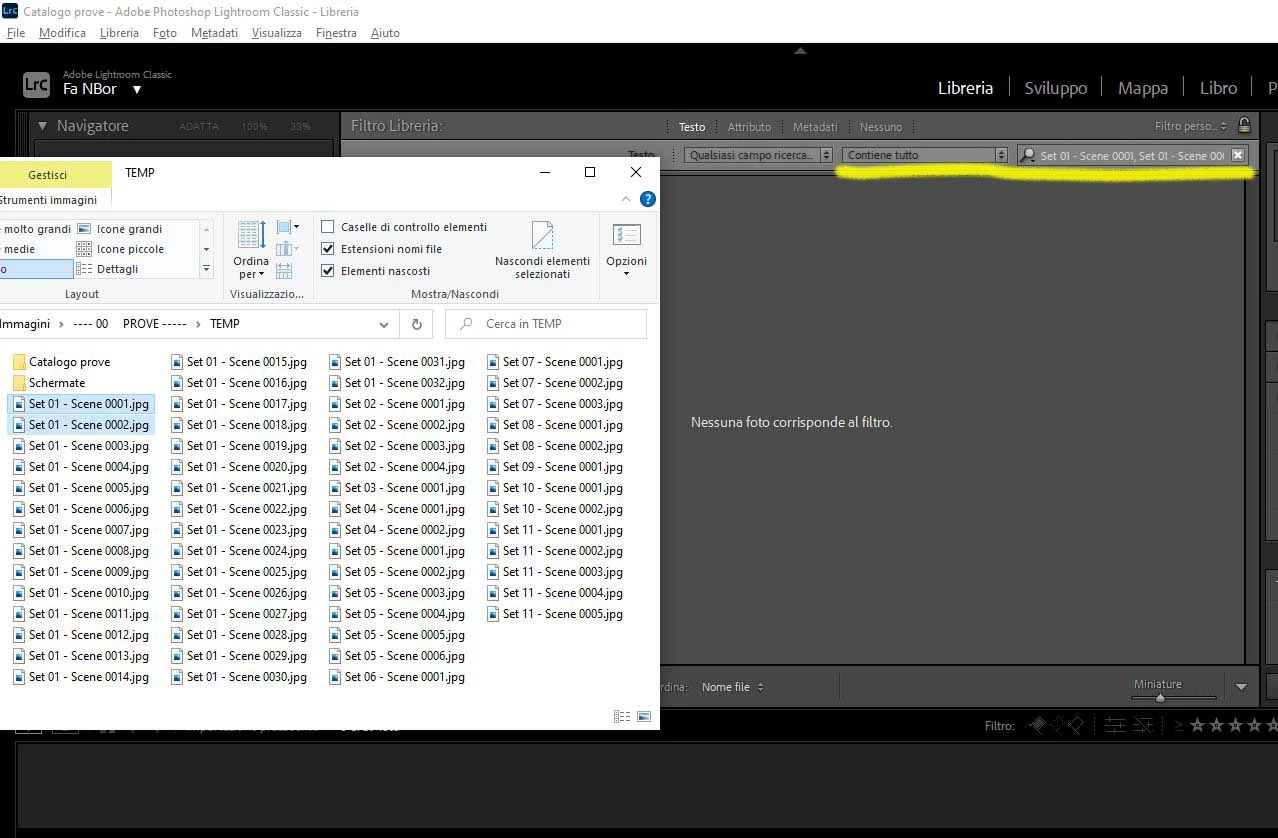
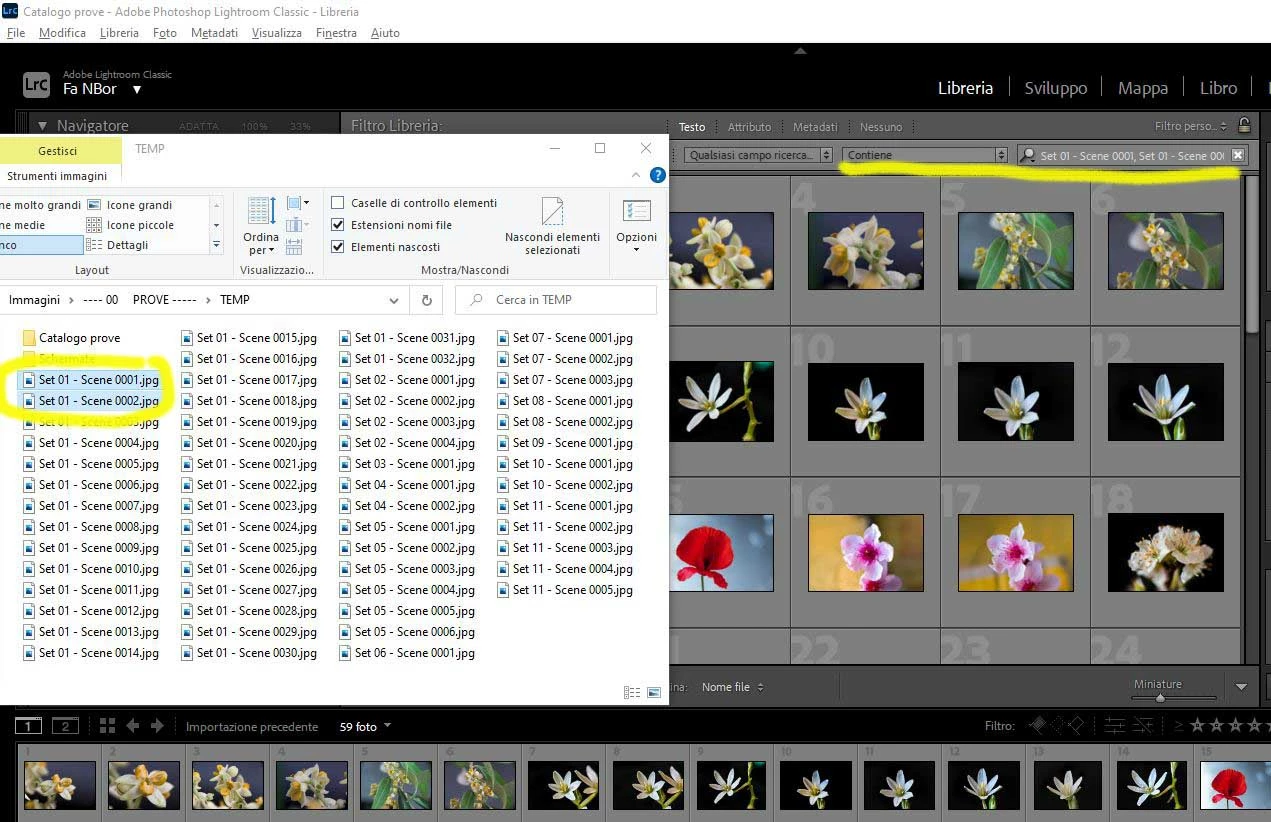
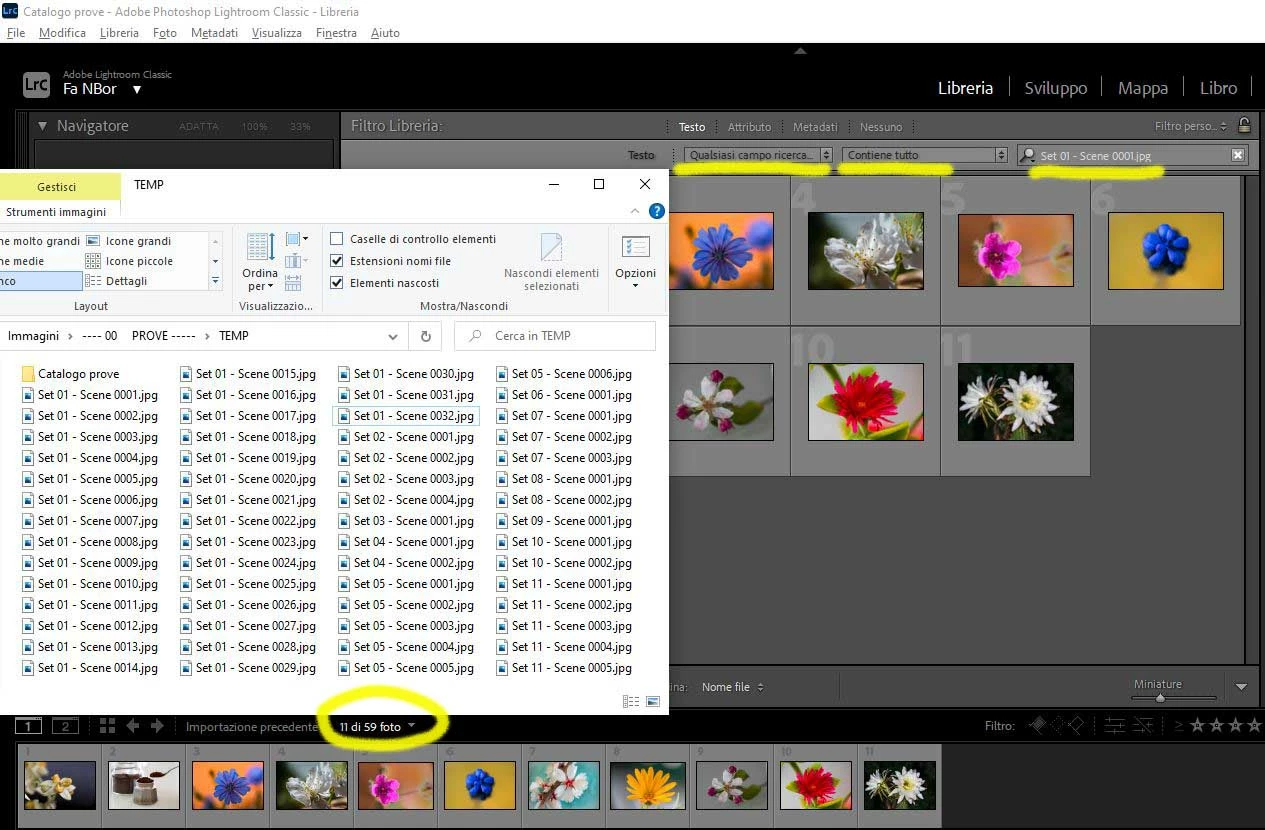
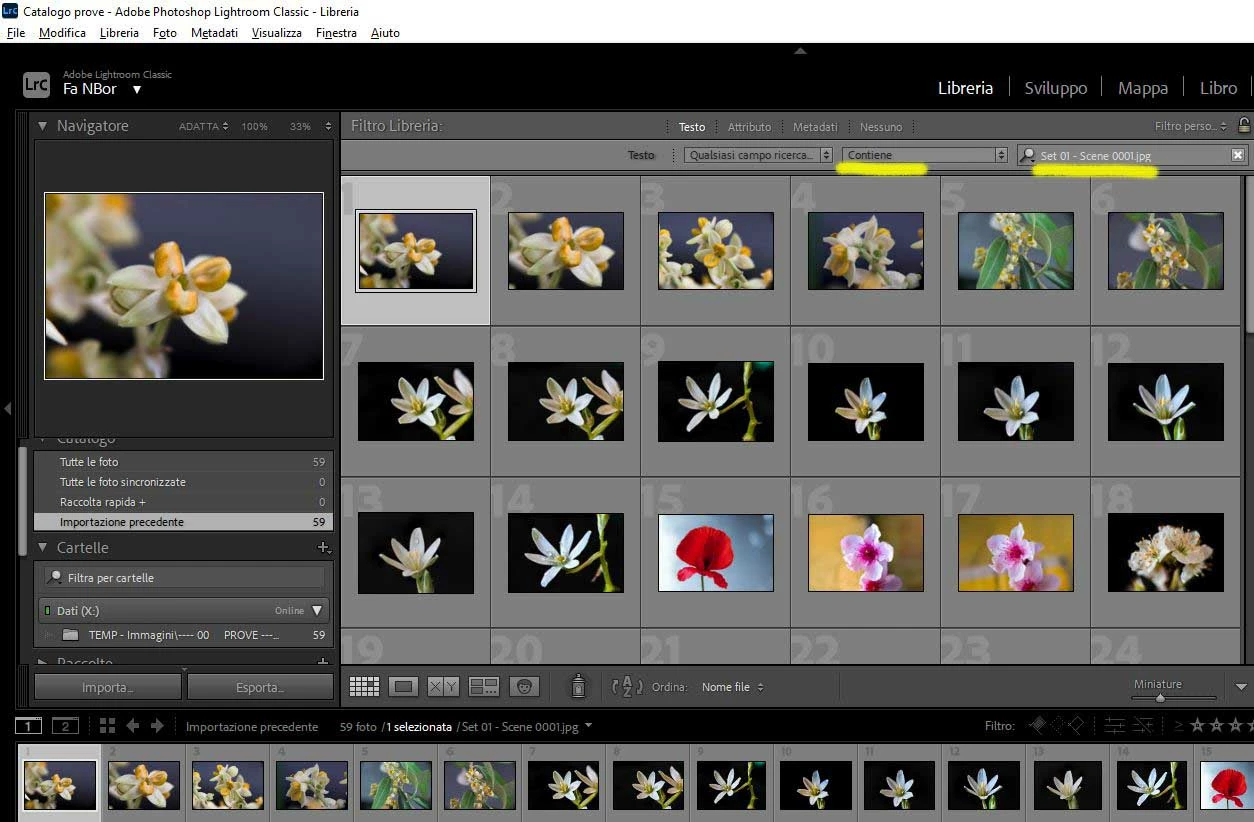
I'm a Pixieset user, and I'm searching to select multiple filename in my catalog. In "Library module", Filter by text, filename, I put filename(s) in the search box (following Adobe help instructions). But it happens that choosing "Contain" LR will select the whole catalog, and choosing "Contain all" it will not select any photo (see screenshos)

For this example I choose a filenaming format "Set nn - Scene nnnn". Where is my mistake?
This topic has been closed for replies.

1 reply

@MNiessenPhoto
Legend
October 10, 2021

Hi Fabri,

Not 100% sure what happens when you search with "contains all" and just one file name, but I assume the problem is the spaces in the filenames. This is definitely why is shows everything when you select "contains".

Set 01 - Scene 0001.jpg  and contains will match everything with Set or 01 or Scene, etc...

With, say, underscore instead of spaces, you could easily search Set_nn_Scene_nnnn.jpg  (or any part thereof) and it would work without any problem. You could also search multiples filenames or parts (separated by a space, not a comma).

Lightroom is far from the only software that struggles with spaces in filenames, that's why in IT we always try to avoid them. I wouldn't go as far as to say that spaces are evil, but they're close enough 😉

I think there are plugins that can help with searches with spaces, but my advice woud be to simply rename the files (easy enough to do in batch with Library > Rename Photos... or the F2 key) to remove the spaces, and stop using them when importing new pictures.

Hope that helps,

Michael

_____________

Michael Niessen - Photographer, photo-editor, educator ([moderator deleted the URL from the signature. Kindly note that URLs in the signature may be considered as spam])


Photo-editing (Ps/Lr/LrC) and photography workshops & one-on-one training (off- and online)
Participant
October 10, 2021

Hi Michael

I know IT problems with spaces but I know also that there are lots of utility that manage them fine. And I can't believe that Adobe cannot manage spaces in filenames (and/or keywords?) and it's ignoring a world standard filenaming adopted so far 😞

I can't believe also that I have to rename thousands and thousands of files

In addition of that, pixieset doesn't say nothing about this, and return a filelist comma separated. But the service remove spaces from filenames...

It says simply: "Open up Lightroom and select Library > Find from the menu. Make sure the following search settings are chosen: Any Searchable Field and Contains. Paste the pre-formatted list of filenames into the Library search box. Lightroom will then quickly pull up all the images matching the filenames listed."

Thanks for your help

Fabri