
Known Participant
November 11, 2022
Question

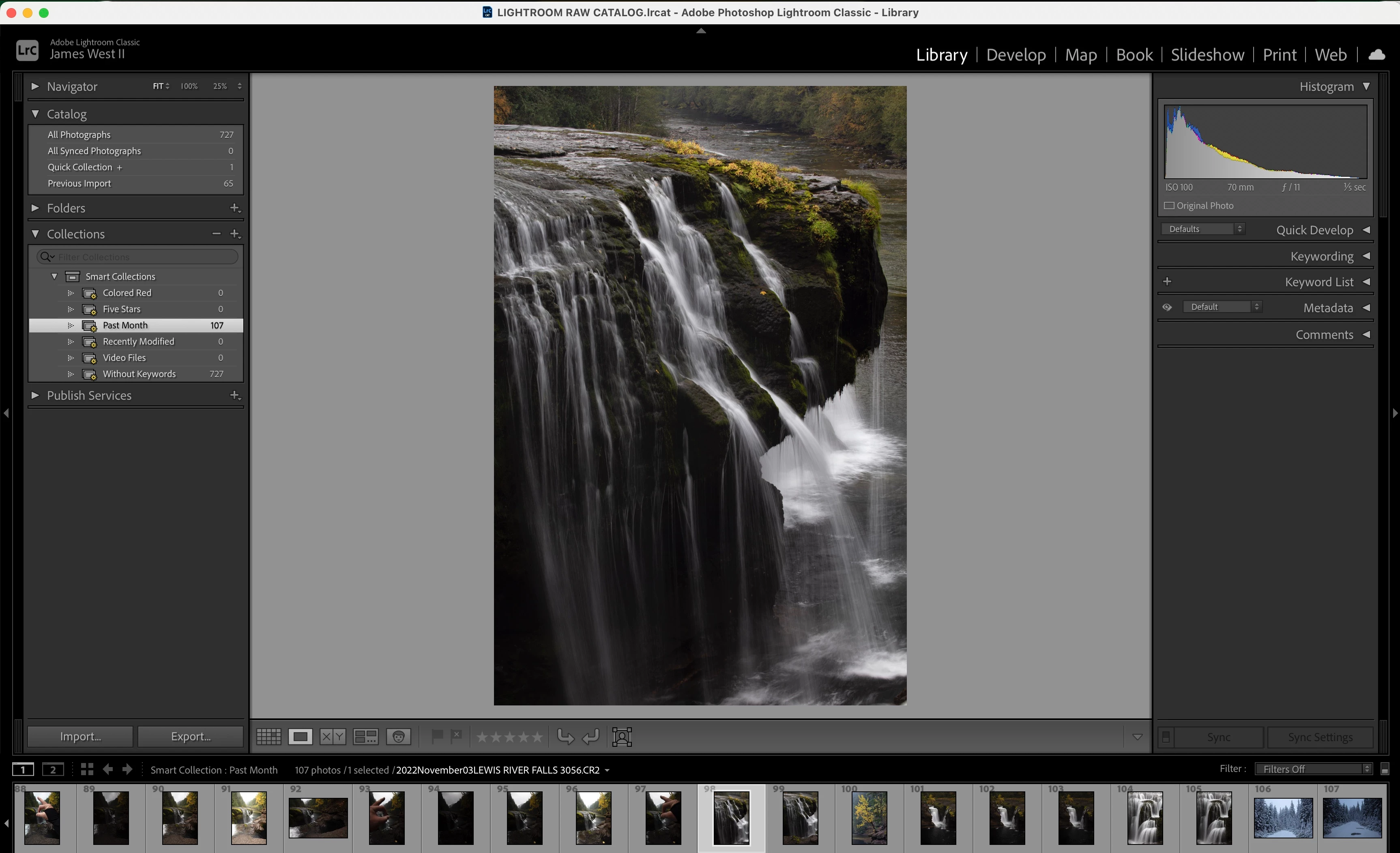
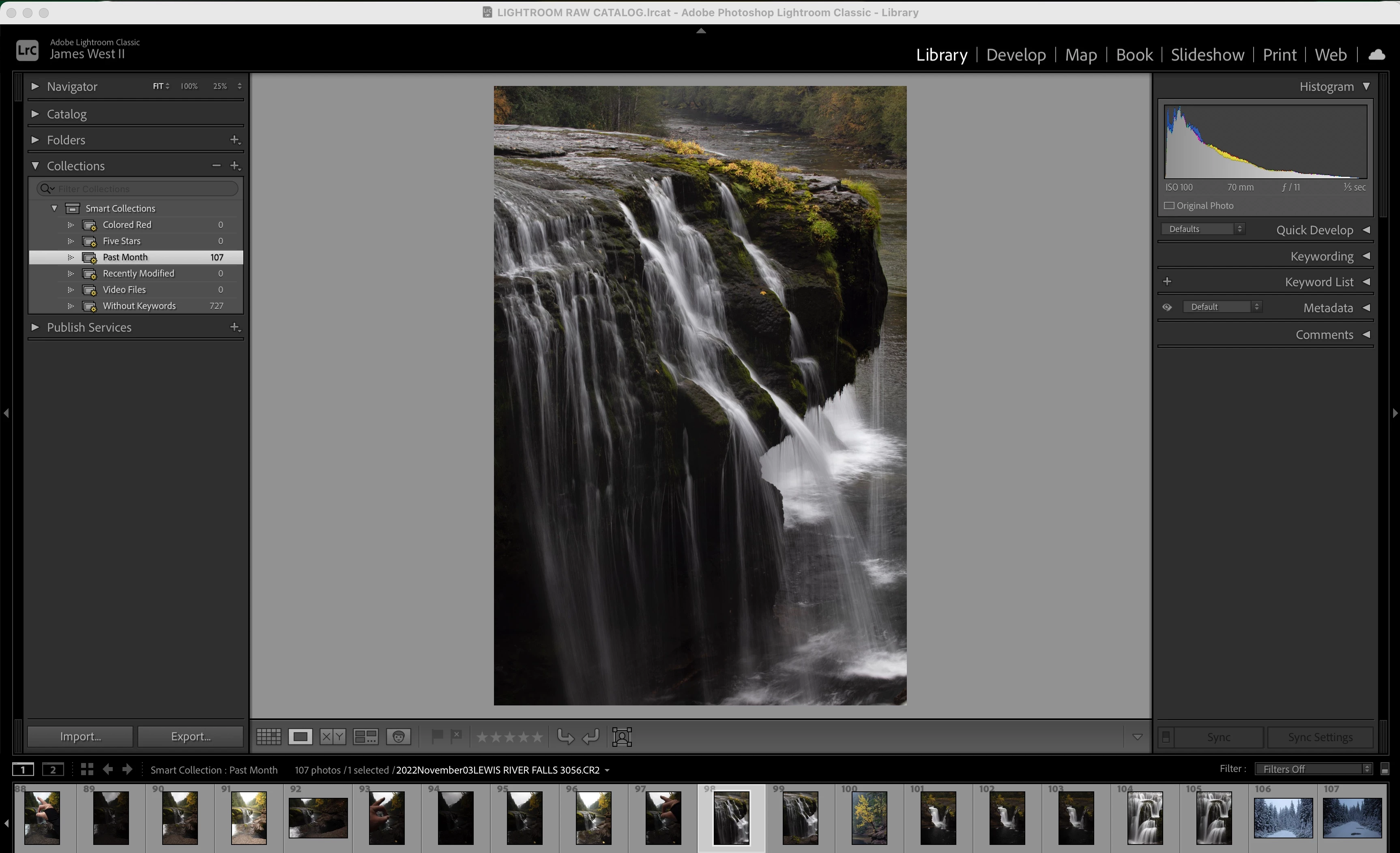
Smart collections ( Last Month)

  • November 11, 2022
  • 1 reply
  • 838 views

I have a total of 29 imports, and my last two imports are one import of 42 and then one more of 65 images for a total of 107 that for some reason are showing up under past month in collections and I have no idea how they got into collections because every import I have done exactly the same since the beginning and I have never added a keyword or a flag to any images. The total number of images for all imports is 727 which under collections it says there's 727 without keywords.
 

This topic has been closed for replies.

1 reply

Rob_Cullen
Community Expert
Community Expert
November 11, 2022

The 'Past Month' Smart Collection in my systerm looks for photos CAPTURED by the camera in the past month.

[Right-Click] your 'Past Month' to edit and check its parameters.


Photos "get into" a Smart Collection IF the metadata of the photo matches the requirements of the Smart Collection.

Smart Collections are 'dynamic'- they automatically display photos that match the criteria defined in the SC.


"Never added Keywords or Flags"-  So if you have never added Keywords then the SC "without keywords" will find ALL of your photos in the Library


There is only one 'Collection' [Previous Import] that indicates the number of files imported, and it changes with each import process to indicate only the last import.-

And another comment- Collections (any kind) are only lists of photos created for a purpose (Smart, Standard, Book, Print, etc). Your photo files are stored in FOLDERS. Open the Folder Panel to see where your photos are on your Hard-drive.


Regards. My System: Windows-11, Lightroom-Classic 15.1.1, Photoshop 27.3.1, ACR 18.1.1, Lightroom 9.0, Lr-iOS 10.4.0, Bridge 16.0.2 .
Known Participant
November 11, 2022

So nothing strange happened then? It's simply showing what has been imported in the last month? I've never looked down in collections in the last month or so since I did my first import then I see this today and thought I did something wrong. I always see previous import but the collection thing had me confused.


To confirm a question I had yesterday, since I don't use the default catalog that LRC put into my pictures folder on my MacBook but instead use the new one I created onto my External SSD which has all my images and my catalog, can I delete the one on my Mac along with all its folders, etc without causing harm to my actual used catalog on External SSD?


 Thank you.

Rob_Cullen
Community Expert
Community Expert
November 11, 2022

"It's simply showing what has been imported in the last month? "

NO- It is showing photos Captured in the camera in the past month.! ie. 'Taken' in the past month.


"can I delete the one on my Mac along with all its folders, etc without causing harm to my actual used catalog on External SSD?

Yes, with caution, that you are not also deleting photo files.

And you must create Backup Copies of the External SSD Catalog (and photos) to another hard-drive to be able to restore in the event the External SSD fails.


Regards. My System: Windows-11, Lightroom-Classic 15.1.1, Photoshop 27.3.1, ACR 18.1.1, Lightroom 9.0, Lr-iOS 10.4.0, Bridge 16.0.2 .