


[Solved] IPHONE to Lightroom Classic Import on Catalina OS: No Photos Found Error
Hi -
I got a new Iphone 11 & I want to import photo taken with my Iphone to my Lightroom Classic catalog via USB. My old phone works, but not my new phone.
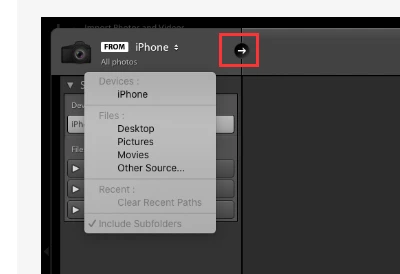
Issue: When I connect the phone to lightroom classic to import via USB, I can select the iphone, but lightroom says 'no photos found'.
So far I have tried the following with no sucess:
1) Adjusting Iphone settings: settings > photo > tranfer to mac or pic > I selected both 'automatic' and 'keep originals'
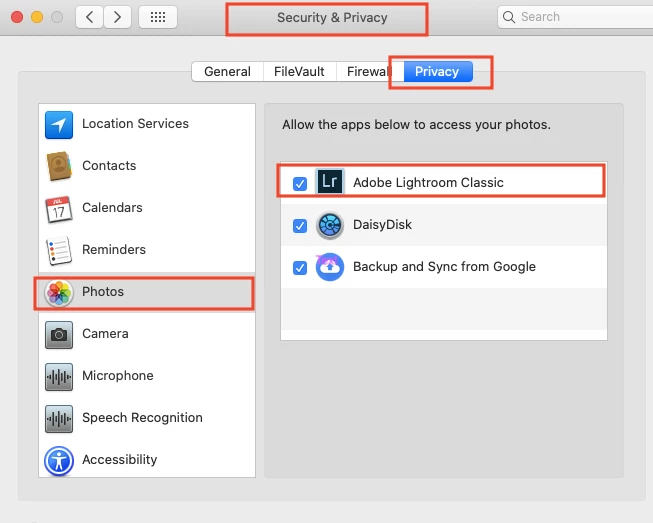
2) Resetting Trust & Location information per "known adobe issues" - https://helpx.adobe.com/lightroom-cc/kb/known-issues.html
3) Rebooted machine and iphone with new settings
Any ideas?
I am using:
- Iphone 11 Pro Max, ios 13.3
- Lightroom Classic 9.1, Camera Raw 12.1 - Mac Catalina 10.15.2
EDIT: Transfer via cloud and CC is too slow for me - 30 photos/1-2 GB takes 24 hours, hence the interest in a direct transfer
Thank you!
Sarah
 AdChoices