



Answered
some export operations were not performed
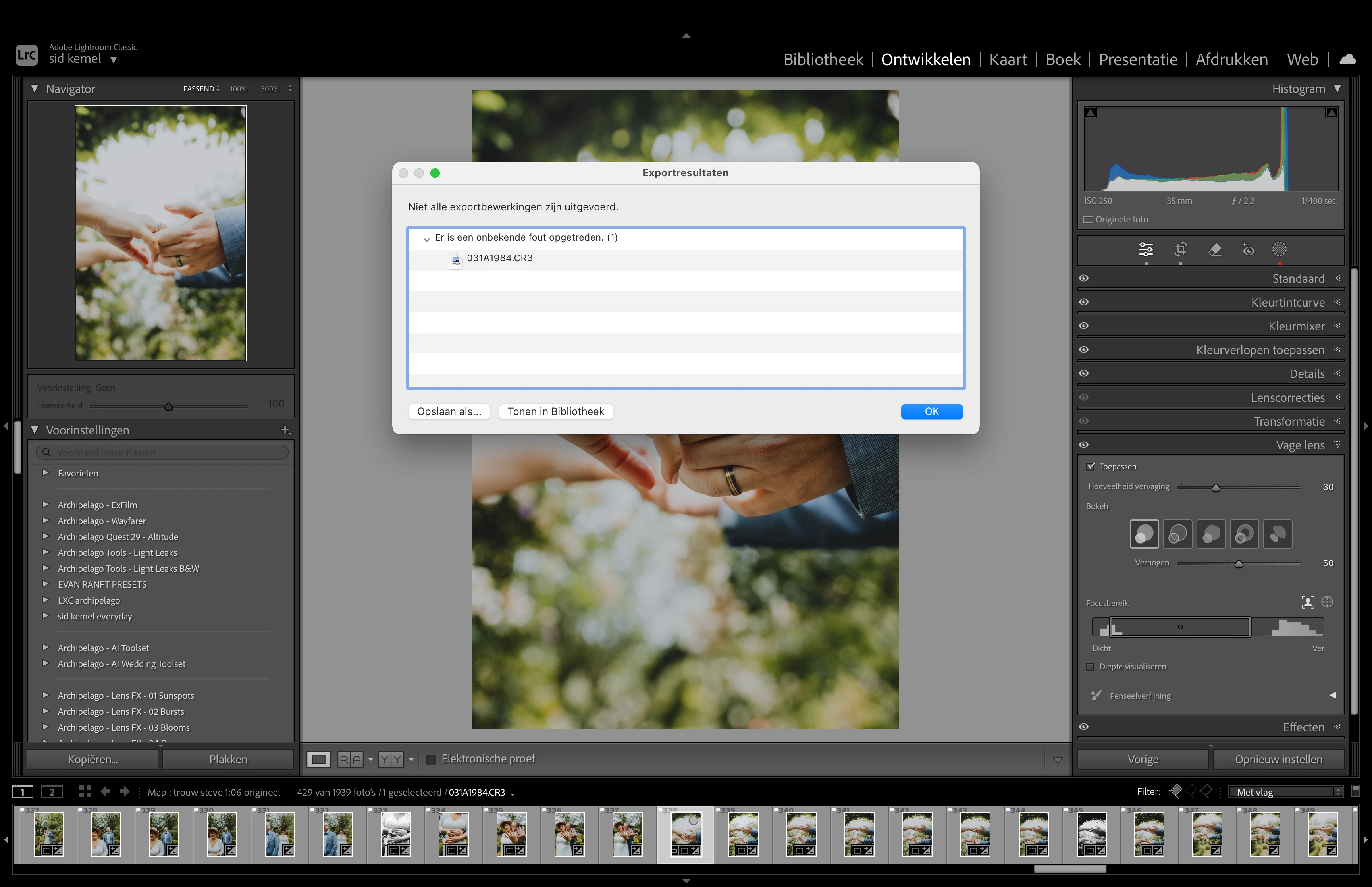
For everyone who gets this error message while exporting photos:
"Some export operations were not performed."
I found out that I can export normally when I delete my AI mask. Alternatively, if you disable AI lens blur, you can also export without issues.
Here's how I fixed my problem:
- I changed the GPU settings in Lightroom from 'Automatic' to 'Custom'.
- Then, I checked the option 'Use GPU for export'.
Hope this helps!
 AdChoices