Participant
December 27, 2023
Question

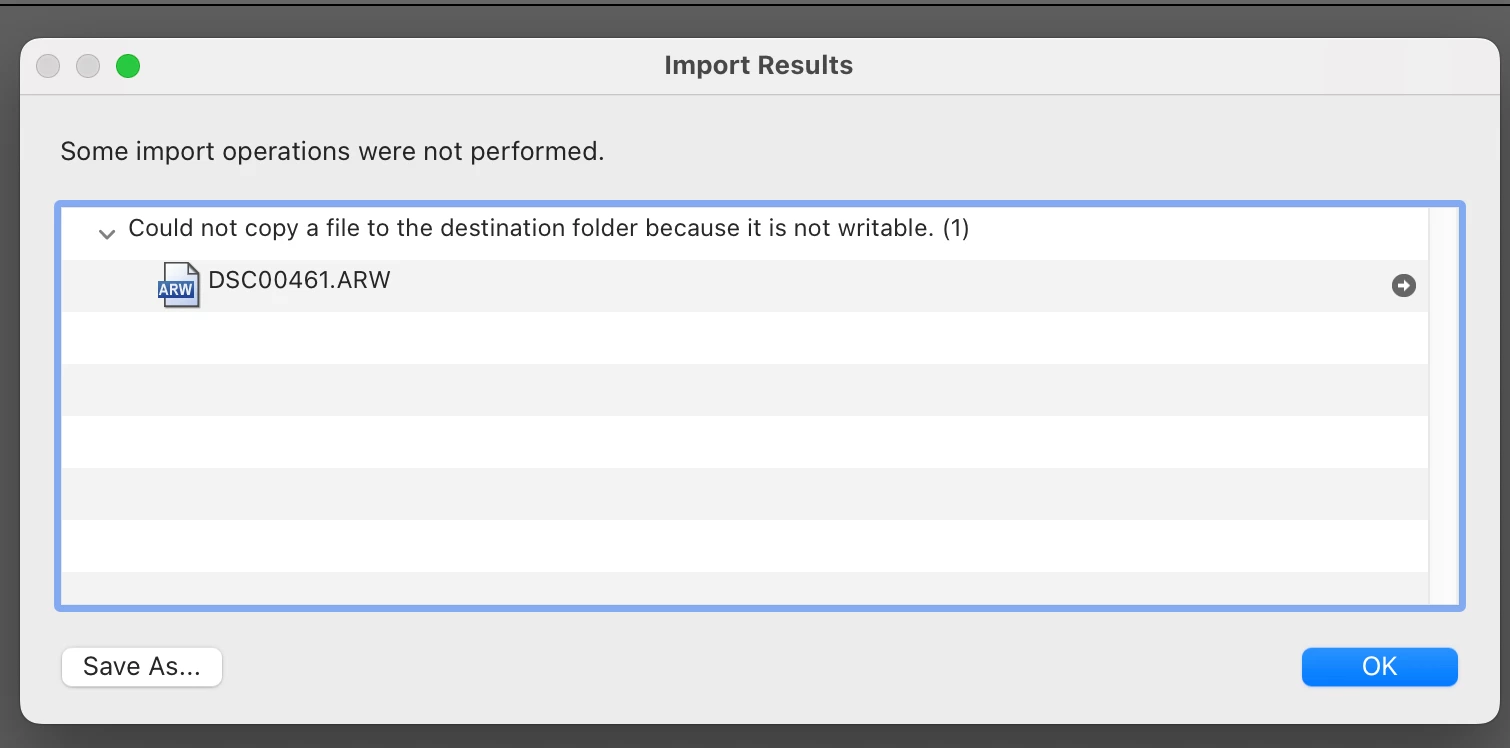
Some import operations were not performed

  • December 27, 2023
  • 1 reply
  • 1149 views

Hello, I am here to report a bug i have experienced a couple months when I try to import a raw file to LRC 

  • App Version: I am using LRC 13.1  Camera RAW 16.2

  • OS Version: MacOS Sonoma Version 14.2.1

  • Steps to Reproduce:

    1. Open the app.
    2. Perform import operation copy on a Sony RAW file (DSC00461.ARW)
  • Result: An error would appear saying, "Could not copy a file to the destination folder because it is not writable."
  • Additional Information:


[moved from bugs to discussions according to the community rules - Mod.]

1 reply

F. McLion
Community Expert
Community Expert
December 27, 2023
--- Got your issue resolved? Please label the response as 'Correct Answer' to help your fellow community members find a solution to similar problems. ---
Participant
December 28, 2023

Thanks for the suggestion. I read it, but the problem was that an error would appear saying, "Could not copy a file to the destination folder because it is not writable."

AxelMatt
Community Expert
Community Expert
December 28, 2023
quote

... but the problem was that an error would appear saying, "Could not copy a file to the destination folder because it is not writable."


By @Raul Mendoza Jr Espinoza


Yes, and the error message "... it is not writable." means the appropriate access rights for write access appears to be missing. The appropriate streps to check and solve this issue are described in the linked document.


My System: Intel i7-8700K - 64GB RAM - NVidia Geforce RTX 3060 - Windows 11 Pro 25H2 -- LR-Classic 15 - Photoshop 27 - Nik Collection 8 - PureRAW 5 - Topaz Photo