Participant
May 21, 2024
Answered

Strange masking behaviour (yellow cast)

  • May 21, 2024
  • 4 replies
  • 570 views

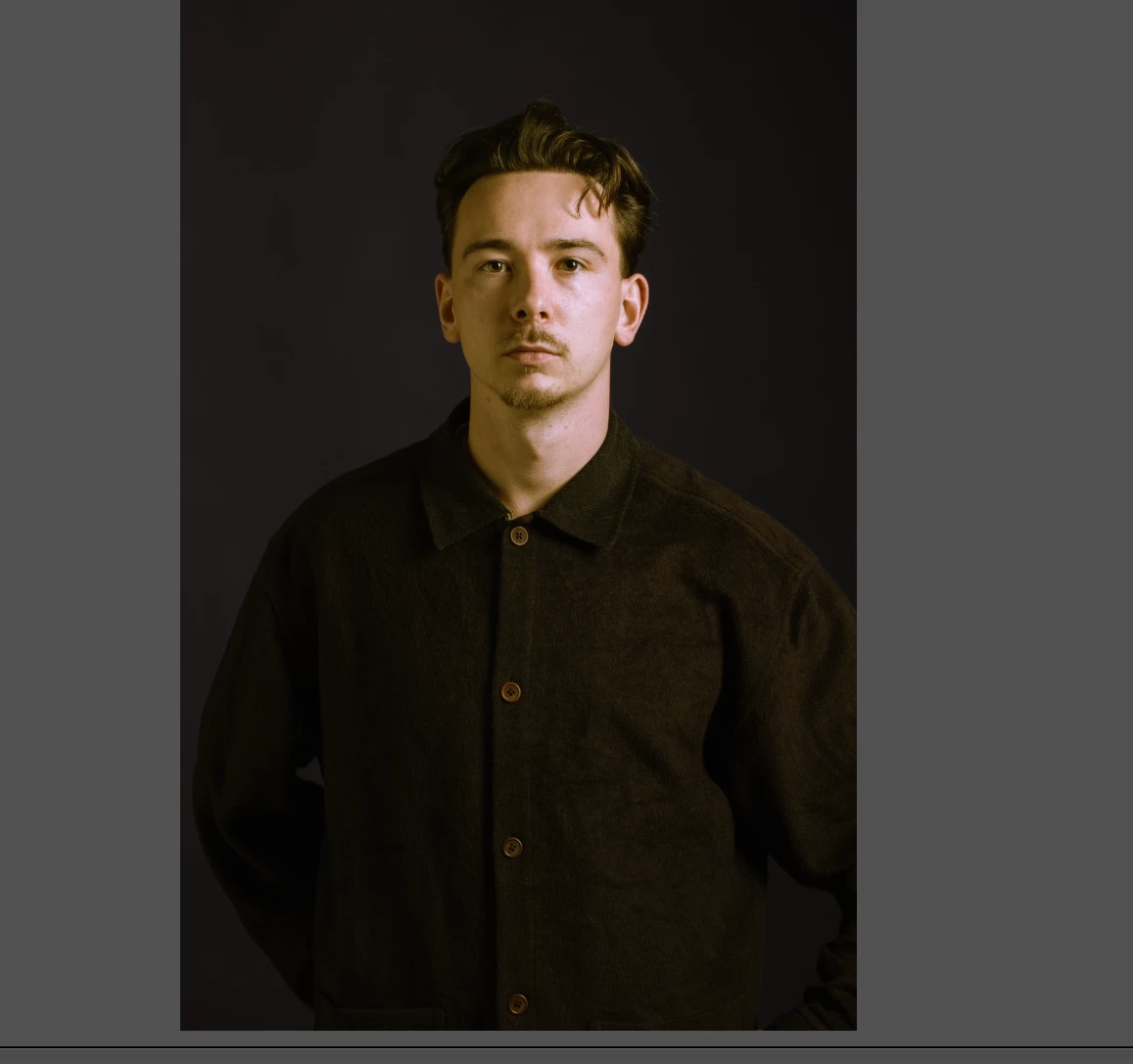
When I place a mask in a photograph is place a yellow sheem over the masked aria.
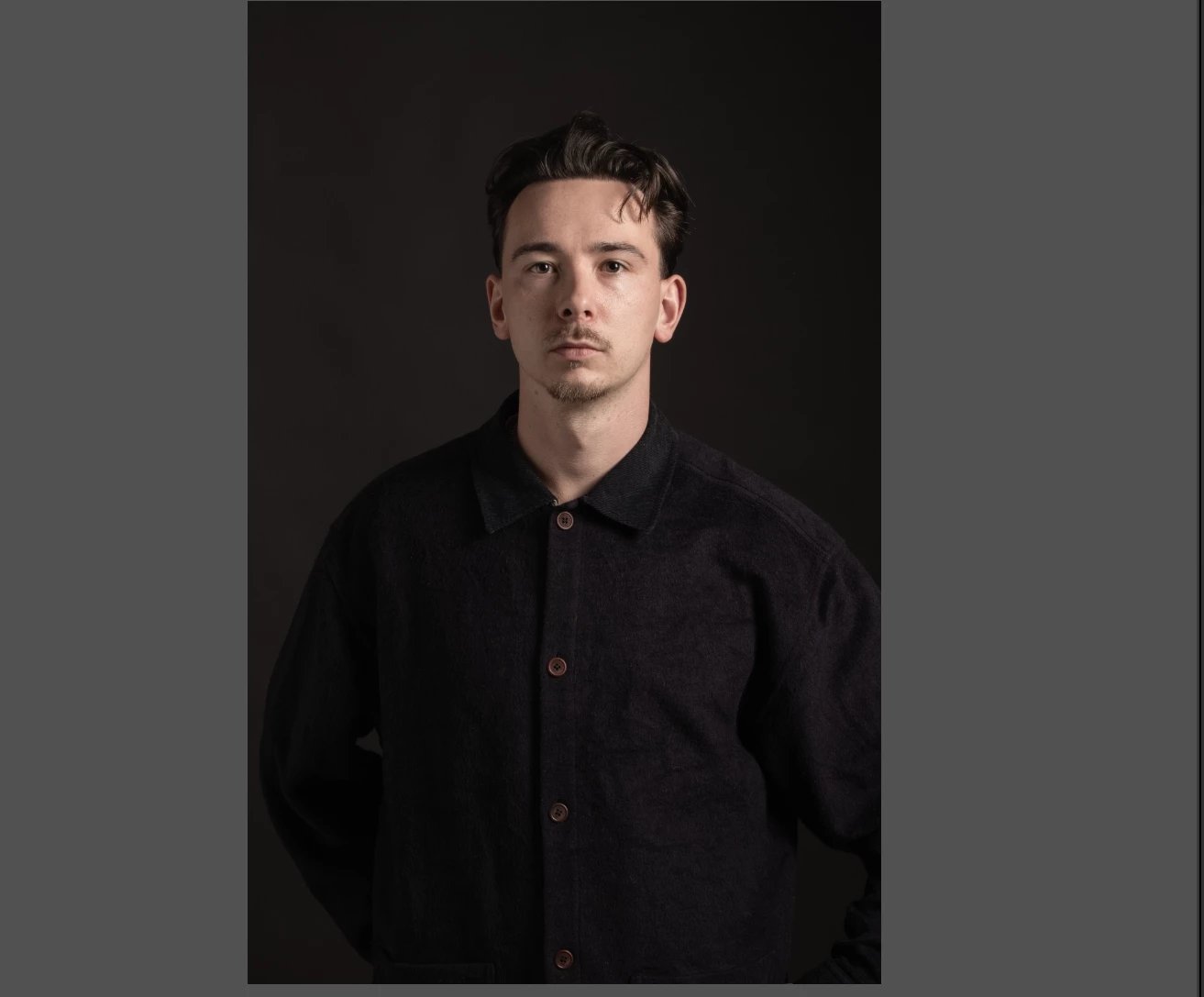
 

it is not the overlay colour which is red in my case. There are no presets active on masking as far as I know.

I work on an Apple Mac Book pro 16" M2 and Lightroom 13.3 as of today but this issue was there on previous updates as well. Anyone have a guess what's going on and how I can fix it?
This topic has been closed for replies.
Correct answer richardplondon

You may be 'inheriting' some previously changed default for the adjustments.


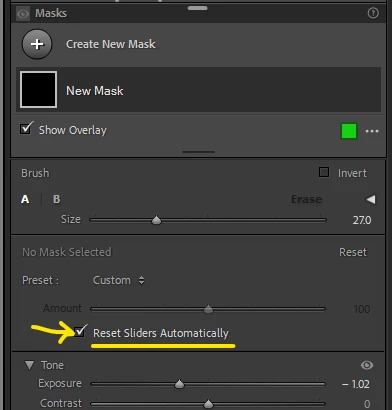
A checkbox in the Masks panel can automatically reset everything for each new mask you create.


In the screenshot above, I had previously changed default adjustments to include -1.02 stop Exposure (and possibly other changes too), so that was what I automatically got for this newly made mask. Just before making the screenshot I turned on the option highlighted in yellow. So now for the next new mask I make, I can be certain its Exposure will begin at 0 - and so will all its other adjustment sliders.

4 replies

LuiKay80
Participant
May 23, 2024

Check the curves on the mask, they don't tend to reset...

richardplondonCommunity ExpertCorrect answer
Community Expert
May 22, 2024

You may be 'inheriting' some previously changed default for the adjustments.


A checkbox in the Masks panel can automatically reset everything for each new mask you create.


In the screenshot above, I had previously changed default adjustments to include -1.02 stop Exposure (and possibly other changes too), so that was what I automatically got for this newly made mask. Just before making the screenshot I turned on the option highlighted in yellow. So now for the next new mask I make, I can be certain its Exposure will begin at 0 - and so will all its other adjustment sliders.

Community Expert
May 24, 2024

I should have also mentioned, there is a Reset button that can be clicked to re-initialise all adjustments for a given mask.

jpordonAuthor
Participant
May 21, 2024
Thank you. By the way: it should read Strange in stead of Trange.


Met vriendelijke groeten,

Johan Pordon


kglad
Community Expert
Community Expert
May 21, 2024

in the future, to find the best place to post your message, use the list here, https://community.adobe.com/

p.s. i don't think the adobe website, and forums in particular, are easy to navigate, so don't spend a lot of time searching that forum list. do your best and we'll move the post (like this one has already been moved) if it helps you get responses.


<"moved from cc desktop bugs">