Participant
June 17, 2021
Question

Stuck at import LIghtroom CC

  • June 17, 2021
  • 3 replies
  • 325 views

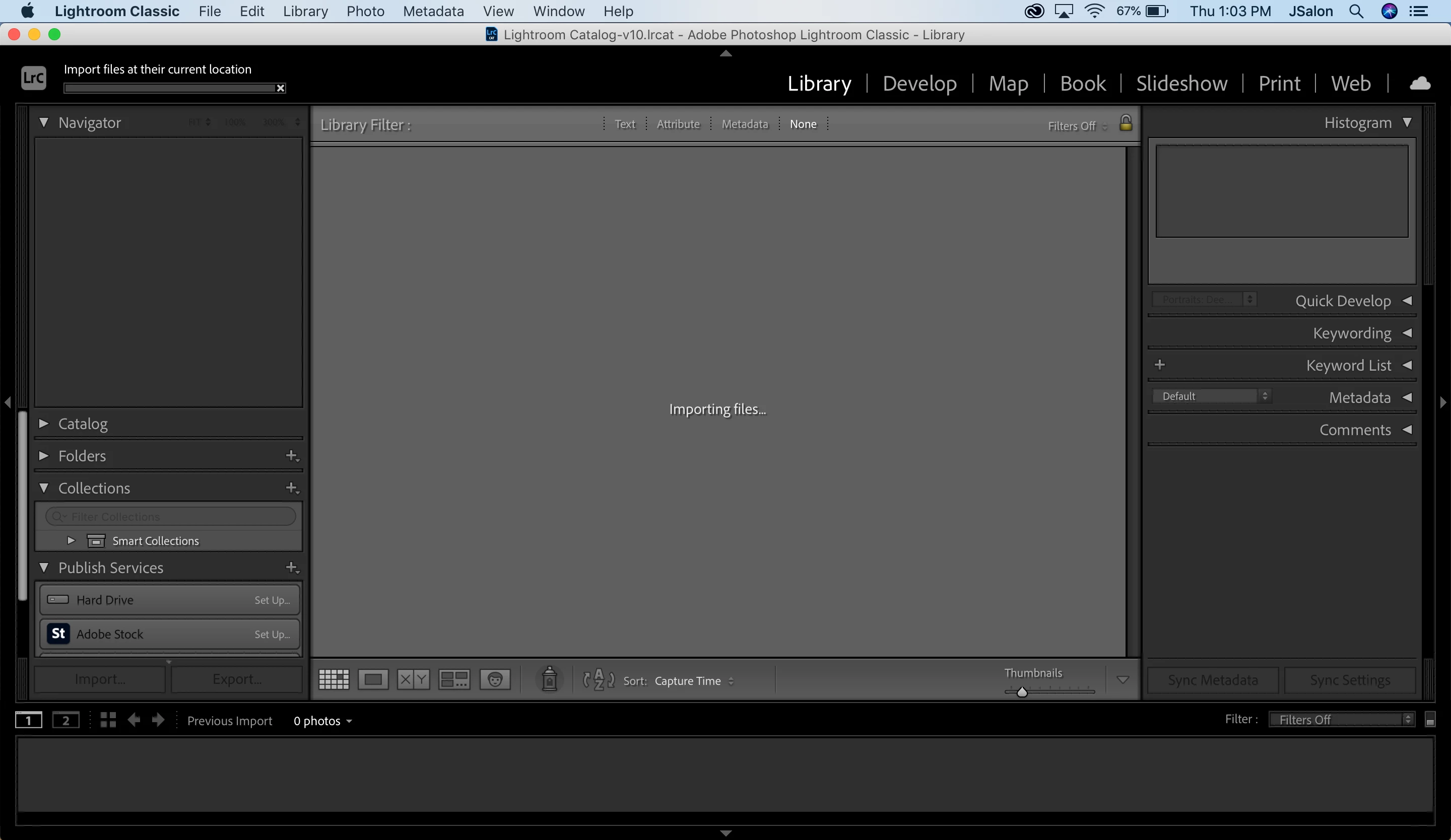
Trying to import files, but nothing is happening. Stuck at the "importing files" screen for over an hour. Logged out, logged in, restarted my laptop -- nothing.

This topic has been closed for replies.

3 replies

Participant
June 18, 2021

I too have the same problem following updating to LRC 10.3 today. Import dialogue box comes up, select the folder on the LHS and nothing further happens, no files are displayed. This is on a Windows 10 (19041.1052) on a i7-9750h, 16GB, Geforce RTX. No error messages. I have also tried import into a brand new catalog and same import problem occurs, irrespective of file type (tried  raw and jpg separately) and location (main data hard drive with no external drives attached, or when importing attempted from an external drive). Contacted Adobe and just got told to revert to an earlier version of LrC.

Participant
June 18, 2021

Well I don't know why Adobe couldn't have suggested this when I asked, but resetting preferences fixed the import problem.


DdeGannes
Community Expert
Community Expert
June 18, 2021

You need to supply the info requested by dj_paige.
Also, your screen capture does not show the source location, drive, folder, you are trying to import images from?

Regards, Denis: iMac 27” mid-2015, macOS 11.7.10 Big Sur; 2TB SSD, 24 GB Ram, GPU 2 GB; LrC 12.5,; Lr 6.5, PS 24.7,; ACR 15.5,; (also Laptop Win 11, ver 24H2, LrC 15.0.1, PS 27.0; ) Camera Oly OM-D E-M1.
dj_paige
Legend
June 17, 2021

Please provide the following basic information: