
Answered
Tethering Sony to Pc
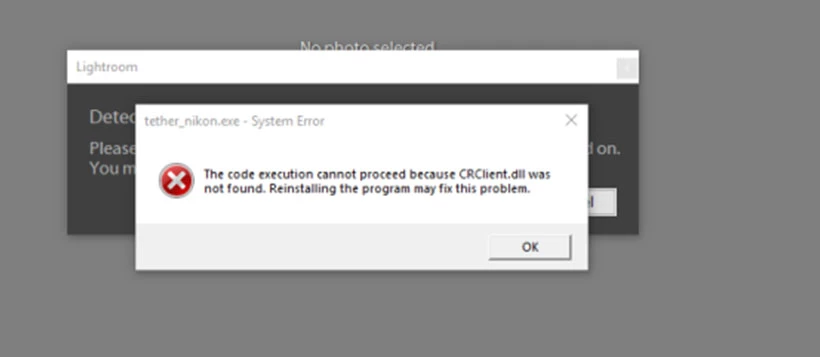
I wondered this message will tell what I'm doing wrong.?
Cable is MICRO-B 5-PIN
Sony A7r
USB set to PC remote,
After this message camera showed CONNECTING but nothing happened.
Little advice PLEASE,
James

I wondered this message will tell what I'm doing wrong.?
Cable is MICRO-B 5-PIN
Sony A7r
USB set to PC remote,
After this message camera showed CONNECTING but nothing happened.
Little advice PLEASE,
James
Lightroom does not have the ability to tether from your Sony. A list of cameras that can be tethered to Lightroom Classic CC and Lightroom 6
You need to use the Sony Remote Camera Control Application to tether and save the images to a folder that will 'Auto-Import' into Lightroom. Step #5 at-
Already have an account? Login
Enter your E-mail address. We'll send you an e-mail with instructions to reset your password.
 AdChoices