We did a remote session to my screen, he has created a ticket number. It's confirmed a programming issue. So I can only cross my finger and hope they will do something.
This locked thread about lens profiles went wildly astray and contains misleading information that should be corrected. It's important to help the author @boisNgyrls and the other participants to understand what's really going on, but it's even more important to correct wrong information reportedly confirmed by Support so that others reading the thread aren't misled.
boisNgyrls provided these two screenshots of the Metadata panel and the Lens Correction panel:
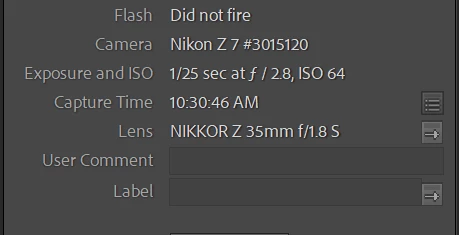
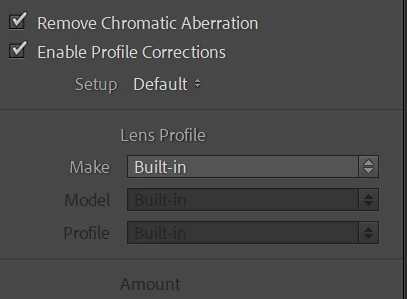
and wonders why, when Enable Profile Corrections is checked, the Lens Profile says Make: Built-in rather than automatically selecting a profile for the lens shown in the EXIF metadata.
I downloaded a sample image from dpreview.com from the same camera model (Nikon Z 7) with the same lens (NIKKOR Z 35mm f/1.8 S). The Metadata panel shows the same camera and lens information as in boisNgyrls' screenshot:
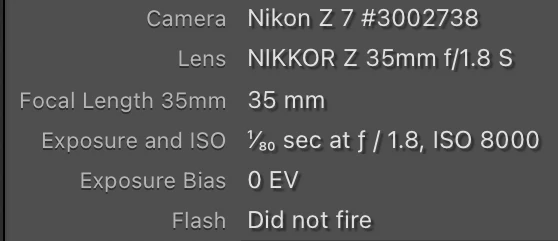
The Z 7 is a mirrorless camera, and for most mirrorless cameras, LR automatically applies the lens profile that the camera manufacturer embeds in the raw file. The Lens Corrections panel says, "(i) Built-in Lens Profile applied", and when you click on the "i", it gives more detail about the corrections applied by the built-in profile:
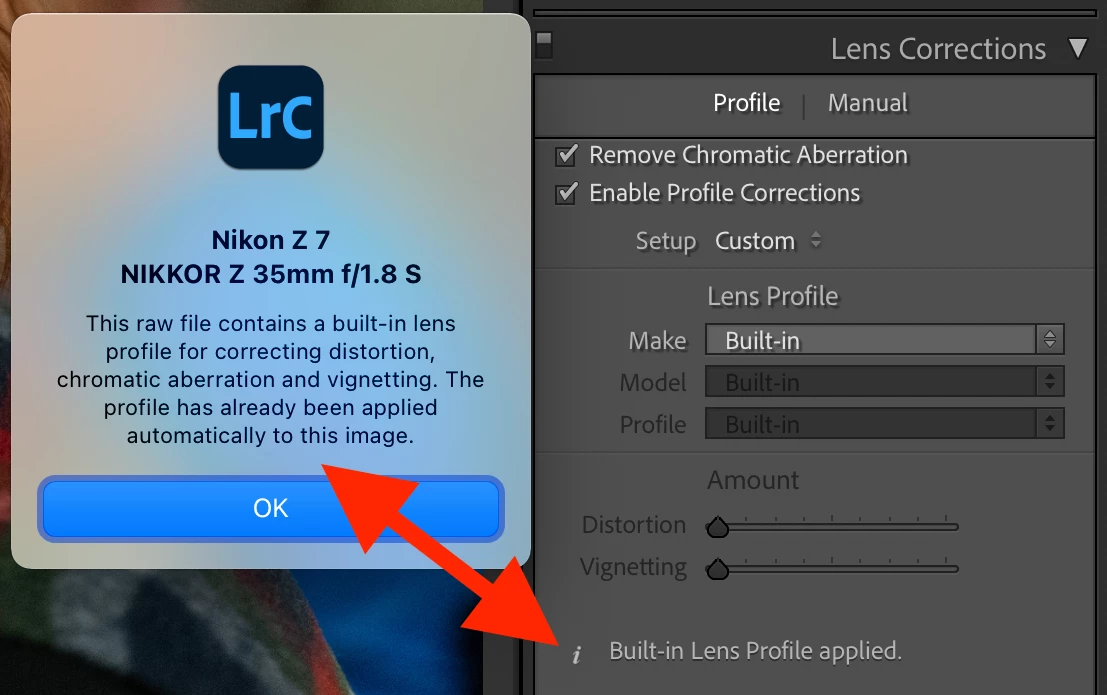
(boisNgyrls' screenshot crops out that message.)
For cameras supported by LR prior to version 9.4 (including the Z 7), it isn't possible to turn off the built-in lens profile (embedded in the raw file). For some cameras added in 9.4 and later (including the Z 7 II), you can disable the built-in profile.
Thus, for those cameras for which you can't turn off the built-in profile, there's no point in checking Enable Profile Corrections and manually selecting a lens profile, since that profile will applied on top of the built-in profile, with undesirable results.
Adding to the confusion, in boisNgyrls' last screenshot, boisNgyrls thinks that a lens profile for the NIKKOR Z 35mm f/1.8 S has been manually selected:
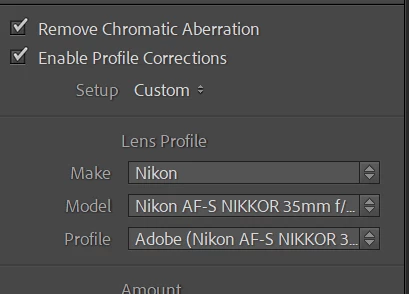
But that's for a different lens (Nikon AF-S NIKKOR 35mm f/1.8G ED). Adobe does not provide a lens profile for the NIKKOR Z 35mm f/1.8 S (or for any NIKKOR Z lenses):
https://helpx.adobe.com/camera-raw/kb/supported-lenses.html
Unfortunately, the relevant help page has never been updated with the changes made in 9.4 to allow built-in profiles to be turned off in some newer cameras:
https://helpx.adobe.com/x-productkb/multi/lens-profile-support.html#Cameraswithbuiltinlensprofilesupport


 AdChoices