
Participant
January 1, 2019
Question

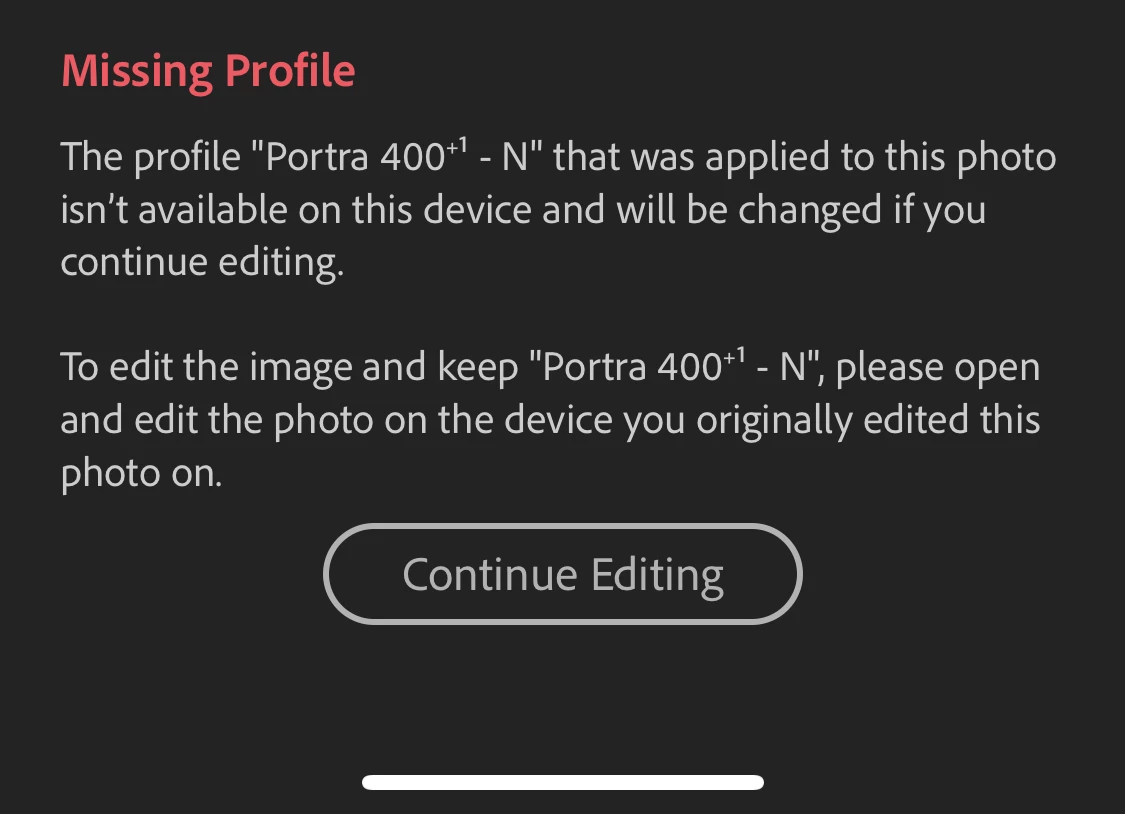
This profile is missing (VSCO Film)

  • January 1, 2019
  • 3 replies
  • 1710 views

Hello guys, I would love to use some of VSCO Film presets on my mobile phone but I am not able to share presets from LR Classic via Ligthroom CC to mobile version because of "This profile is missing" message. Can you help me how to solve this problem so I can use all my presets also on my mobile phone?

Mobile app
This topic has been closed for replies.

3 replies

GoldingD
Legend
January 2, 2019

Take a look at this (just now stumbled upon)

How to install Presets and Profiles in Lightroom CC

GoldingD
Legend
January 2, 2019

Ah,but you want them on your phone. Not familiar with the product, but were both Lightroom (on a computer) and iOs or other Mobile downloads included in the purchase?

GoldingD
Legend
January 2, 2019

Is this a develop preset or a profile reset? Profile resets added via Profiles on the right

mateschoAuthor
Participant
January 2, 2019

They're develop presets

Rob_Cullen
Community Expert
Community Expert
January 2, 2019

The problem is that it works before and I don't know where are the missing profile presets now. I know that I can import them but I am not able to find them. I have tried several times to import some files but nothing works.


Have you read the help files at VSCO?

I'm Seeing a "Missing Profiles" Error in Lightroom – The VSCO Help Center

Regards. My System: Windows-11, Lightroom-Classic 15.1.1, Photoshop 27.3.1, ACR 18.1.1, Lightroom 9.0, Lr-iOS 10.4.0, Bridge 16.0.2 .