
Trouble exporting with 'Date Taken' or Original "Created Date" instead of today's date
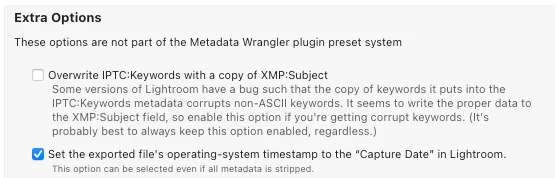
How can I overwrite the "Created Date" to keep the original date (either original Created Date or Date Taken) the file was created and not today's during the LrC export process?
I am exporting pictures on Windows 10 Lightroom Classic (23.5) and applying a 'limit file size' to reduce my iphone's photo library storage. I include "All metadata" in the LrC export process. In the new files that are created, the "Created Date" (which is the date iphones and computers use to order files chronologically by default) is today's date. The "Date Taken" (date taken applies to pictures taken with a camera only) is still there so I haven't lost the metadata during my export process.
How can I overwrite the "Created Date" to keep the original date (either original Created Date or Date Taken) the file was created and not today's during the LrC export process?
The other answers in this forum have been for computer users who are able to utalize their finder/file explorer's ordering system to view their pictures in their original capature dates, this isn't an option on iphone.
 AdChoices