
Participant
June 17, 2024
Question

Unable to import images

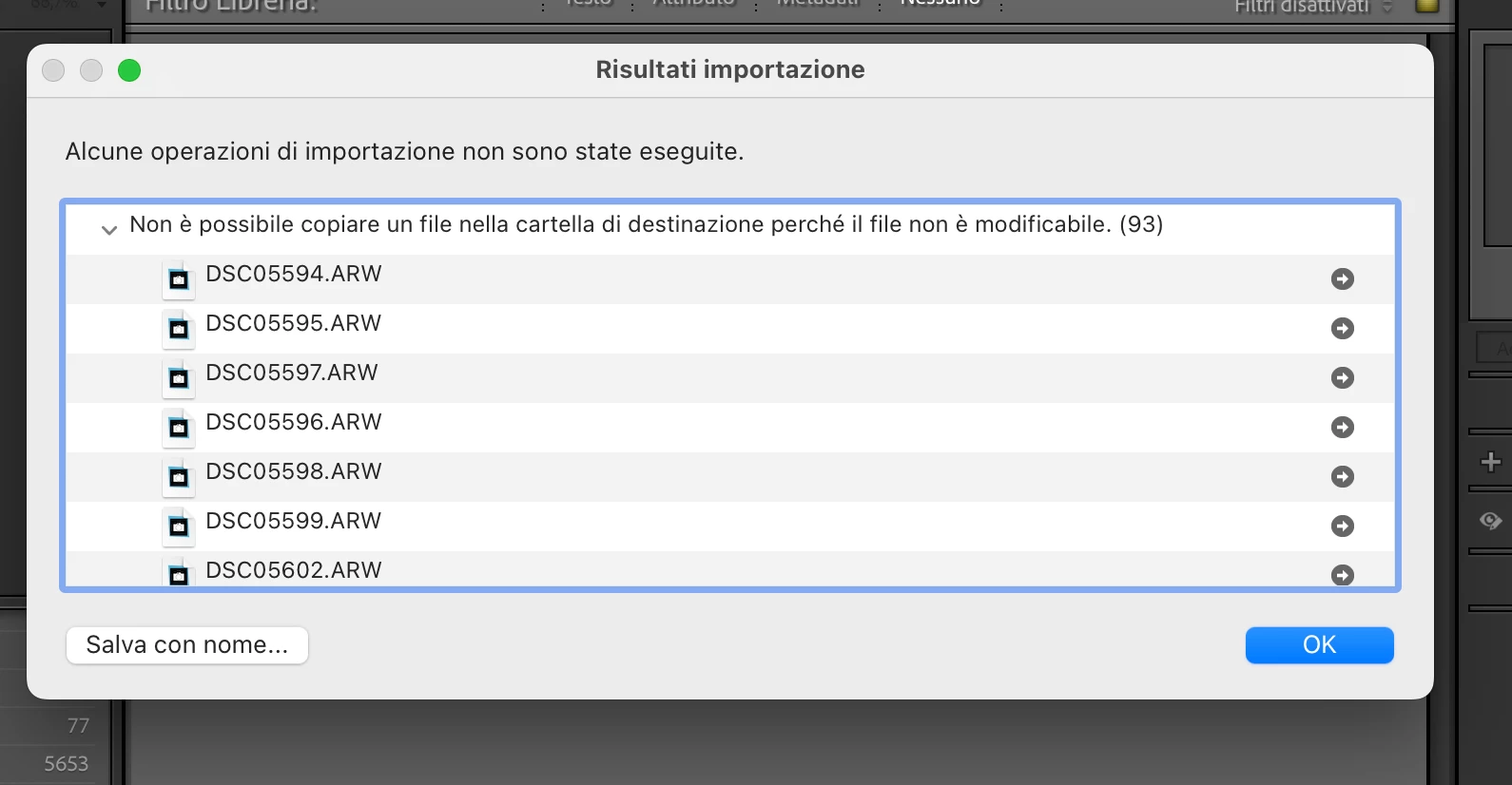
Lightroom classic fails to import images. I tried both from an SD card and from an external SSD disk: it continues to give me the same error: it is not possible to copy a file to the destination folder because the file cannot be modified.
I use Apple M1 with Sonoma 14.4.1 and Lighroom classic 13.3.1
Thanks for your help!
Ce sujet a été fermé aux réponses.

1 commentaire

Sameer K
Community Manager
Community Manager
July 1, 2024

Hey, @Nicolo30756663qmw9. Welcome to the Lightroom Community. I'll need more info to help you figure this out.

Please share the system info from Lightroom Help > System info > Copy & paste into a text document > upload & attach here.


Does this happen when you copy images to a specific location?

Ensure Lightroom Classic has the required permissions on macOS: https://adobe.ly/3VQgVZ8


Let me know how it goes. Thanks!
Sameer K