Answered
Upgrade to Lightroom CC 2015.12
1. I have got Creative Cloud 4.11.202
2. When I check for updates, it tells me that my Lightroom version: CC 2015.8 [ 1099473 ] is up to date
3. How do I update to Lightroom CC 2015.12 please????

1. I have got Creative Cloud 4.11.202
2. When I check for updates, it tells me that my Lightroom version: CC 2015.8 [ 1099473 ] is up to date
3. How do I update to Lightroom CC 2015.12 please????
Go Here:
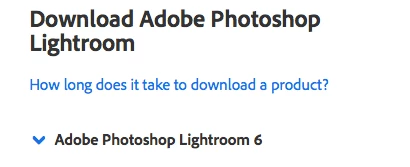
Click the arrow next to Adobe Photoshop Lightroom 6 to get a list of Lightroom Downloads for Mac or Windows. It says Lightroom 6 but it is the same software as Lightroom CC 2015. I had the same problem on my Mac.
Already have an account? Login
Enter your E-mail address. We'll send you an e-mail with instructions to reset your password.
 AdChoices