
Answered
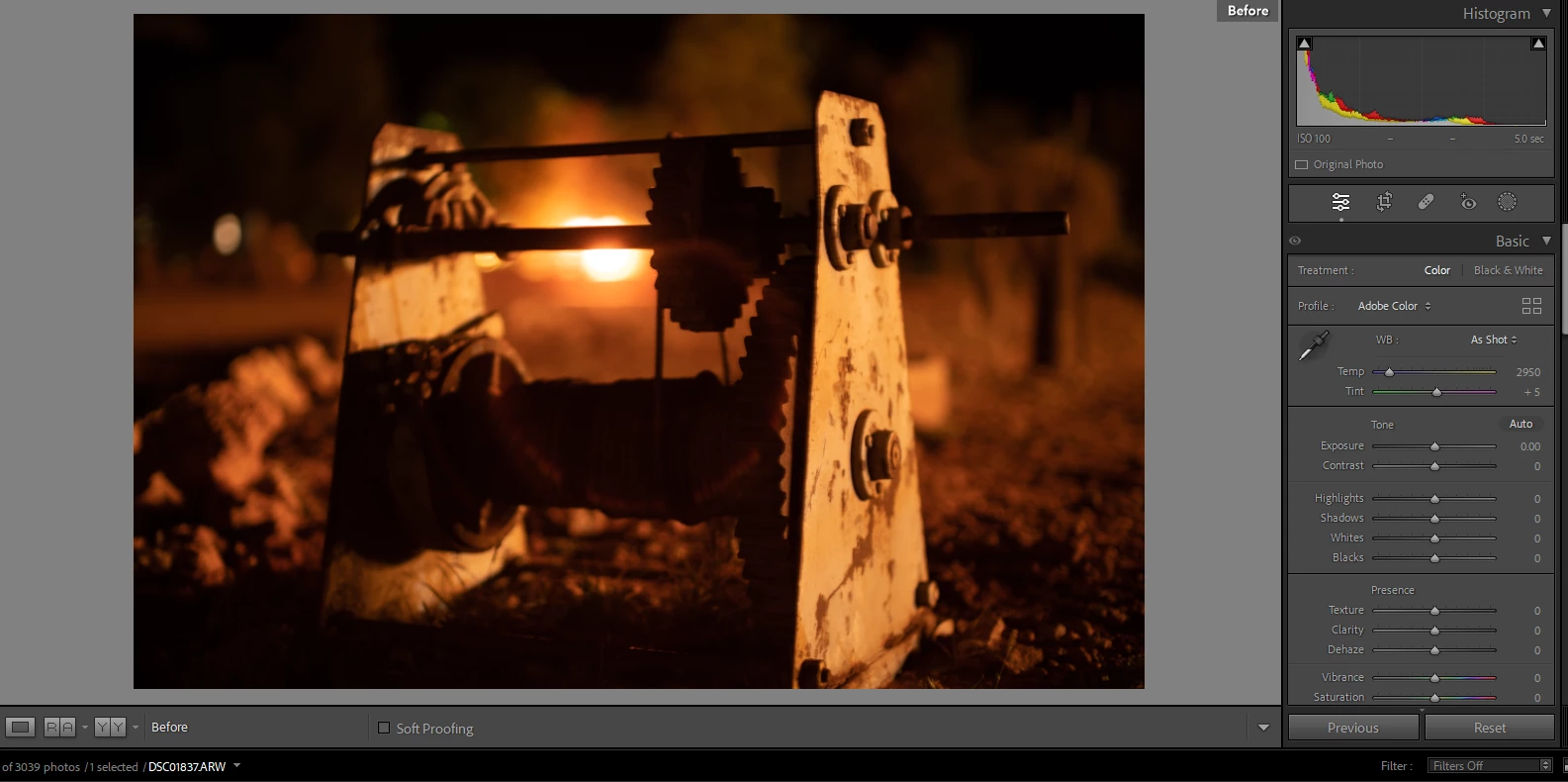
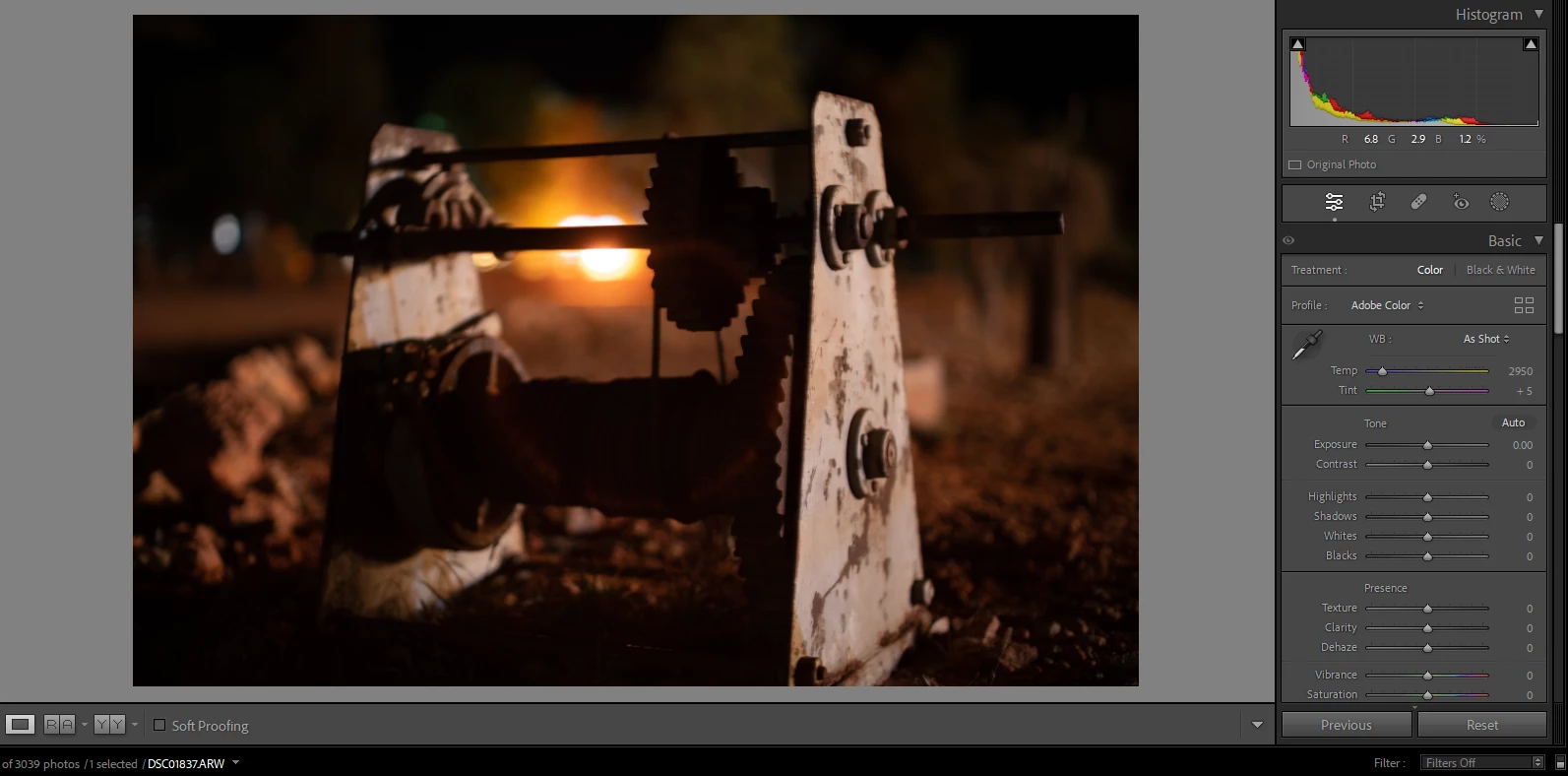
viewing before image has different colour temperature and tint
When I press \ to view the image before changes it shows the image with a different colour temperature and tint even when the image has not been edited.
It's only an issue for my most recent import and started partway through editing.
I have tried resetting the develop settings and also tried the Settings > Reset All Settings option.
Settings > Copy After's Settings to Before fixes it and so does Swap Before and After Settings, but I don't want to have to do that 500 times plus I'm sure there must be a better way.
Copy Before's Settings to After does nothing to either image.
I assume it's a setting but I have no idea and couldn't find anything online about this.
 AdChoices