
Where to find pixel count for a raw photo, and how to save as jpg under pixel maximum?
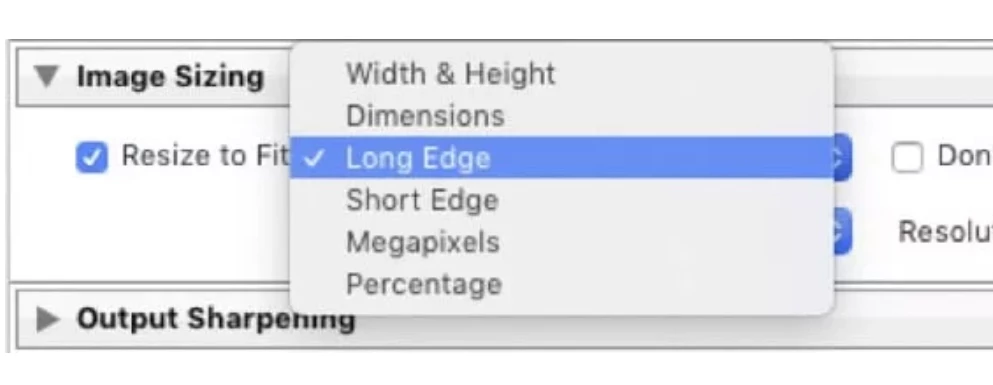
Under metadata in the Develop module, I don't see the total pixel count indicated for a raw photo that has been edited in Lightroom. To post to a specific site, I need to save certain photos as jpgs. These jpgs may not exceed either a maximum file size (easy to modify) or a maximum pixel count. Using the Lightroom export function to save as jpgs in my Macbook Pictures folder, I can specify maximum file size, pixels per inch, or quality. But I don't see a maximum pixel count specifiction, and I'm being told repeatedly by the external website that the file is too big even when reducing the pixels per inch or file size way down (file size less than half the website's specification)...so low in some cases that I'm told there's not enough detail to save the photo as a jpg!
Granted this question involves both Lightroom and Mac Pictures, but any thoughts or suggestions?
 AdChoices