Participant
November 6, 2020
Question

White Balance 1-point change Makes Massive color and tonal change in newest Version

  • November 6, 2020
  • 3 replies
  • 236 views

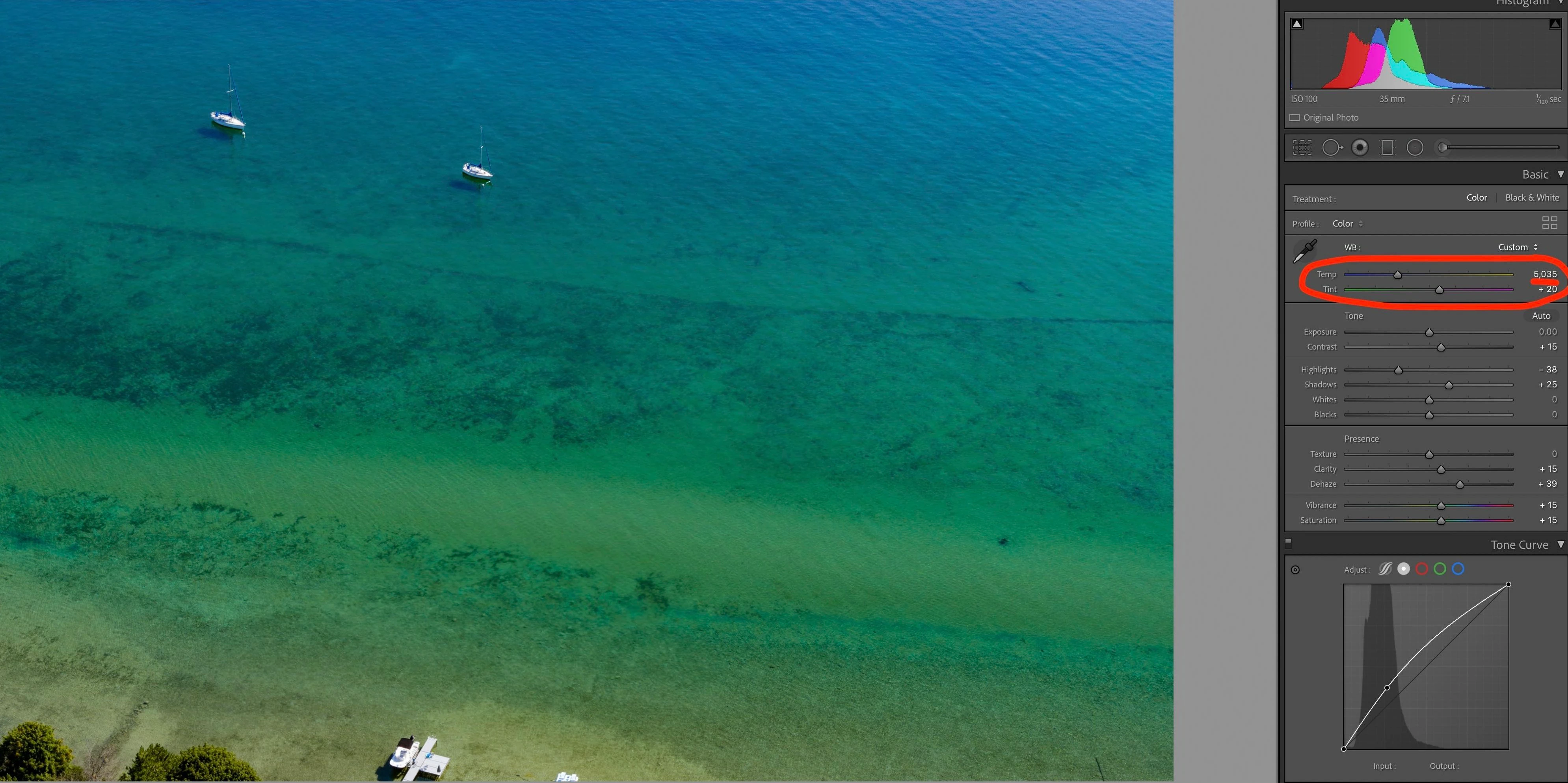
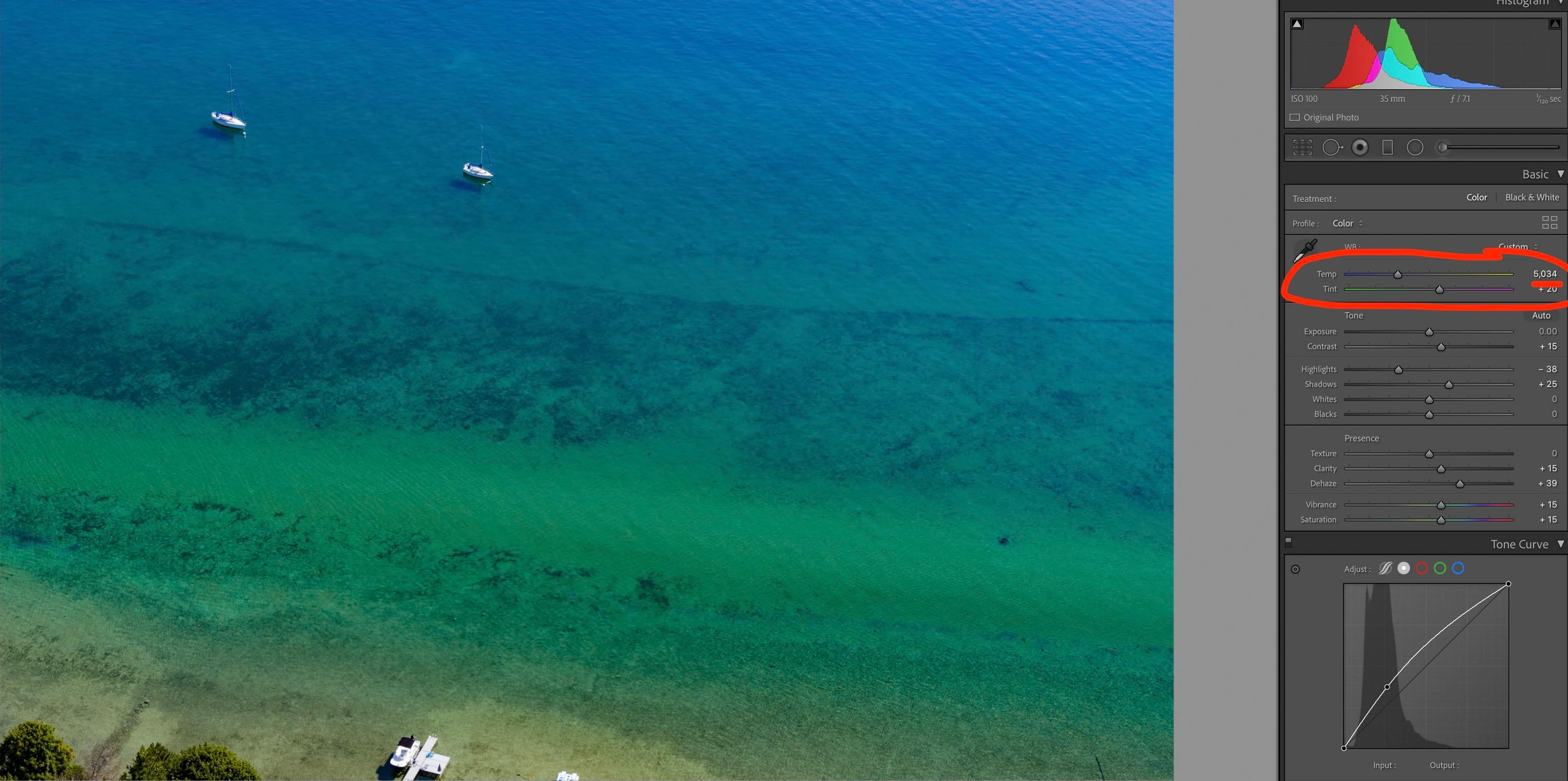
In the newest version of Lightroom Classic, if I change the white balance from from 5035 to 5034 (or vice versa), the image color and appearance make a major jump.  In all previous versions of Lightroom the white balance slider has always been very smooth.  


Attached are images of the issue.
 

This topic has been closed for replies.

3 replies

GoldingD
Legend
November 7, 2020

While I cannot perceive the difference looking at the images, I do see an issue in the Histogram.


ManiacJoe
Inspiring
November 6, 2020

From the video, the color changes do seem a little suspicious.


Which exact version of LR are you using?

GPU optimization turned on or off?

Which camera are the raw files from?

Which profile are you using (adobe standard, camera neutral, etc)?


Participant
November 10, 2020

LR version 10.0

GPU optimization is on Auto

Camera is a DJI Zemuse X7 (DNG)

In this current version of Lightroom the only "Profile" options are Color and Monochrome... I'm just using Color.  Not sure what happened to the "Adobe Standard" and other profiles

JP Hess
Inspiring
November 6, 2020

I don't know what you are seeing, but from the two images that you posted I don't see any "massive" change.

Participant
November 6, 2020

I just figured out that it doesn't show up in screenshots... it appears to be how Lightroom displays the images.


This video shows the issues: