
Participant
March 1, 2023
Answered

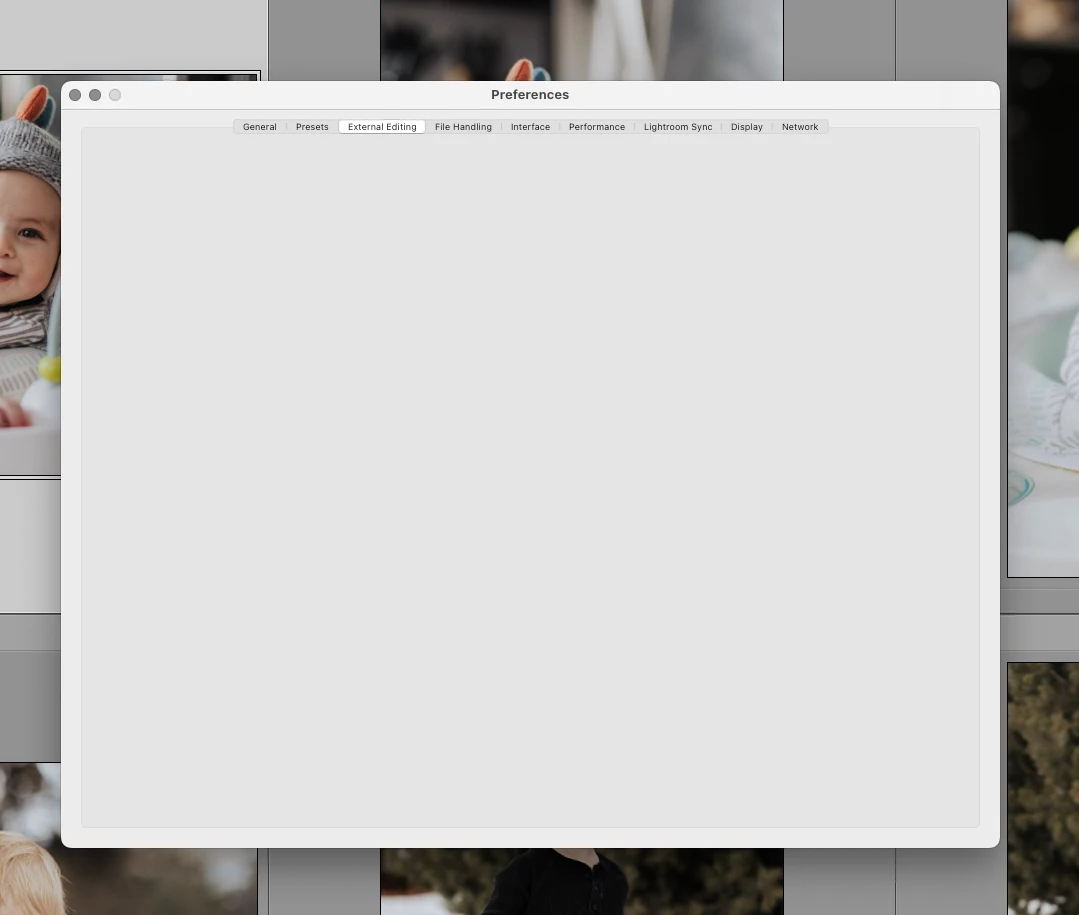
Why are my preferences tabs blank?

  • March 1, 2023
  • 1 reply
  • 619 views

All of the tabs from "external editing" to " network" are blank. The only ones with options is "general" and "presets". I have tried restarting my computer and re-installing LrC (I'm on a 2017 macbook running Monterey 12.6)
This topic has been closed for replies.
Correct answer GoldingD

Likely a corrupt preference file.


see:

https://helpx.adobe.com/lightroom-classic/help/setting-preferences-lightroom.html

and/or

https://www.lightroomqueen.com/how-do-i-reset-lightrooms-preferences/


The preference file can get corrupted leading to buggy behavior. A corrupt preference file will survive uninstalls, updates, and upgrades. By renaming or moving or deleting the preference file you create a situation where LrC will recreate a fresh new one upon startup of LrC. Be aware various settings will revert to defaults.

1 reply

GoldingD
GoldingDCorrect answer
Legend
March 1, 2023

Likely a corrupt preference file.


see:

https://helpx.adobe.com/lightroom-classic/help/setting-preferences-lightroom.html

and/or

https://www.lightroomqueen.com/how-do-i-reset-lightrooms-preferences/


The preference file can get corrupted leading to buggy behavior. A corrupt preference file will survive uninstalls, updates, and upgrades. By renaming or moving or deleting the preference file you create a situation where LrC will recreate a fresh new one upon startup of LrC. Be aware various settings will revert to defaults.

Participant
March 2, 2023

The steps in the first link worked. Thank you!