
Copy link to clipboard
Copied
All of the tabs from "external editing" to " network" are blank. The only ones with options is "general" and "presets". I have tried restarting my computer and re-installing LrC (I'm on a 2017 macbook running Monterey 12.6)
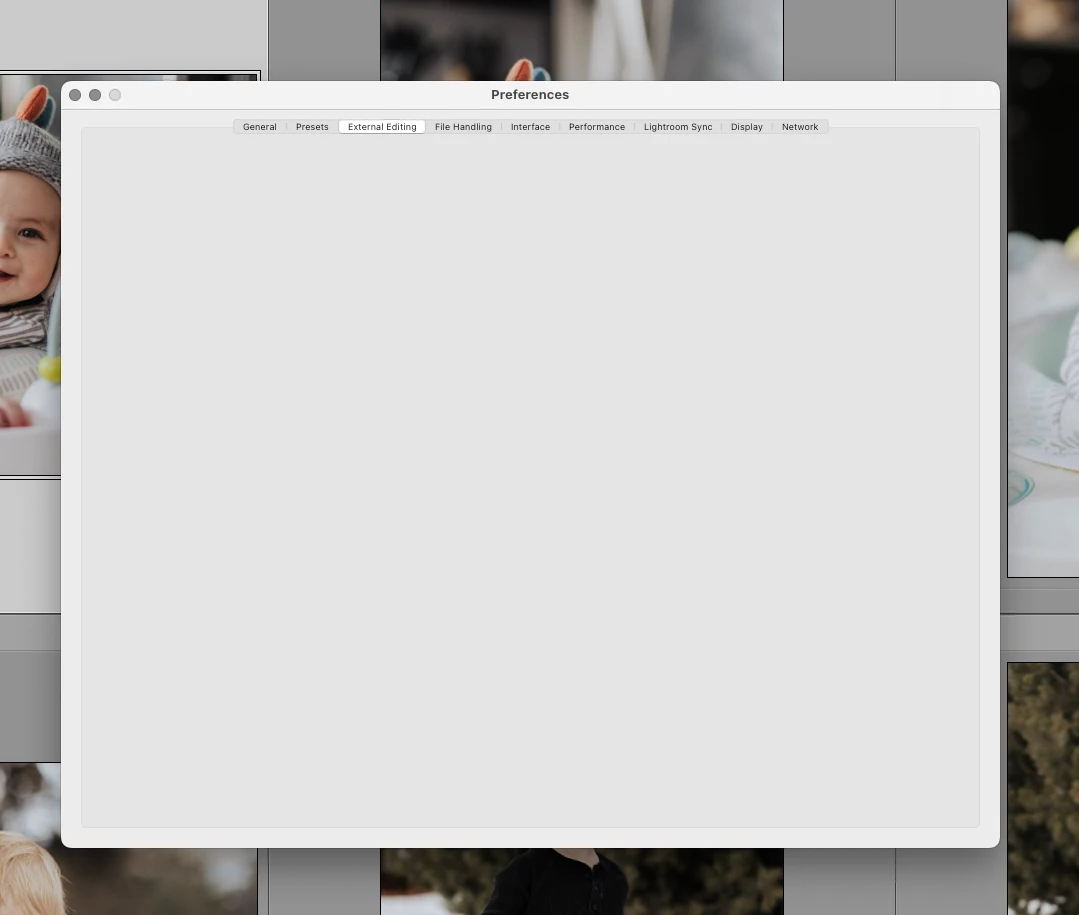
Likely a corrupt preference file.
see:
https://helpx.adobe.com/lightroom-classic/help/setting-preferences-lightroom.html
and/or
https://www.lightroomqueen.com/how-do-i-reset-lightrooms-preferences/
The preference file can get corrupted leading to buggy behavior. A corrupt preference file will survive uninstalls, updates, and upgrades. By renaming or moving or deleting the preference file you create a situation where LrC will recreate a fresh new one upon startup of LrC. Be aware various settings wi
...Copy link to clipboard
Copied
Likely a corrupt preference file.
see:
https://helpx.adobe.com/lightroom-classic/help/setting-preferences-lightroom.html
and/or
https://www.lightroomqueen.com/how-do-i-reset-lightrooms-preferences/
The preference file can get corrupted leading to buggy behavior. A corrupt preference file will survive uninstalls, updates, and upgrades. By renaming or moving or deleting the preference file you create a situation where LrC will recreate a fresh new one upon startup of LrC. Be aware various settings will revert to defaults.
Copy link to clipboard
Copied
The steps in the first link worked. Thank you!
Find more inspiration, events, and resources on the new Adobe Community
Explore Now