
Why are my SYNCED images from laptop showing up as the wrong images on my desktop?
My situation is, sometimes i'm on the road so I need to upload photos to my laptop and edit. Other times i'm at home and edit on my desktop (much faster). I need the work flow to transfer back and forth so i sync my collections i create to edit on both computers and the history of the edits trasnfer back and forth via sync.
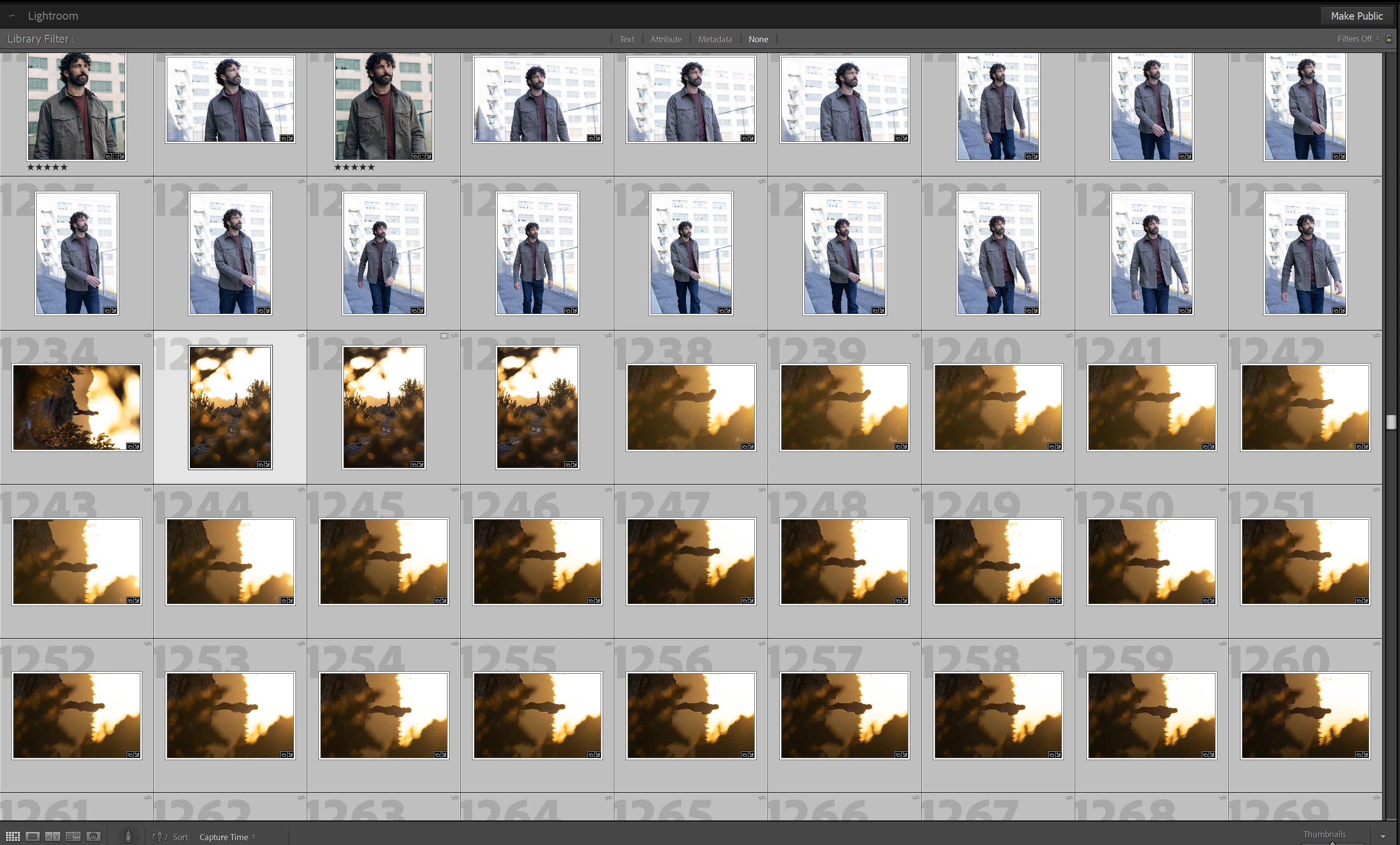
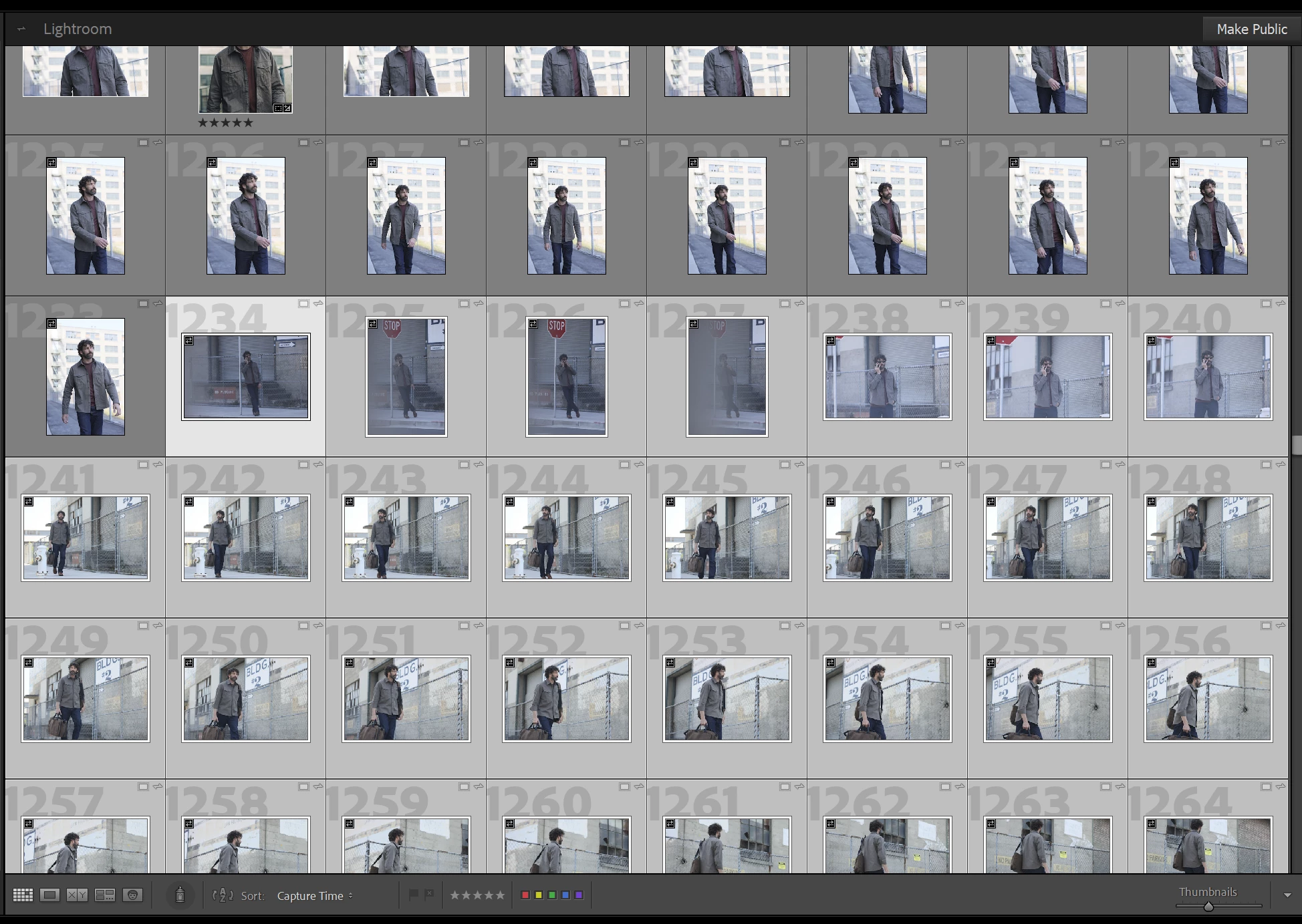
The problem i'm running into is, I've synced 1 collection from laptop to desktop lrC. I have a bout 5 different collections synced under my From Lightroom tab. For some reason, on this new collection i synced, it replace about 25 photos with photos from another already synced collection. It shows the correct photos in the collection on my laptop, but on the desktop it shows a portion of photos from another collection instead.
Attached are screenshots, you can tell which photos go with what. The "orange" photos belong in a totally different collection from a different date. But they replaced the highlighted photos from laptop below and they're no where to be found on my desktop.

 AdChoices