
Why can't I no longer import photos into my external hard drive using Lightroom CC External Portable Drive without a second copy of my RAW file being created
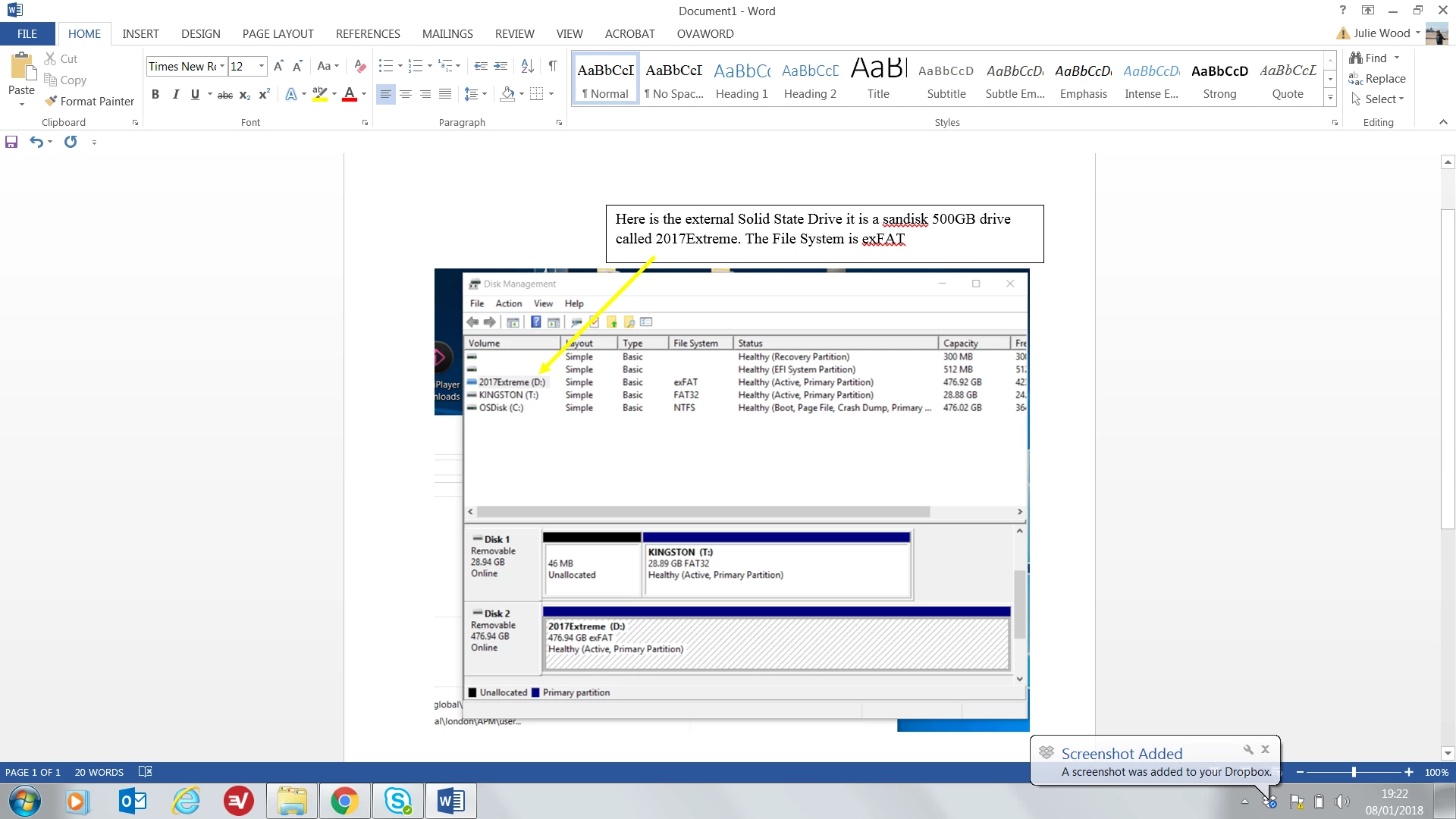
I use an external hard drive to store my photos. I don;t like smart previews and always work from my external hard drive. However, I am having problems importing from my hard drive in the library mode. I've been doing this successfully for years- with only one RAW file being left on my hard drive. And have spent hours trying to work out what on earth I am doing wrong.
I open Import select the folder I want to import from.
Then select the photos- the only option available is copy- which is always the case when using an external drive.
I used to be able to see the folders and files I had imported and I have many folders, with successfully imported photographs.
Now I can no longer seem to do this without generating a copy- the RAW files are big so I dont want to do this.
Can anyone point me in the right direction.
All help gratefully received.
Julie
 AdChoices