Participant
December 9, 2024
Answered

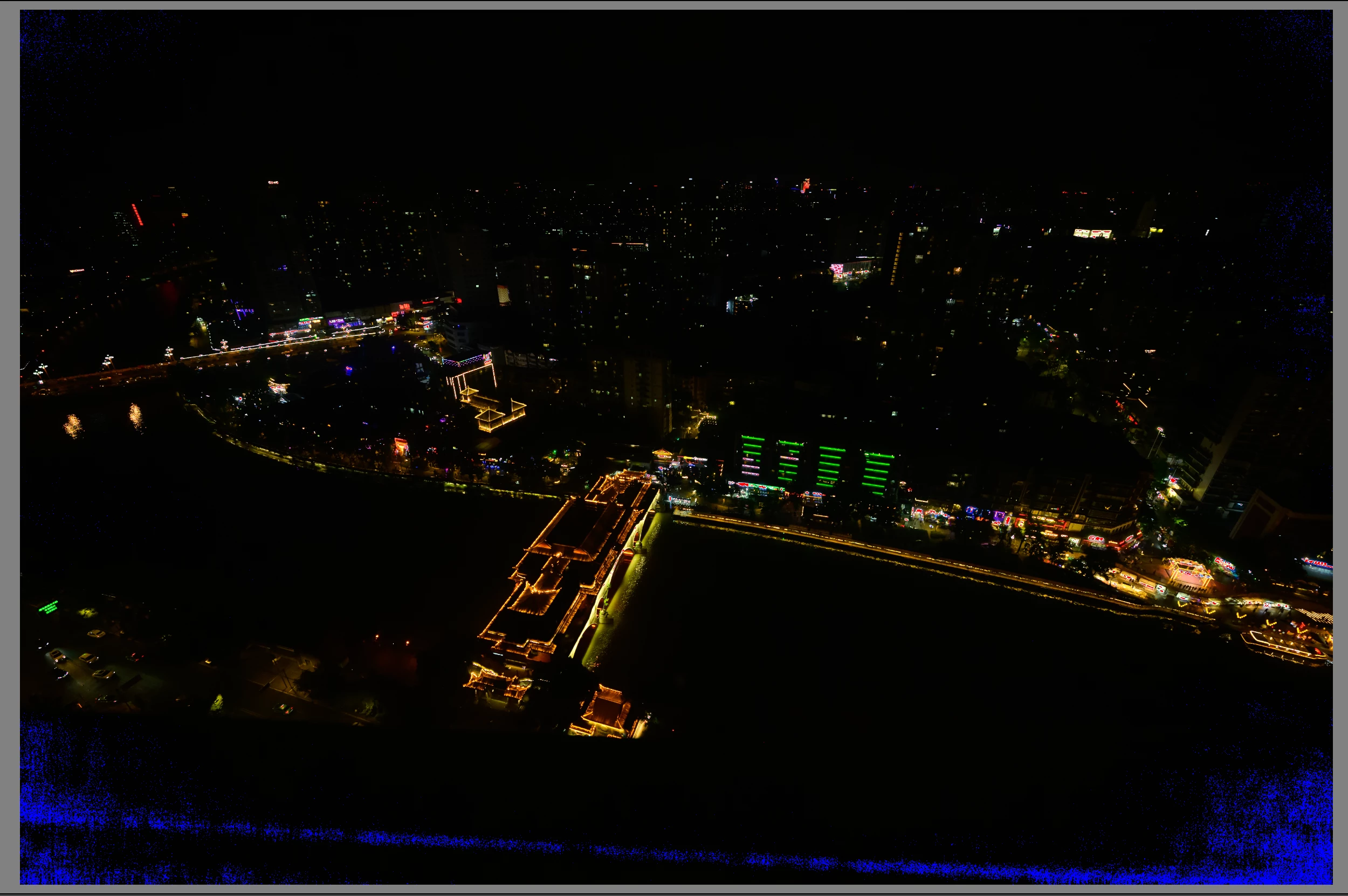
Why my RAW file shows the weird blue dots in dark?

  • December 9, 2024
  • 1 reply
  • 637 views

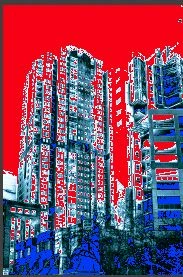
The file is from Nikon Z9 and imported with the camera's profile. For the very dark part in this photo, Lightroom Classic 14.0.1 shows these blue dots area. In the very bright part in another photo, it shows red dots. But the exported JPGs do not have such problems.


Can someone suggest how I can remove them? Guess I need to change the setting somewhere. Thanks.
 

This topic has been closed for replies.
Correct answer Rob_Cullen

I suggest you have the Clipping Indicators switched on.

'Blue' = pure black 100%:100:100.   'Red' = pure White 0:0:0.

You can toggle clipping indicators on/off with the keyboard [ J ] key, or

Click the mouse cursor on the triangular markers at the top of the histogram.


Contrasty images can look interesting with indicators on!


1 reply

Rob_Cullen
Community Expert
Rob_CullenCommunity ExpertCorrect answer
Community Expert
December 9, 2024

I suggest you have the Clipping Indicators switched on.

'Blue' = pure black 100%:100:100.   'Red' = pure White 0:0:0.

You can toggle clipping indicators on/off with the keyboard [ J ] key, or

Click the mouse cursor on the triangular markers at the top of the histogram.


Contrasty images can look interesting with indicators on!


Regards. My System: Windows-11, Lightroom-Classic 15.1.1, Photoshop 27.3.1, ACR 18.1.1, Lightroom 9.0, Lr-iOS 10.4.0, Bridge 16.0.2 .
Participant
December 9, 2024

Oh, thanks! I suspected that the areas showing this were due to over or under exposure so the information is lost there, but not sure what they are called. Now I know what they are and how to deal with. Thanks for lot for help!