
kkell5
Participant
September 18, 2020
Question

working with LR on second computer

  • September 18, 2020
  • 1 reply
  • 277 views

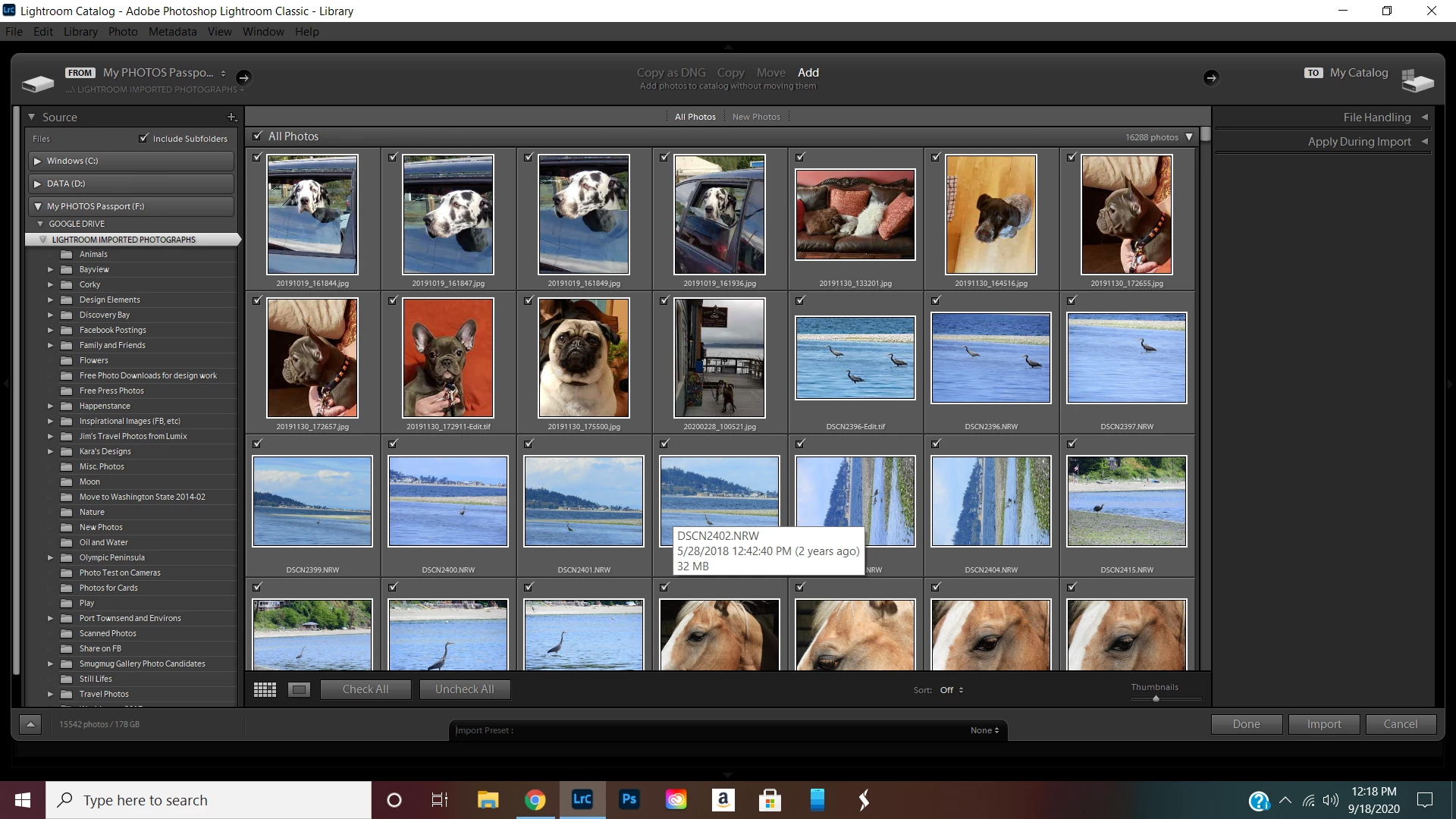
Hi everyone.  I have been working in LR Classic on my Windows 10 laptop, with my photos and catalogue stored on my external drive.  I have now set up a Windows 10 Desktop PC and have successfully installed the same LR Classic version and have external drive plugged in to PC.  When I open LR, it prompts me to import all my photos.  After import, here is where I am.  See pix below.  What next?  I don't think I want to add these photos to my catalogue, do I?  They are already in my catalogue in my external drive.  Thanks for your help


This topic has been closed for replies.

1 reply

Just Shoot Me
Legend
September 18, 2020

You should of asked this question before you imported all your images into LrC on your desktop computer.


You need to COPY the LrC catalog from your notebook over to the desktop and then open that catalog.


Here is a website, page, for moving and or using LrC on a second computer.


How do I move Lightroom to a new computer? | The Lightroom Queen


kkell5
kkell5Author
Participant
September 18, 2020
I'm working with an external drive that I am going to use with either of
these computers. Based on my research the process you referenced is not
necessary. I understood that I could plug my external drive into the new
PC and it would interface smoothly with LR downloaded on new PC.
dj_paige
Legend
September 18, 2020

You should not have gotten to the point where Lightroom Classic asks you to import photos. This was an error. Furthermore, importing photos is not the thing to do, in fact it is completely wrong.


What you need to do is double-click on the existing catalog file that is on your external HD, rather than double-clicking on the Lightroom CLassic icon.