
audriusjak
Participating Frequently
January 23, 2017
Answered

Wrong colors in imported or edited pictures

  • January 23, 2017
  • 1 reply
  • 4909 views

Hello,

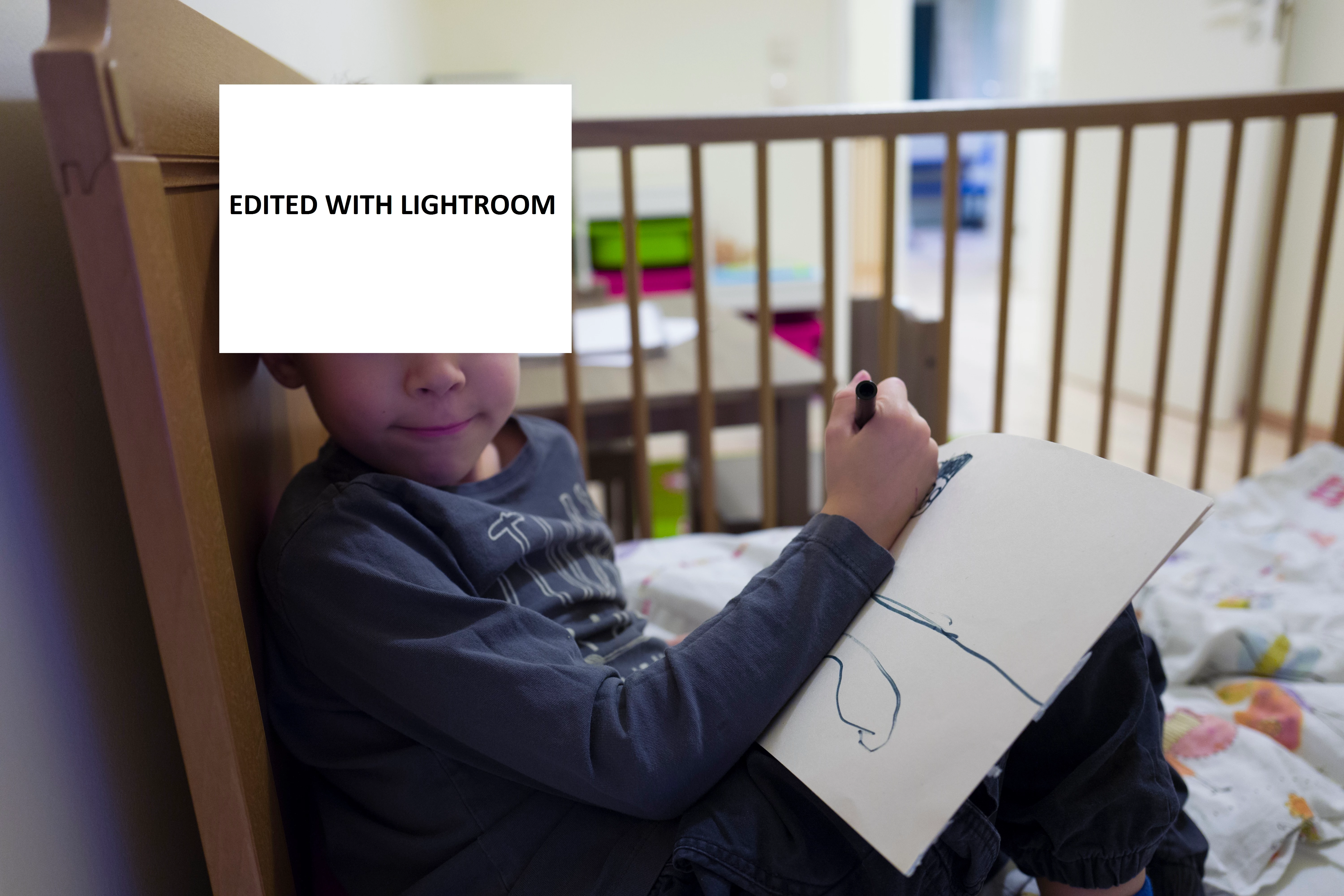
I have Leica Q camera and I started to use Lightroom recently. When I view pictures on Windows, they look great, but when I view them in Lightroom colors are off. There is pink tint on every picture. After I adjust white balance lips look very unatural and still too pink. I tried Silkypix and the same picture with adjusted white ballance looks totaly correct with realistic colours.

  I would like to continue using Lightroom, but do not know how to fix the issue.

Thank you for help,

Audrius
This topic has been closed for replies.
Correct answer Per Berntsen

I have checked, that I am not using "develop during import". After I have imported the picture at first it looked ok, but after 1 second it changed colours - became more red.

In camera calibration I have just "Embedded" Profile. Could this be some kind of problem indication?


It seems that there aren't any additional camera profiles for the Leica Q.

See Re: Leica Q on Mac OS X and Lightroom CC 2015.1.1

If you'd be willing to share a raw file (DNG), I could take a look at it, and see if I get the same results.

You could pick an image without any personal content, put it on Dropbox, and post the link here.

The reason that the image changes after a second is that LR needs a little time to render the raw file, and will display the embedded jpg briefly.

1 reply

dj_paige
Legend
January 23, 2017

It would help to see the histogram in Lightroom for this image.

audriusjak
Participating Frequently
January 23, 2017

Please find histogram below.

dj_paige
Legend
January 23, 2017

The histogram looks fine, but you have certainly pushed the tint towards the magenta, perhaps that is the problem?