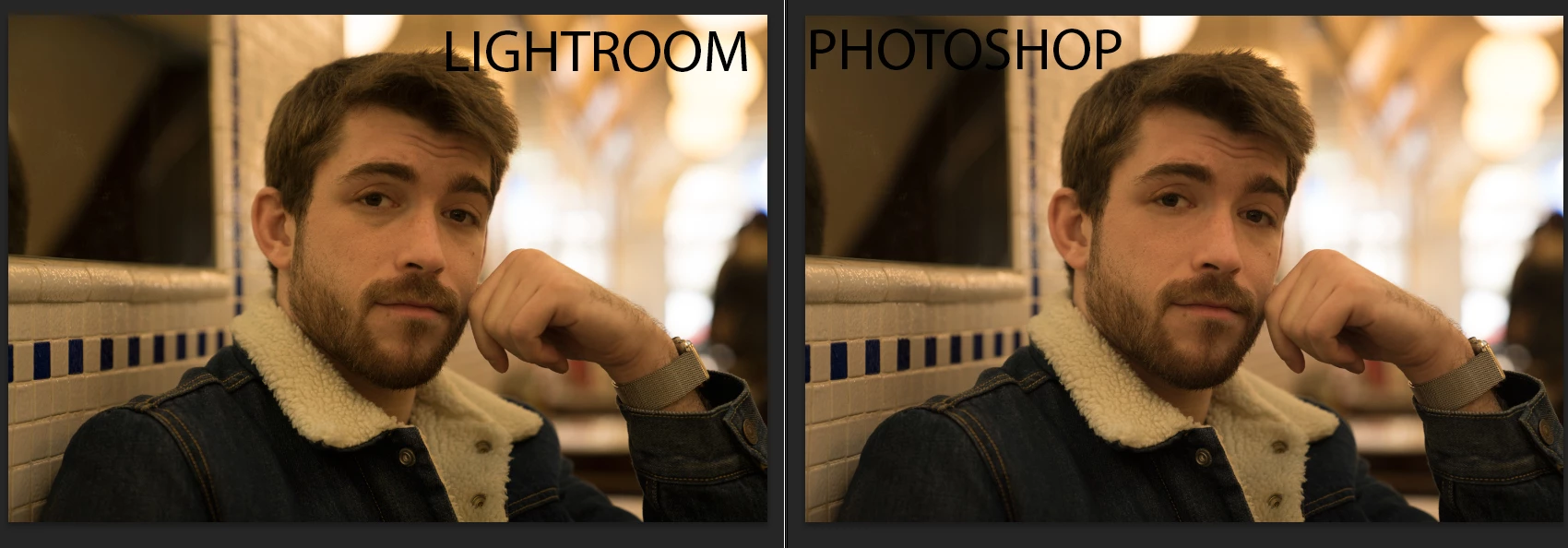
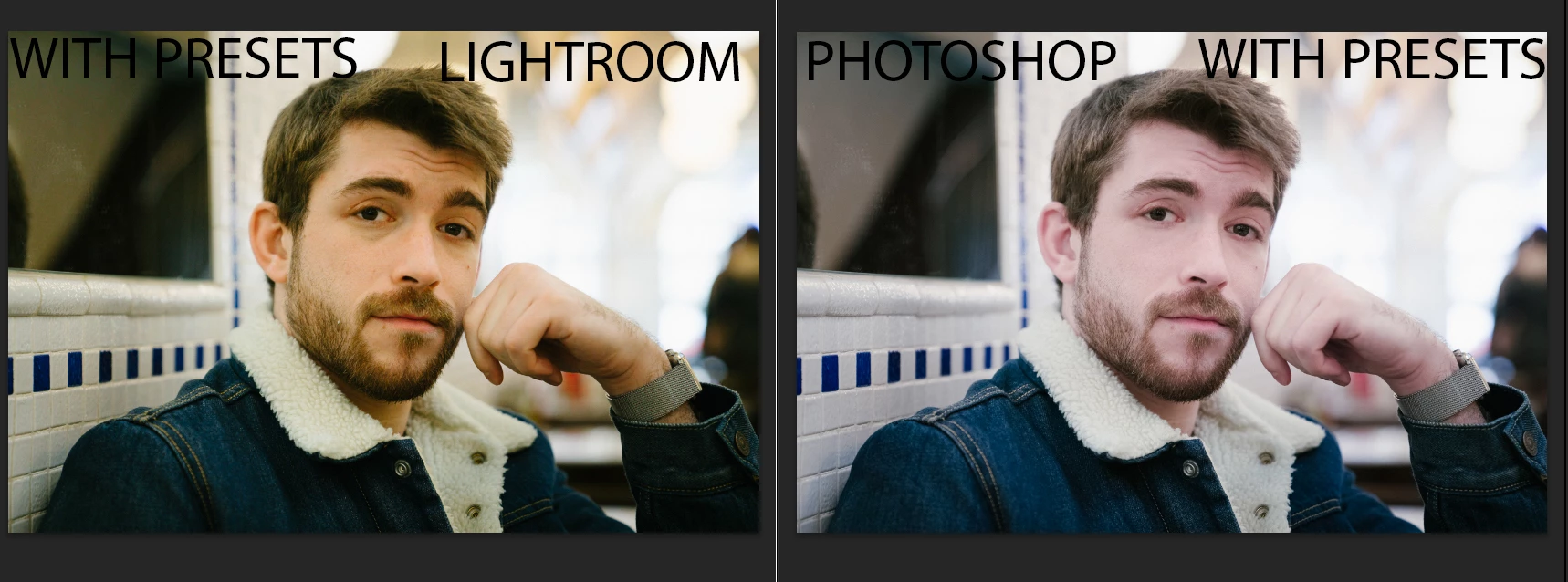
you will get a color shift if you go from Lightroom (Melissa RGB) To photoshop if your photoshop is set to Srgb.. that is not new and is a fakt..
No, you will not, unless you have messed up Photoshop's color management by changing settings without knowing what you're doing.
Photoshop color management policies should always be set to preserve embedded profiles. Then the profile out of Lightroom will be preserved and override the working RGB in Photoshop.
Even if the profile is converted in Photoshop, you will not see a difference. A profile conversion will never result in a general color shift - if it does, color management isn't working as it should. The most common reason for that is users changing settings without knowing what they do.
The only difference you will ever see in a profile conversion is clipping, if the target color space is smaller than the source. But unless you have a wide gamut monitor you will never see that. The monitor clips everything to sRGB anyway. With a wide gamut monitor you may see clipping from Adobe RGB to sRGB - but not from ProPhoto to Adobe RGB. That's outside monitor gamut.
Lightroom uses a custom color space internally, with ProPhoto primaries but a linear tone response curve. That's not Melissa RGB. Melissa RGB is only used for the histogram and sliders. It again has ProPhoto primaries, but sRGB tone response curve.
Lightroom's linear ProPhoto color space is not related to the 1.8 ProPhoto used in Photoshop. And they don't need to be. Photoshop's working RGB can be whatever you choose it to be.



 AdChoices