



Graphical Issue leads to MacOS crashes while editing in LR Classic
Dear community,
I'm experiencing heavy graphical issues mostly during photo editing in Adobe Lightroom Classic. I'm note sure wheter the issue is cause by Lightroom or by an error related to my graphics card, but maybe one can help me to find that out.
There are two levels of experiencing this issue.
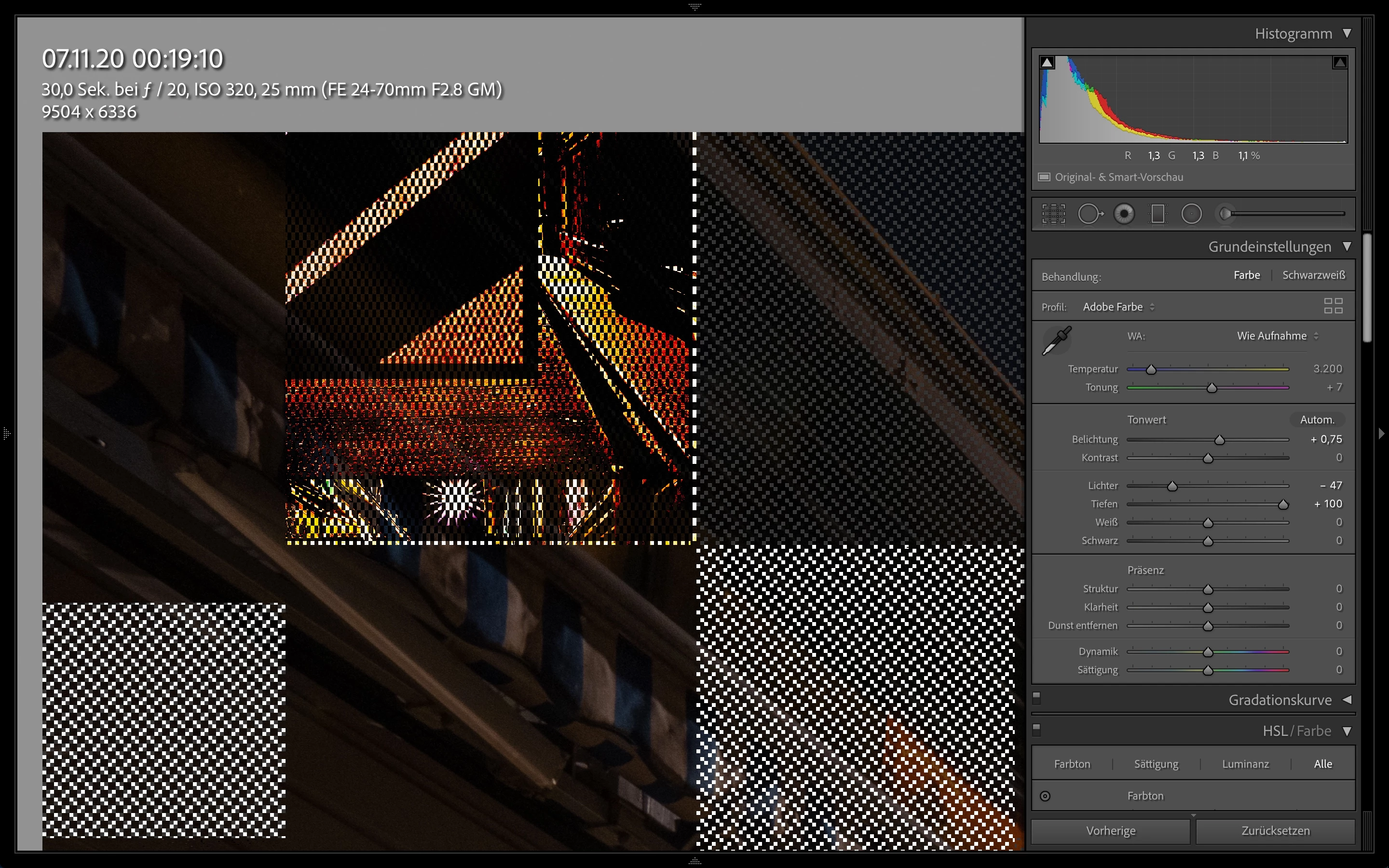
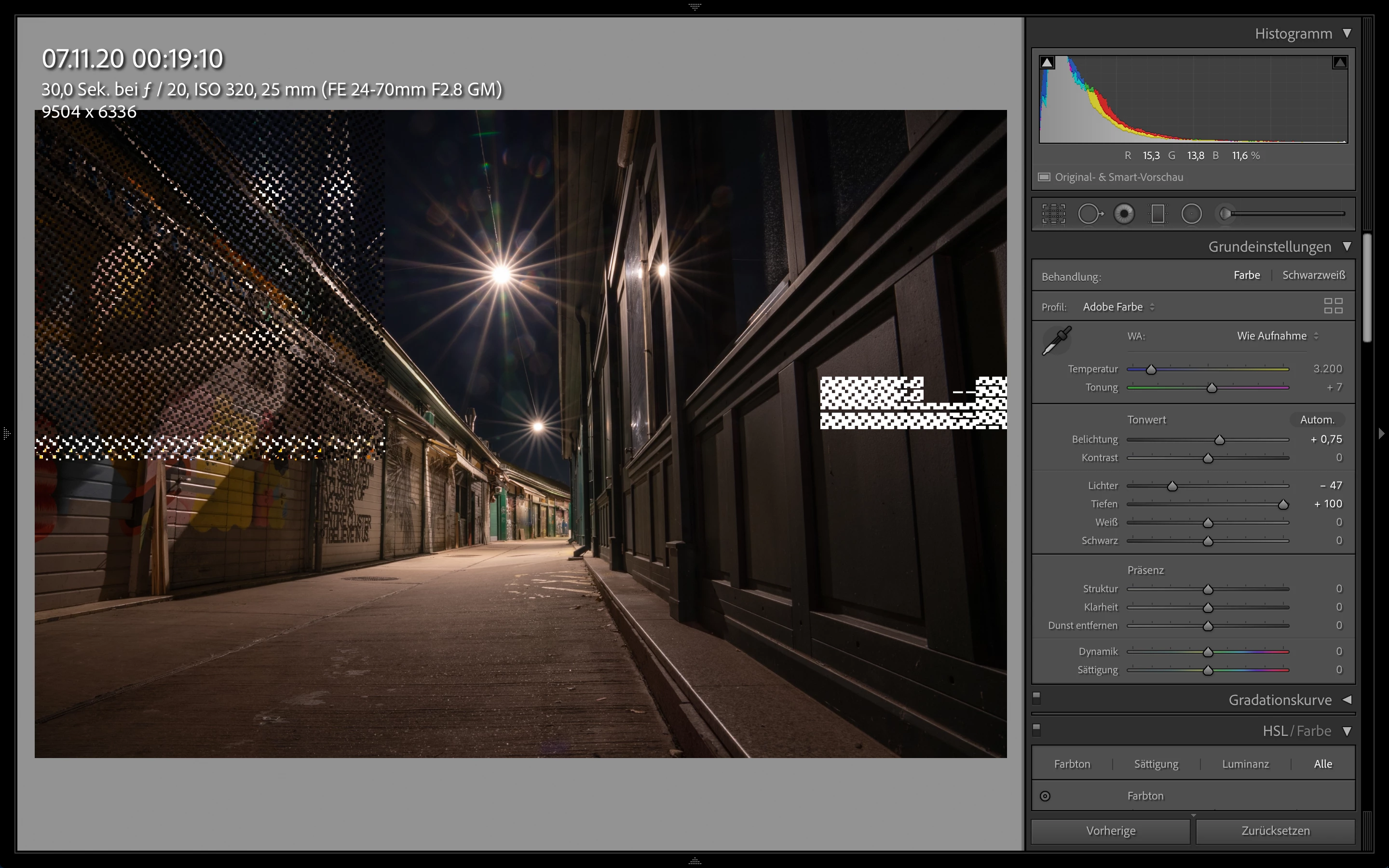
1) "Soft" Graphical issues without crash
One can see in my YouTube video that the photo in Lightroom isn't displayed correctly while playing with the black and white bar.
Here some Screenshots:
2) Critical graphical issues with crash
If I don't stop editing at this point the display turns into disco-mode like this:
Has anyone experiencaed the same or an similar issue?
Thanks!
Specs:
Lightroom Classic V10.0 Build 202010011851-ef6045e0
MacOS Catalina V10.15.7
MacBook Pro Mid 2015, i7, 4x 2,8 GHz, 16 GB RAM, 512GB SSD, AMD Radeon R9 M370X 2GB
 AdChoices