tobyp83593628
Participant
July 23, 2016
Answered

Instagram export settings from Lightroom?

  • July 23, 2016
  • 3 replies
  • 23553 views

Hope someone can help me with a solution to this?

I'm having difficulty getting images from my camera (Ricoh GR) too look anything near decent when i upload them to Instagram however look great viewed in iPhoto on my Mac. I have tried using both Raw and Jpeg formats but neither make a difference when putting onto Instagram.

I have read the previous forum on this where it suggested using 1080 x 1080 and experimenting the quality between 75 to 100 but still they look blurred and poor quality.

Does anyone have any other settings that will definitely work? I have version 5.7 of Lightroom and i am exporting them to an iPhone5s to upload on to Instagram.

Any help greatly appreciated, thanks!
This topic has been closed for replies.
Correct answer dj_paige

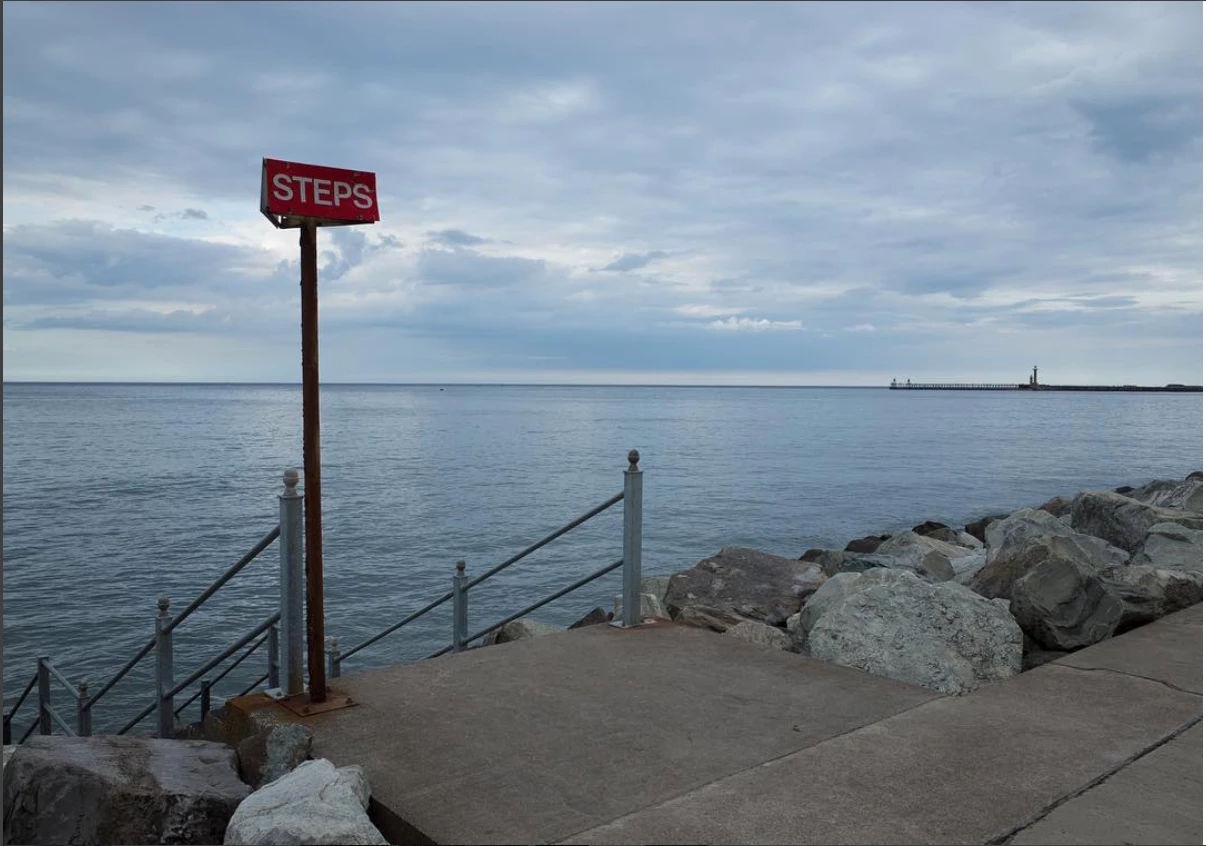
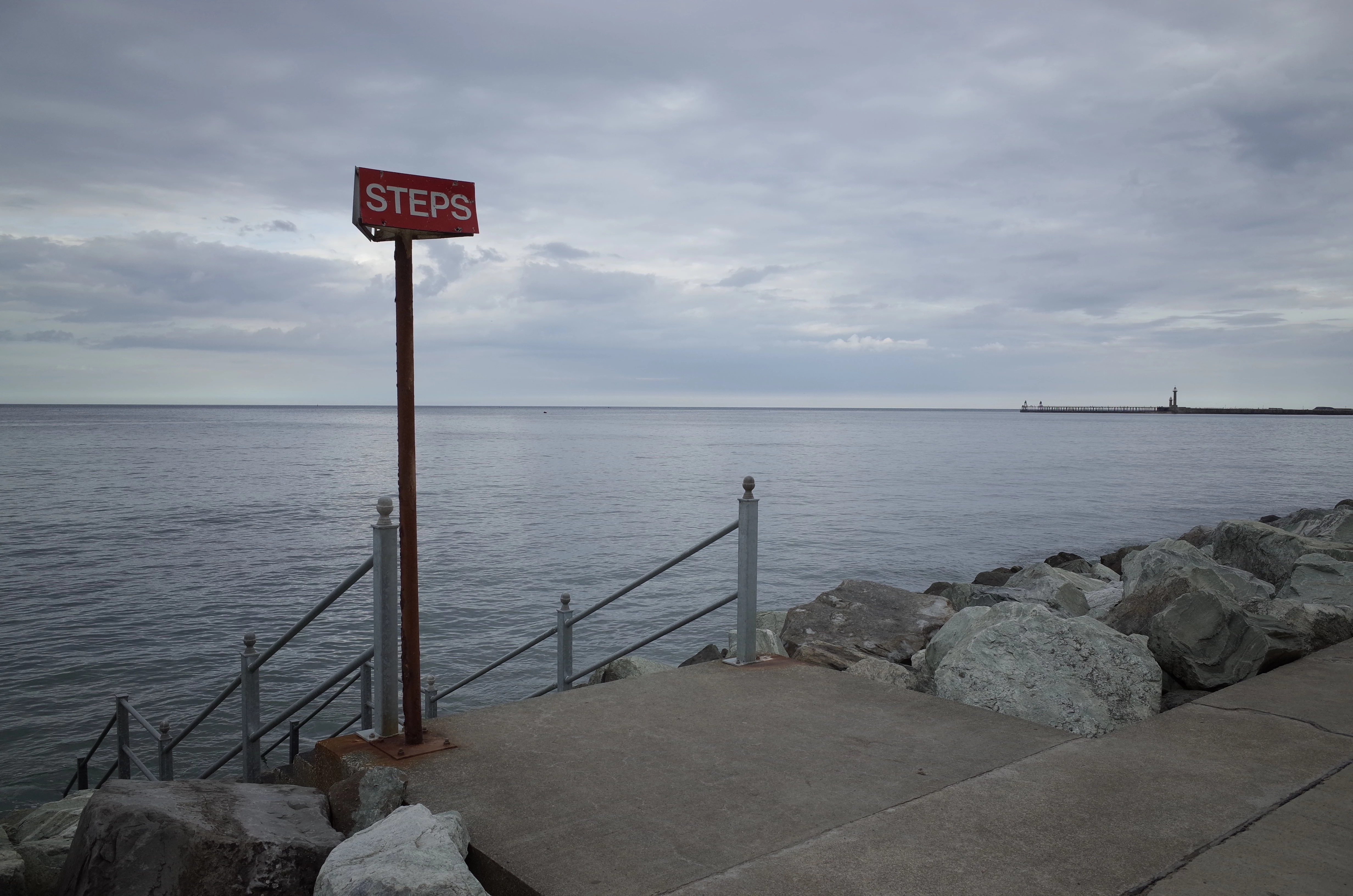
Sure, above is the photo i have on my Mac which has reduced down to the size your able to upload on here. And below is the one from off instagram, too me they just look really low quality compared to so many other photos people upload with the same camera on instagram


I believe the problem is Instagram and not Lightroom.

It has its own algorithms for resizing photos, and in my opinion, this is where the blurriness comes from. There may be ways to eliminate or reduce the resizing done inside of instagram, but I am not really aware of what can be done to eliminate the Instagram resizing issues.

3 replies

govindvkumar
Participant
September 19, 2019

Here, the issue is, When you upload a big image file to Instagram then the Instagram algorithm downsizes the Image quality. So, it is always better to upload the image in a resolution which is supported by the Instagram platform.

For Best performance an Image with an Aspect Ratio of 4:5 in Portrait orientation with the longest edge being 1080 pixels and an Output Sharpening set as "High" works.

If you are using Lightroom then you can use these Lightroom Export settings for Instagram for better outputs.

Participant
January 16, 2018

Try creating the most lightweight image export settings and still good quality you can on lightroom, the lighter the image you upload to Instagram, the less compression it will to try over you image, that's all.

Community Expert
July 23, 2016
tobyp83593628
Participant
July 24, 2016

Thanks for that, however I've just tried doing it through this way and still it looks really blurry. I think its more to do with getting the export settings correct but i just can't figure it

dj_paige
dj_paigeCorrect answer
Legend
July 24, 2016

Sure, above is the photo i have on my Mac which has reduced down to the size your able to upload on here. And below is the one from off instagram, too me they just look really low quality compared to so many other photos people upload with the same camera on instagram


I believe the problem is Instagram and not Lightroom.

It has its own algorithms for resizing photos, and in my opinion, this is where the blurriness comes from. There may be ways to eliminate or reduce the resizing done inside of instagram, but I am not really aware of what can be done to eliminate the Instagram resizing issues.