

Question
Preset Bug - Lightroom Creative preset problem / preset glitch
I have a problem with the Lighroom Classic CC Creative presets.
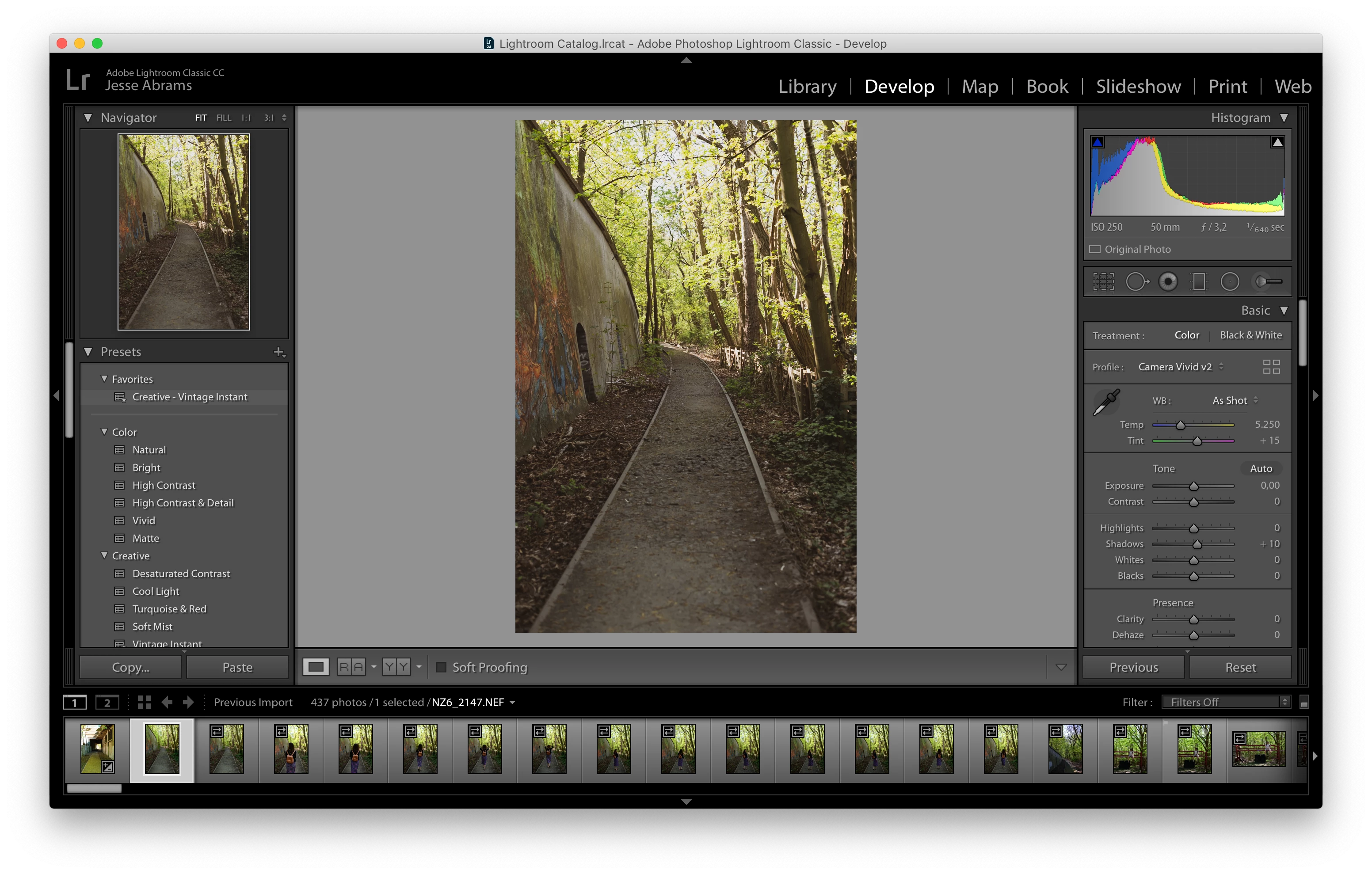
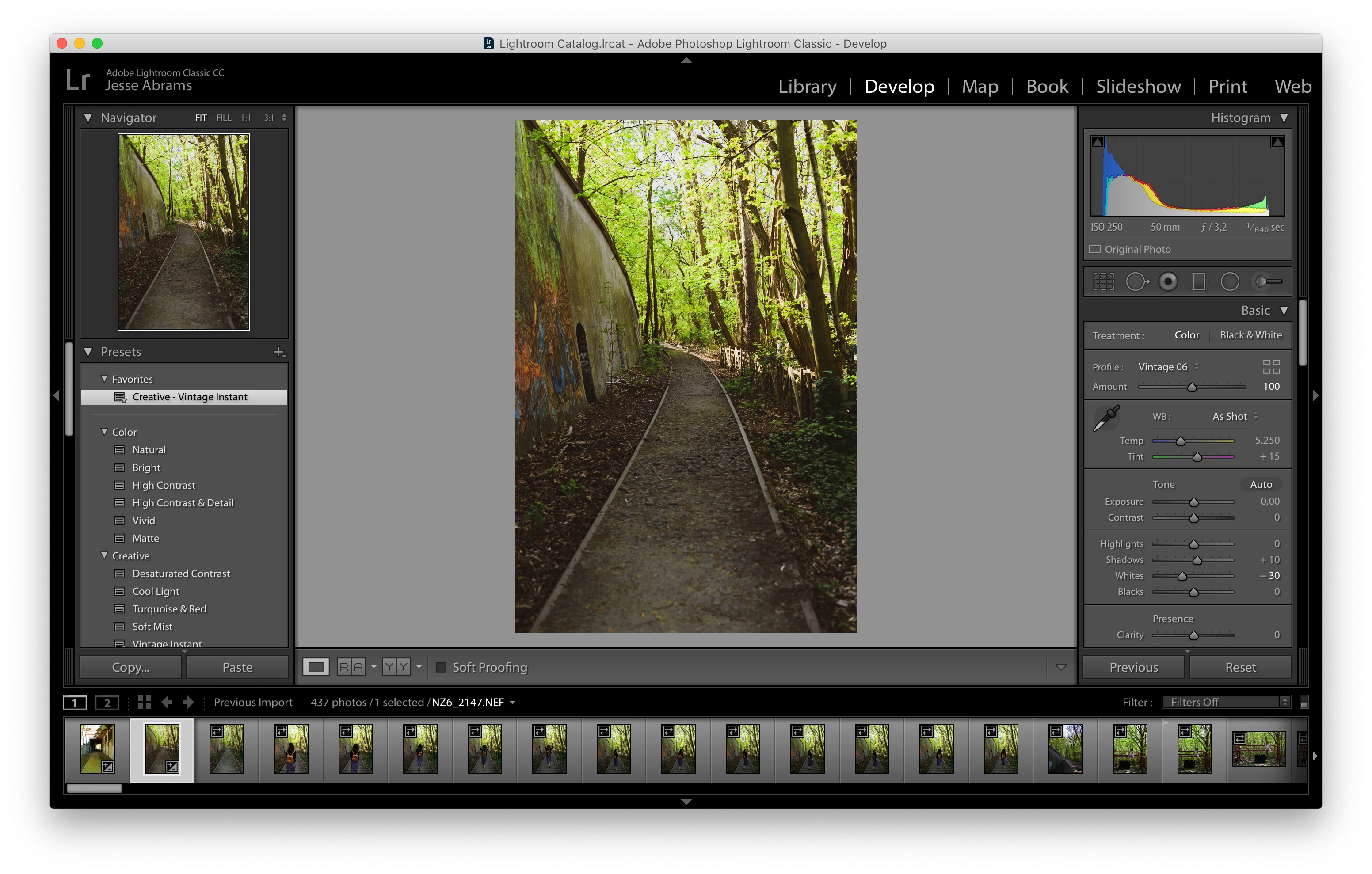
When I hover over them with the mouse you see the correct preview, but when I click the preset (for example "Creative - Vintage Instant") and hover away with the mouse, a different preset or different settings are applied, the colors change etc. I've the latest update for Lightroom Classic CC (8.2.1 release) and I am subscribed to the cloud.
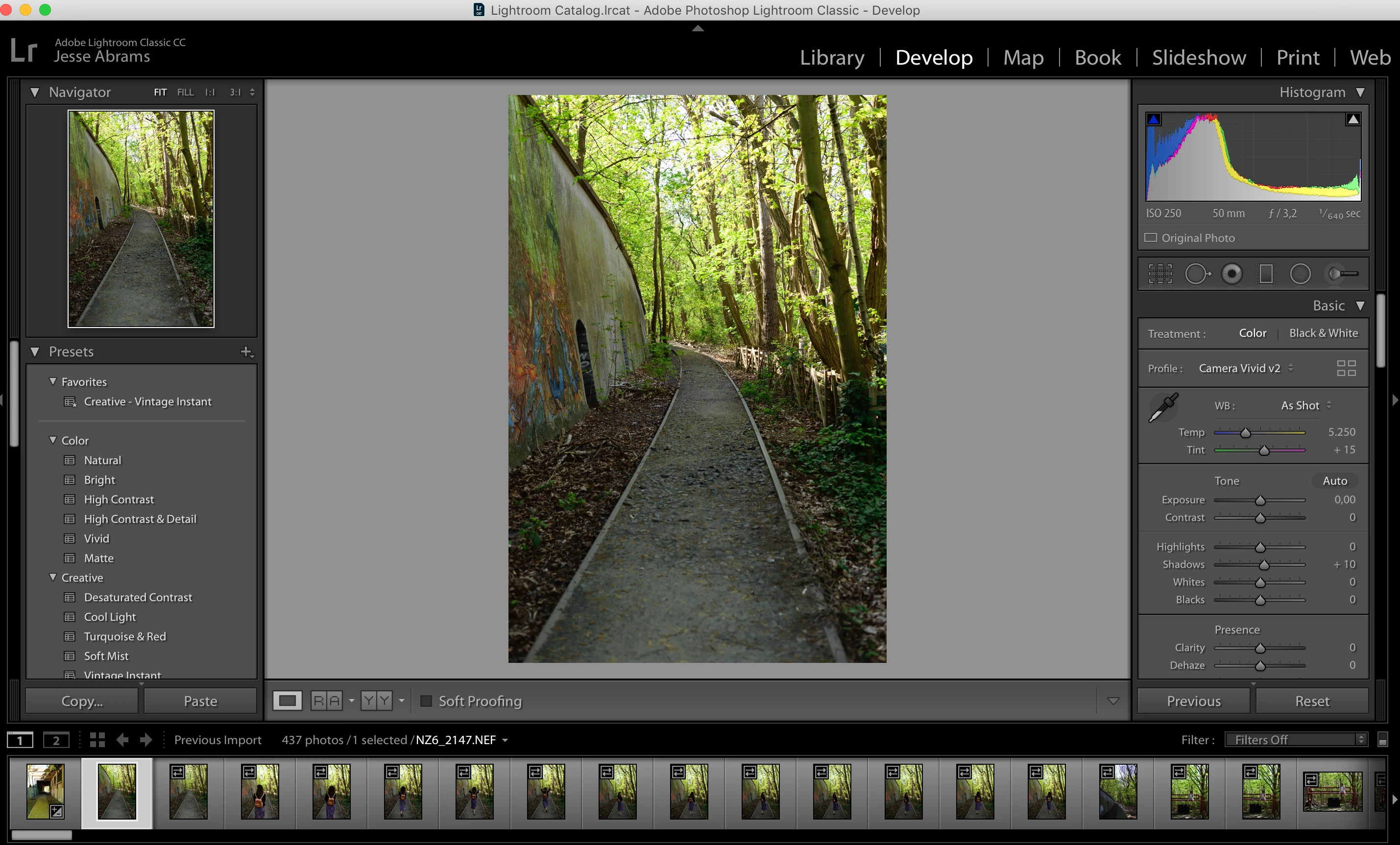
Attached are three screenshots, before I click the preset, when I click the preset and when I hover away with the mouse.
With my own presets, "User Presets", this glitch doesn't occur.
Do you have any tip for me, what is going wrong?
Thank you!
Before:
When I click:
When I hover the mouse away:
 AdChoices