Known Participant
August 10, 2018
Answered

"Undo" auto-iso to equalize exposure

  • August 10, 2018
  • 2 replies
  • 1558 views

Hello all,

As part of a photogrammetry project, I took a number of photos of an object using manual settings on a D800.  However, I forgot to turn off auto-iso (argh!).  So, all my photos have the same aperature and shutter speed, but they differ in their ISO.  Is there some way I can calculate the exposure adjustment needed in each photo to remove the effect of the changes in ISO between photos,  such that they will have the same exposures across photos as I originally intended?

I think the adjustment in EV units would go something like this: exposure_adjustment = -log2(ISO/baseISO).  Any thoughts about how to carry that out?

Thanks,

Allie

    This topic has been closed for replies.
    Correct answer johnrellis

    [This post contains formatting and embedded images that don't appear in email. View the post in your Web browser.]


    [This is an old thread, but since search digs up old threads, it's worthwhile to have a correct answer.]


    "...all my photos have the same aperature and shutter speed, but they differ in their ISO. ... I think the adjustment in EV units would go something like this: exposure_adjustment = -log2(ISO/baseISO)."


    LR's Photo > Develop Settings > Match Total Exposures command makes precisely this adjustment -- given a selection of photos, it adjusts the Exposure slider so that the effective exposure value of all the photos matches that of the most-selected photo. If the photos' original exposures differed only by ISO, then the adjustment to the Exposure slider will be given by the expression - log2 (ISO / most-selected ISO).


    As an example, I set my Sony RX100 V to "M" and Auto ISO and took four photos (ordered here by increasing exposure value):
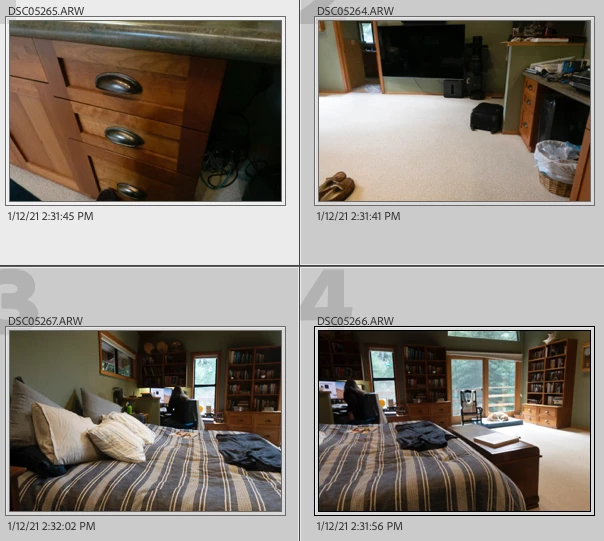


    Then I selected those photos, with the last (the one with the highest EV) as the most-selected, and did Match Total Exposures:
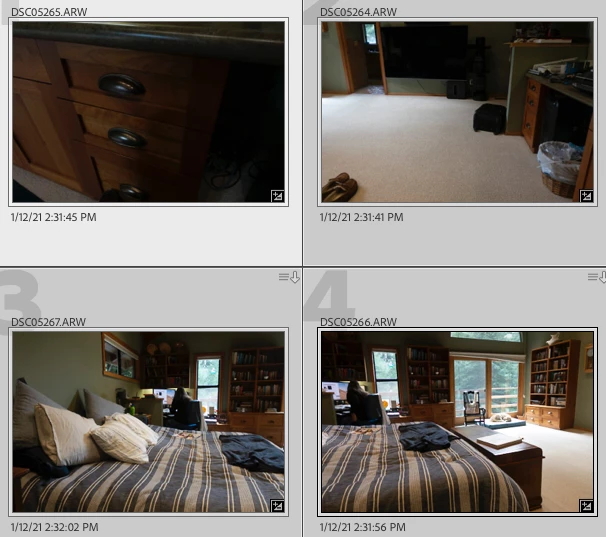


    The first three photos got darker, as expected.


    This table shows that LR adjusted the Exposure slider for each photo by - log2 (ISO / 2000):

    "Exposure 2012" is LR's internal name for the Exposure slider in later process versions. (You can use Any Filter's Sort command to extract these fields into a spreadsheet, if you want to experiment for yourself.)


    [Use the blue reply button under the first post to ensure replies sort properly.]

     

    2 replies

    johnrellis
    johnrellisCorrect answer
    Legend
    January 12, 2021

    [This post contains formatting and embedded images that don't appear in email. View the post in your Web browser.]


    [This is an old thread, but since search digs up old threads, it's worthwhile to have a correct answer.]


    "...all my photos have the same aperature and shutter speed, but they differ in their ISO. ... I think the adjustment in EV units would go something like this: exposure_adjustment = -log2(ISO/baseISO)."


    LR's Photo > Develop Settings > Match Total Exposures command makes precisely this adjustment -- given a selection of photos, it adjusts the Exposure slider so that the effective exposure value of all the photos matches that of the most-selected photo. If the photos' original exposures differed only by ISO, then the adjustment to the Exposure slider will be given by the expression - log2 (ISO / most-selected ISO).


    As an example, I set my Sony RX100 V to "M" and Auto ISO and took four photos (ordered here by increasing exposure value):


    Then I selected those photos, with the last (the one with the highest EV) as the most-selected, and did Match Total Exposures:


    The first three photos got darker, as expected.


    This table shows that LR adjusted the Exposure slider for each photo by - log2 (ISO / 2000):

    "Exposure 2012" is LR's internal name for the Exposure slider in later process versions. (You can use Any Filter's Sort command to extract these fields into a spreadsheet, if you want to experiment for yourself.)


    [Use the blue reply button under the first post to ensure replies sort properly.]


    F. McLion
    Community Expert
    Community Expert
    August 10, 2018

    You can not undo the effect it had while shooting.

    Doubling the ISO (i.e. from 100 to 200) adds a step to the EV (i.e. 12 to 13). So, it's easy to calculate

    --- Got your issue resolved? Please label the response as 'Correct Answer' to help your fellow community members find a solution to similar problems. ---
    Known Participant
    August 10, 2018

    I would count "equalizing exposure" as "undoing" the effect while shooting.  I know there are other ancillary effects (noise, etc), but as the thread title indicated, my main goal is to equalize exposure.

    I have a couple hundred photos.  The question is, is there any way to automate this calculation and apply the appropriate exposure compensation to all of them in lightroom?  For example, standardize everything to ISO 1000, and thus apply an exposure compensation of -log2(ISO/1000) to each photo?

    Thanks,

    Allie

    F. McLion
    Community Expert
    Community Expert
    August 10, 2018

    AFAIK, there is no automatic for this ... there's no need actually.

    I still do not understand what you expect to achieve.

    Even with Auto-ISO, the camera takes every shot perfectly set. This is like when you change the shutter speed and the aperture accordingly (i.e. Program-Shift) - it will result in the same picture taken, in terms of EV. ISO only adds a third variable and the camera would still use the very same EV.

    --- Got your issue resolved? Please label the response as 'Correct Answer' to help your fellow community members find a solution to similar problems. ---