

Question
What do the different grey borders around thumbnails mean?
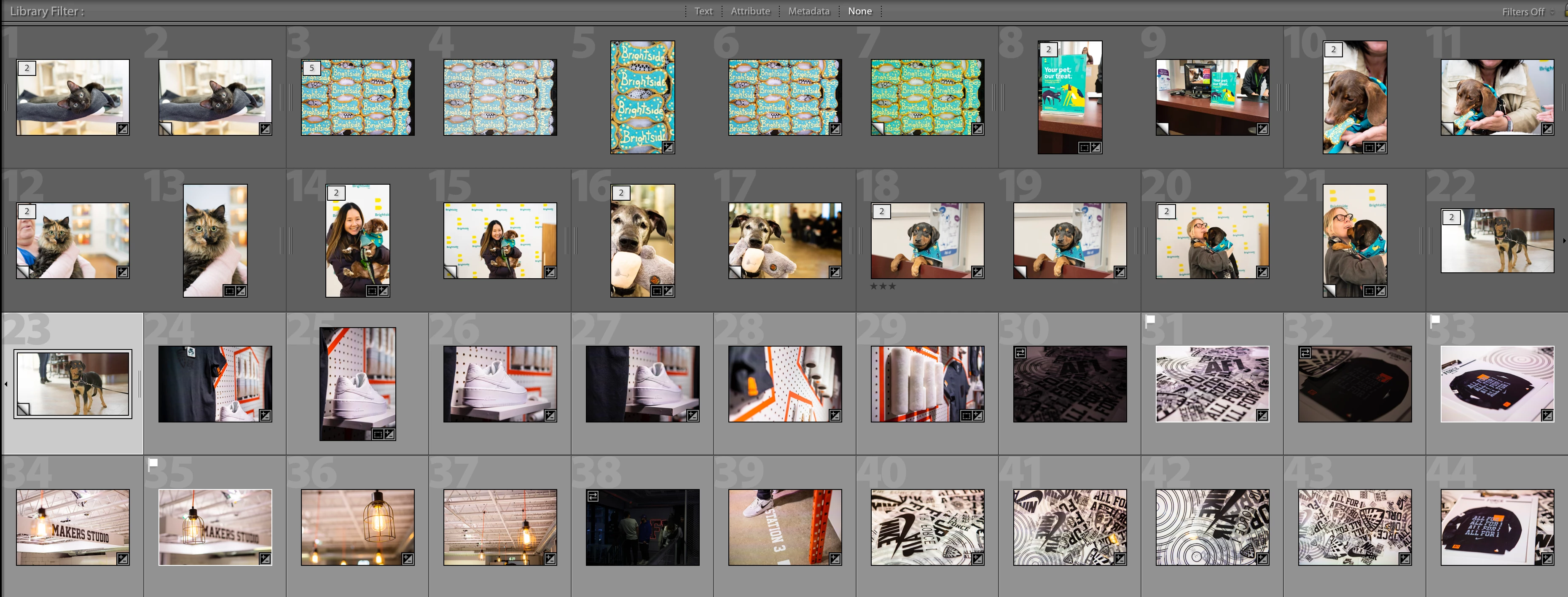
The main issue I'm having is the bottom photos with the brighter grey border won't open in PS via the 'Edit In' command.
I'm not working off a media card, did the same thing I've always done when importing photos but for some reason these ones are being treated differently.
The top row photos open in PS fine it's only the lighter grey that won't. When trying to open the lighter grey photos in PS it will open PS but only remain on the home screen.
Any ideas?
 AdChoices