- Startseite
- Lightroom ecosystem (Cloud-based)
- Diskussionen
- Re: Adobe Lightroom Downloader
- Re: Adobe Lightroom Downloader
Adobe Lightroom Downloader

Link in Zwischenablage kopieren
Kopiert
Hello,
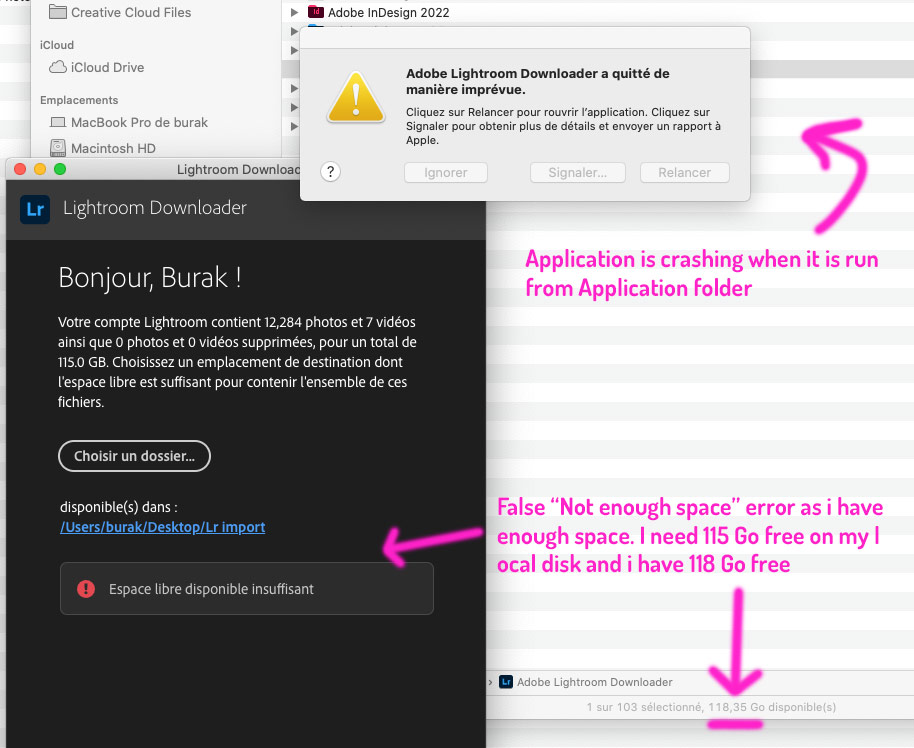
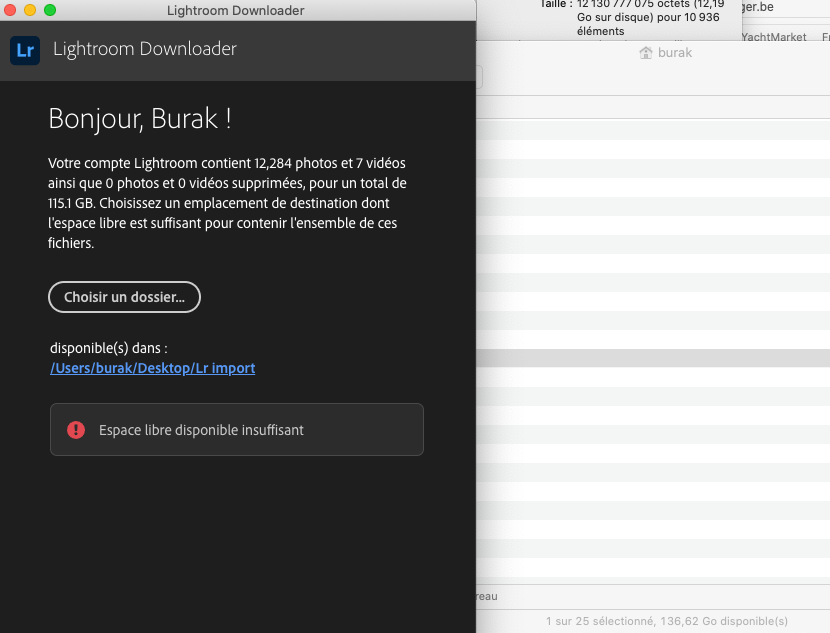
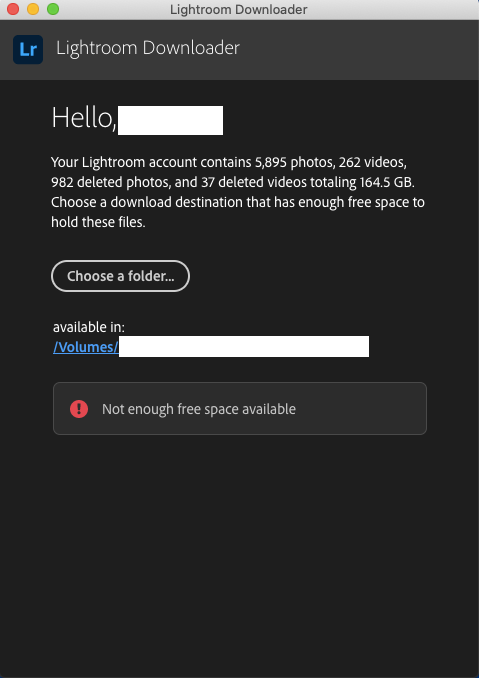
Adobe technical support advice me to download "Adobe Lightroom Downloader" but this software don't work as :
- it didn't see that my local disk have enought space to download my lightroom database
- crash immedialetly when i run the program from my application folder, it didn't crash when it run from image disk
I'm on macOS Catalina 10.15.7 and last version of lightroom.


 12
Antworten
12
12
Antworten
12


Link in Zwischenablage kopieren
Kopiert
You will have 3GB to spare if you install it. The installer probably needs more space to get it done. You need to have more free space. What happens if you try to install from the Creative Cloud app?
Link in Zwischenablage kopieren
Kopiert
Link in Zwischenablage kopieren
Kopiert
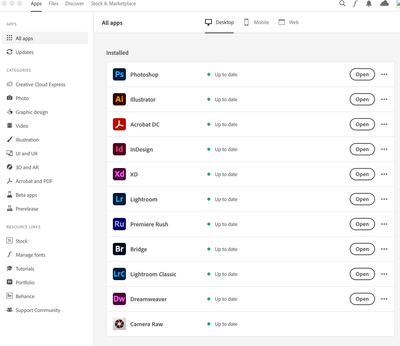
Lightroom is available in the CC app. Not Lightroom downloader.
Link in Zwischenablage kopieren
Kopiert
I know. What i try to do is to download all my picture from Lightroom, erase my synchronized album, recover place on my cloud and migrate to lightroom Classic with my modified picture database
Link in Zwischenablage kopieren
Kopiert
Gotchya, I see what you are trying to do. I stand by my first comment, you need more hard drive space to accomplish this. Is your Lightroom "clean"? If you have any pics to sort and delete, do that first to try and make it all smaller.
Link in Zwischenablage kopieren
Kopiert
Yes my lightroon is clean, i'm cleaning pictures after each shooting and keeping the strict necessary
Link in Zwischenablage kopieren
Kopiert

Link in Zwischenablage kopieren
Kopiert
I am experiencing the same problem as @anterak However, my 20GB library seems to occupy 110GB and cannot fit onto a 12TB drive...
OSX 10.14.6
Adobe LLR Downloader 1.0.5-20220504.116-64f8d2b installed August 31 2022.

Link in Zwischenablage kopieren
Kopiert
I have the same issue. Bought a new external hard drive where I want to download the library but Adobe Lightroom Downloader says: "Not enough free space available."
Did anyone figure out a way to fix this?
Link in Zwischenablage kopieren
Kopiert
Hello, personnaly i never find a solution. On this forum they answer me to make more space and i made twice the space needed to download the library. My target was to empty Adobe Cloud, moce to LrC, and reupload only needed gallery to save maximum spaces. Finally i move my self picture from local Lr folder to LrC folders, when i'll finish the process, i'll open again Lr and delete all the pictures to get back my 80 Gb cloud space to 0.

Link in Zwischenablage kopieren
Kopiert
This is just a shoot in the air: I'm not a macOS user, but some trouble with the Mac is because of the wrong disk format. Is the disc case-sensitive? If yes, you should try with a non-case-sensitive format.
Link in Zwischenablage kopieren
Kopiert
I tried with different erase formats. None worked.
Seems like the whole Adobe Lightroom Downloader is useless.
I only have the original photos and videos in the cloud so the remaining option is to Export all the material through Lightroom and... shiiiiit.


Weitere Inspirationen, Events und Ressourcen finden Sie in der neuen Adobe Community
Jetzt ansehen
 AdChoices