
Participant
June 24, 2022
Answered

Can I install Topaz Denoise in Adobe Lightroom on Mac? Version I am using is not Lightroom Classic

  • June 24, 2022
  • 2 replies
  • 6674 views

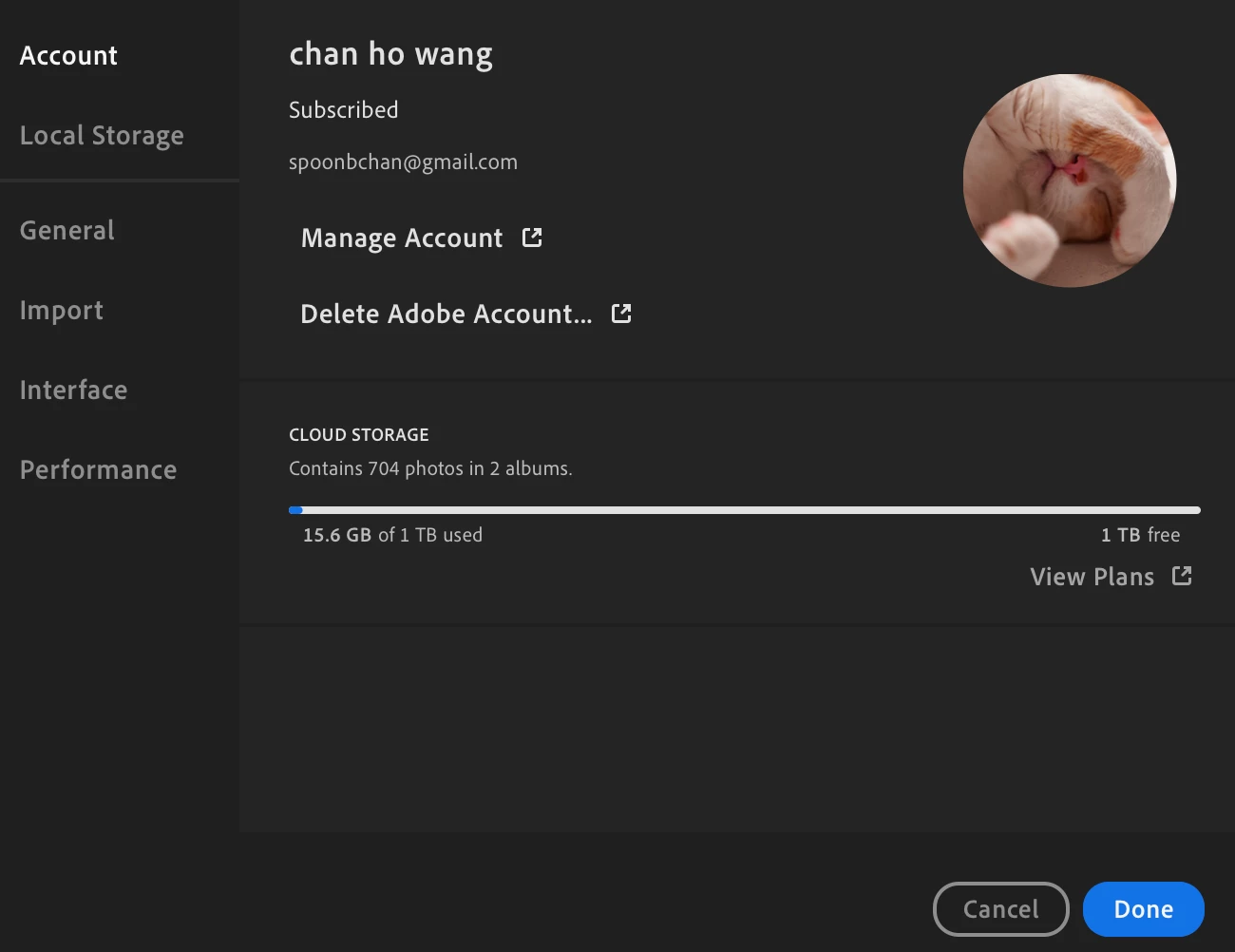
Hello, when I followed the instruction to install Topaz Denoise plugin by clicking Preference on my Mac, it doesn't have the option for me to choose "External Editing" (see below screenshot). Is it because only Lightroom Classic is compatible with Topaz Denoise, while Adobe Lightroom is not? Thanks.


This topic has been closed for replies.
Correct answer Jao vdL

You can only use Topaz Denoise in Lightroom Desktop (the cloud version) by opening the image from Lightroom Cloudy in Photoshop and then invoking the Topaz plugin from there.

2 replies

Jao vdLCommunity ExpertCorrect answer
Community Expert
June 25, 2022

You can only use Topaz Denoise in Lightroom Desktop (the cloud version) by opening the image from Lightroom Cloudy in Photoshop and then invoking the Topaz plugin from there.

AxelMatt
Community Expert
Community Expert
June 24, 2022

Topaz Denoise isn't compatible with Lightroom CC, because Lightroom CC doesn't support external editors.

How To Install Your Topaz Labs Program Into Lightroom Classic - Topaz Labs


My System: Intel i7-8700K - 64GB RAM - NVidia Geforce RTX 3060 - Windows 11 Pro 25H2 -- LR-Classic 15 - Photoshop 27 - Nik Collection 8 - PureRAW 6 - Topaz Photo AI
Participant
June 24, 2022
Hello, thanks for the reply. So lightroom CC is Adobe Lightroom? because my
friend is able to install the plugin in Lightroom CC Classic
Jim Wilde
Community Expert
Community Expert
June 24, 2022

Lightroom Classic DOES support plug-ins, including Topaz. Lightroom (the cloud-centric app) does NOT support plug-ins at all. The only external editor that can be used with Lightroom is Adobe Photoshop.


There is no longer any app called Lightrioom CC.