
Can't edit photo in Lightroom desktop due to syncing issue; can't reset settings
I uploaded several photos my from laptop to Lightroom CC on OSX. I later edited these photos on Lightroom CC mobile on my iPhone.
While I can contiue to edit the photos on my iPhone or Desktop (and even on Lightroom Web), it's impossible for me for me to edit them on desktop any longer.
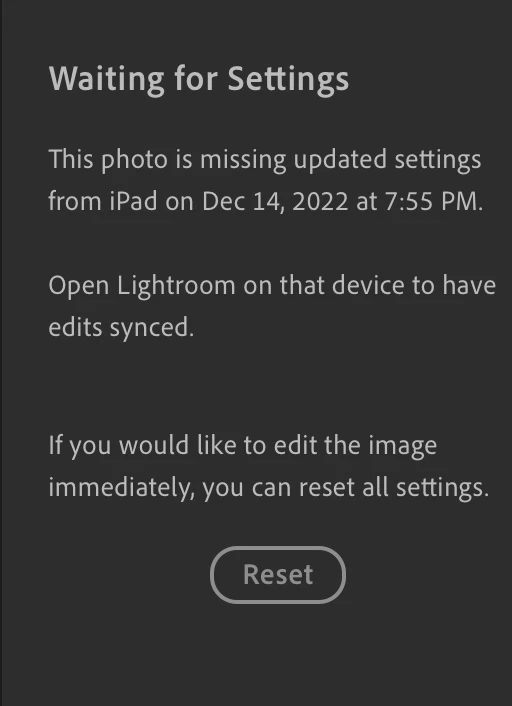
The desktop app gives the "Waiting for Settings" errors when I open any of the affted photos, showing a recent timestamp from my iPhone. My iPhone app shows that all photos have been synced. (I've made multipled edits on my phone to repeat this process.) But even after my phone finishes syncing, the desktop app still doesn't let me edit.
The official "solution" here is to "reset all settings", Despite this working the (many) times this has occurred in the past, clicking "Reset" now does nothing.
I've completely uninstalled and reinstalled Lightroom CC desktop multiple times, to no avail - even the nuclear Reset option doesn't work. There are no sync issues reported in lightroom web.
I've trusted Lightroom CC with my photos, and see no way of recovering my data.
 AdChoices