
JoshuaTyCooper
Participating Frequently
October 13, 2023
Question

Can't import NEF and .CR2 files in Lightroom Ecosystem

  • October 13, 2023
  • 1 reply
  • 469 views

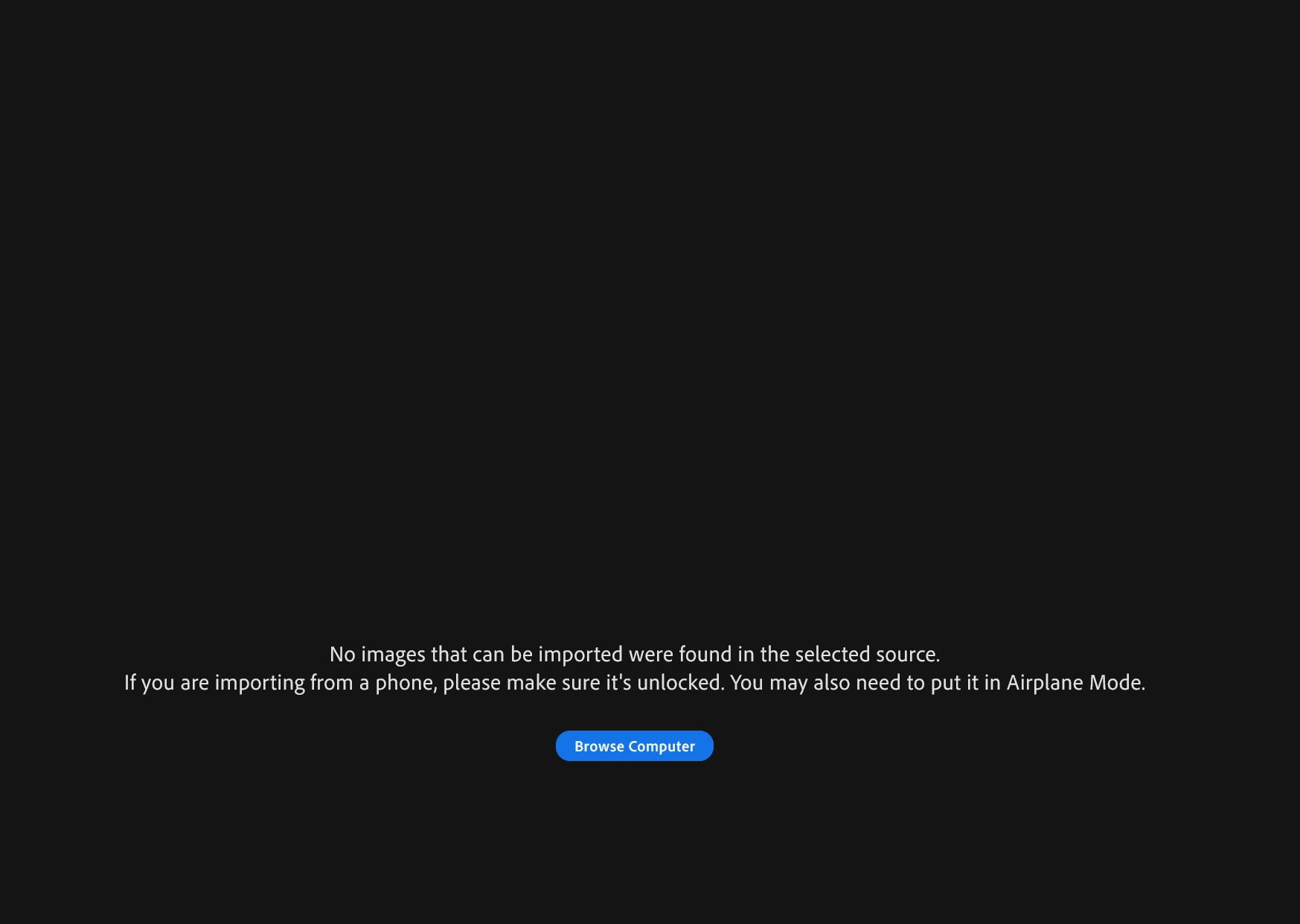
I have the latest update for Lightroom Ecosystem and it is now not allowing me to import NEF or .CR2 files. Has anyone else had this issue? I get this error message below:

1 reply

Harrison Liu
Adobe Employee
Adobe Employee
October 13, 2023

Hi Joshua,

Can you share a little more about how you are trying to import these NEF and CR2 files? Are you connecting a camera and trying to import to your Mac? Or are these on a memory card that you are navigating to?

If possible, could you share a couple of the files that are failing to import?

Thank you!

Harrison Liu
(Lightroom QE)

JoshuaTyCooper
Participating Frequently
October 17, 2023

Any follow up on this issue? 

JoshuaTyCooper
Participating Frequently
October 18, 2023

Hi Joshua,


Thank you for the additional information and hanging in there with me as we try to figure this out. Generally, this type of issue can be narrowed down to either a) corrupt files, or b) disk/device settings. That I can import those files without error after you posted them tells me that it's not likely the files themselves, but we can do a little more to confirm.


If you don't mind, answers to a few more specific questions will be helpful in narrowing down which of those two it might be, if either.


1. If you move the NEF or CR2 files to another folder (anywhere), are you able to import them?

2. If you use Lr 7.0, and switch to the 'Local' tab, are those files viewable?

3. If you sign in to your account to Lightroom on the Web (lightroom.adobe.com), are you able to import the files? This is also a possible workaround for you if successful.


4. If you move any other NEF or CR2 into either of the problematic folders are your external drive, do those show up as valid files?

5. What does the folder structure of your external drive look like where these files live?
6. Do you have any special permissions on the external drive or the folders within?

and lastly (sorry, that is a lot), how do you install Lightroom on to your computer? Through the Creative Cloud app? Or throught the Mac App store?


Thanks again, 


Harrison


Hello Harrison, 

Answers to your questions below:


1. I was able to move the files from my external hard drive to my Desktop and import them to Lightroom 6.5 and Lightroom 7.0

2.

3. I was able to sign in my account and import the NEF and CR2 files from my Desktop to Lightroom on the web but not from my external hard drive.

4. I was able to move other older NEF files from my external hard drive and import them into Lightroom 7.0 (Desktop version)

5. Folder Structure Photo Sessions (Folder) > Individual Client Folder > RAW Images > NEF or CR2 Files. Let me know if I answered this correctly.

6. I install Lightroom through the Adobe Creative Cloud app