
Participant
January 20, 2021
Question

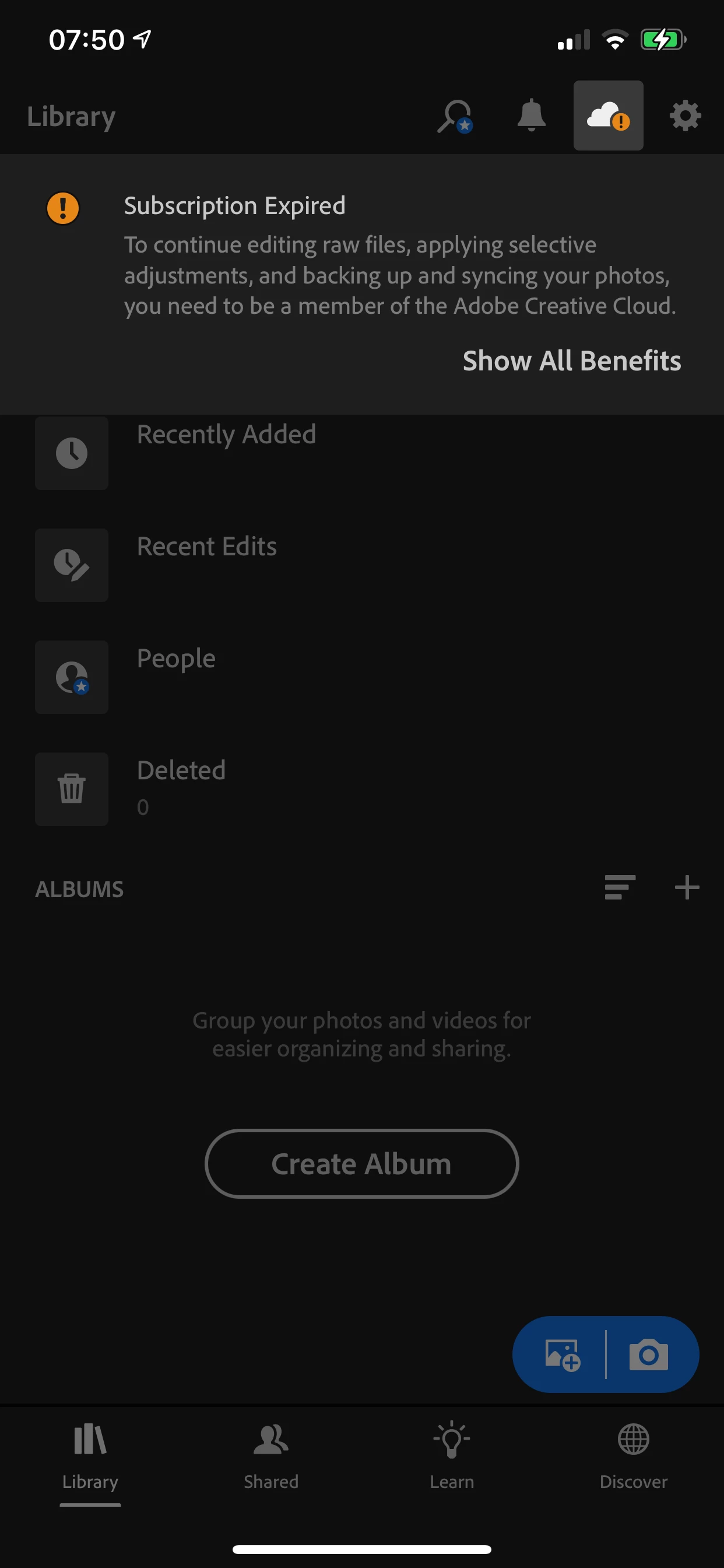
Can’t restore premium features on Lightroom for ios
  • January 20, 2021
  • 1 reply
  • 297 views

I have a current Lightroom etc subscription for my laptop, but I was accidentally paying for the mobile version as well (I believe it is Included). I stopped the subscription on the phone, and now can't access any premium features. I've logged off and on and tried Restore Premium Features, but it still won't work. 

This topic has been closed for replies.

1 reply

Inspiring
January 20, 2021

Hi Katy

Cheecking against the email ID I see for you here, I see only the Lightroom Mobile Premium subscription.  I see no Lightroom Desktop subscription that you mentioned you also have.  This indicatees you have two accounts.  Please sign into Lightroom Mobile using the same email address (or social sign on method:Google, Facebook, Apple) which your Lightroom Desktop app uses.

Participant
January 21, 2021
Ah! I must have done it via Google (but with the same email address). Is there a way to get the library from the mobile account merged with that one?
Inspiring
January 22, 2021

One way is have your paid account set up an album, share it to your free account, and then let your free account upload all the photos it has to your paid account shared album.  Check out this page for more info: https://helpx.adobe.com/lightroom-cc/using/save-share-photos.html 


Another option is to let iTunes or Mac OS Finder grab all the photos via iTunes File Sharing, copy those to your desktop computer.  From there, sign into your account at lightroom.adobe.com via your web browser, and upload the photos using the LR web app.  More info here: https://helpx.adobe.com/lightroom/kb/recover-lightroom-mobile-photos-itunes-file-sharing.html 


Just as a safety net, let me recommend you do a full iTunes or iCloud backup of your deevice before trying any next steps, so you can always recover images in the Lightroom app cache later.