

Cloud Storage space full after (100GB) after upload of .NEF
This is with syncing lightroom classic has stopped.
I'm trying to resolve where i filled up my 100GB of adobe cloud storage with raw "cloud" originals NEF (instead of normal "smart preview" that most of them have). I think what happened is that i somehow synced a folder with the original Nefs. I thought I'd removed that album (lightroom web), but can't seem to recover the space.
I went into Lightroom Web, clicked permanently delete on the deleted files (478 of them) and after some time it still shows storage of 88 gigs in in use. Thats less than the 105GB i started out with that was causing syncing to fail but I'd like to figure this out so that I can drop my plan back from the 1TB to the 100GB plan:
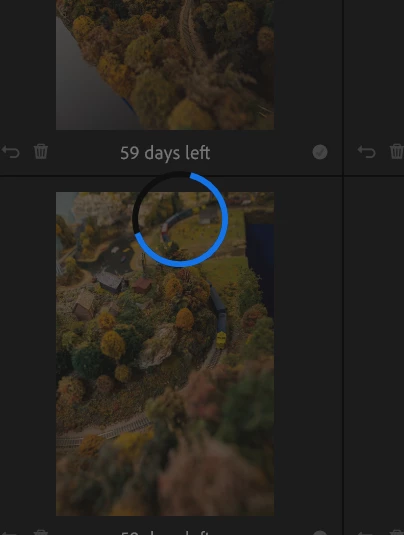
Is there a way to search what is using up all the cloud storage with raw files? I dont see anything in my adobe web based files.
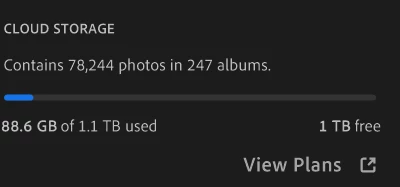
normally sync status will show smart preivew, but not how i can search for "Original" in the cloud field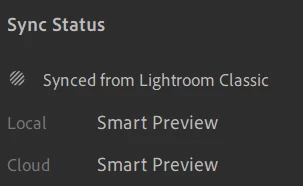
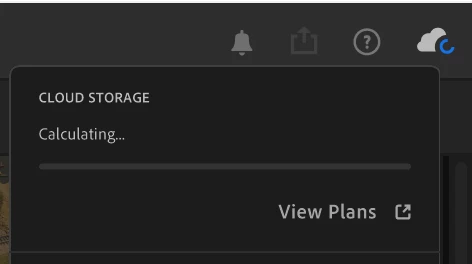

what filter can i use to search for "Cloud: Original" to find whats using the space?
Has anyone run into this? - Thanks in advance
 AdChoices